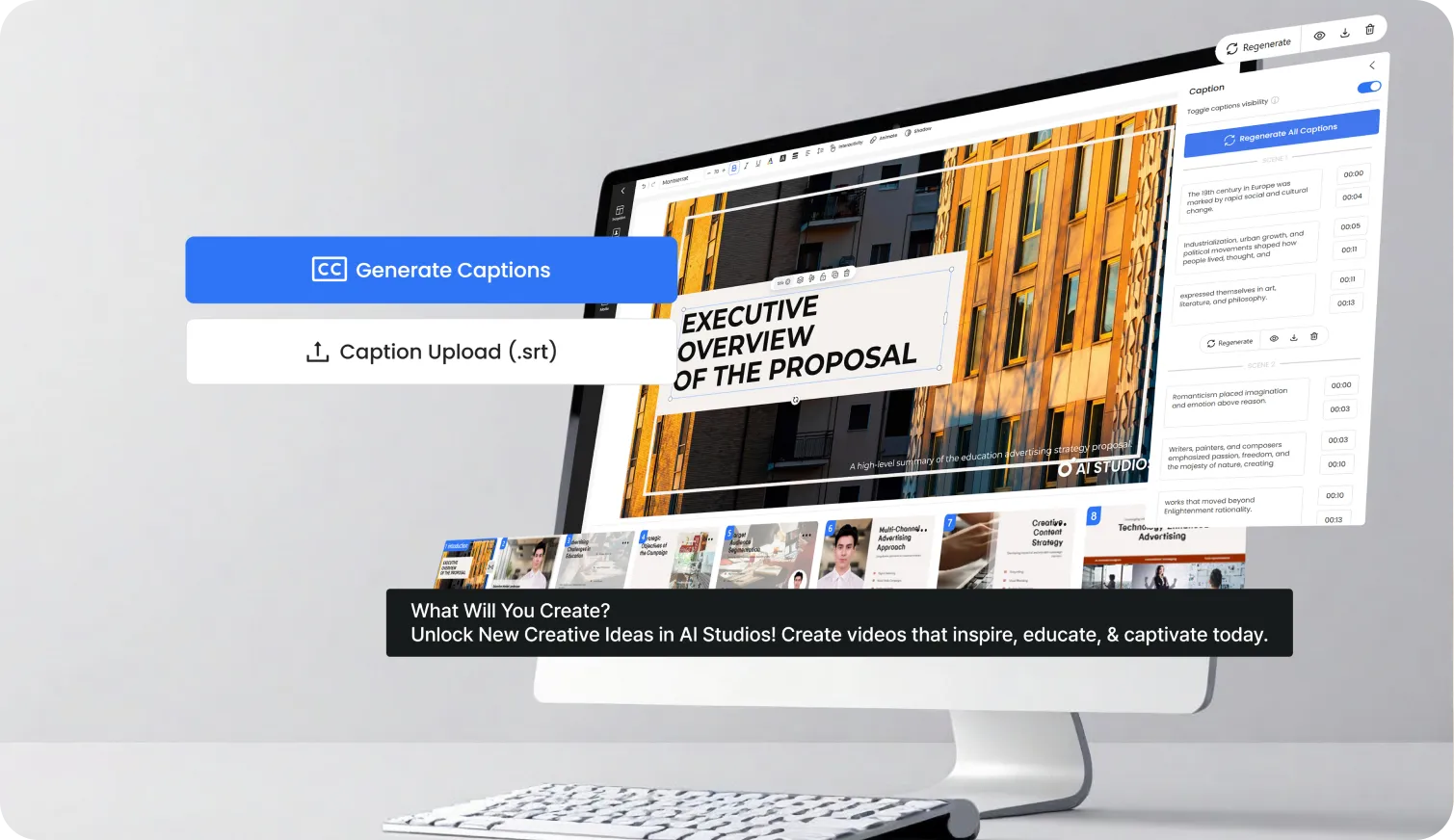


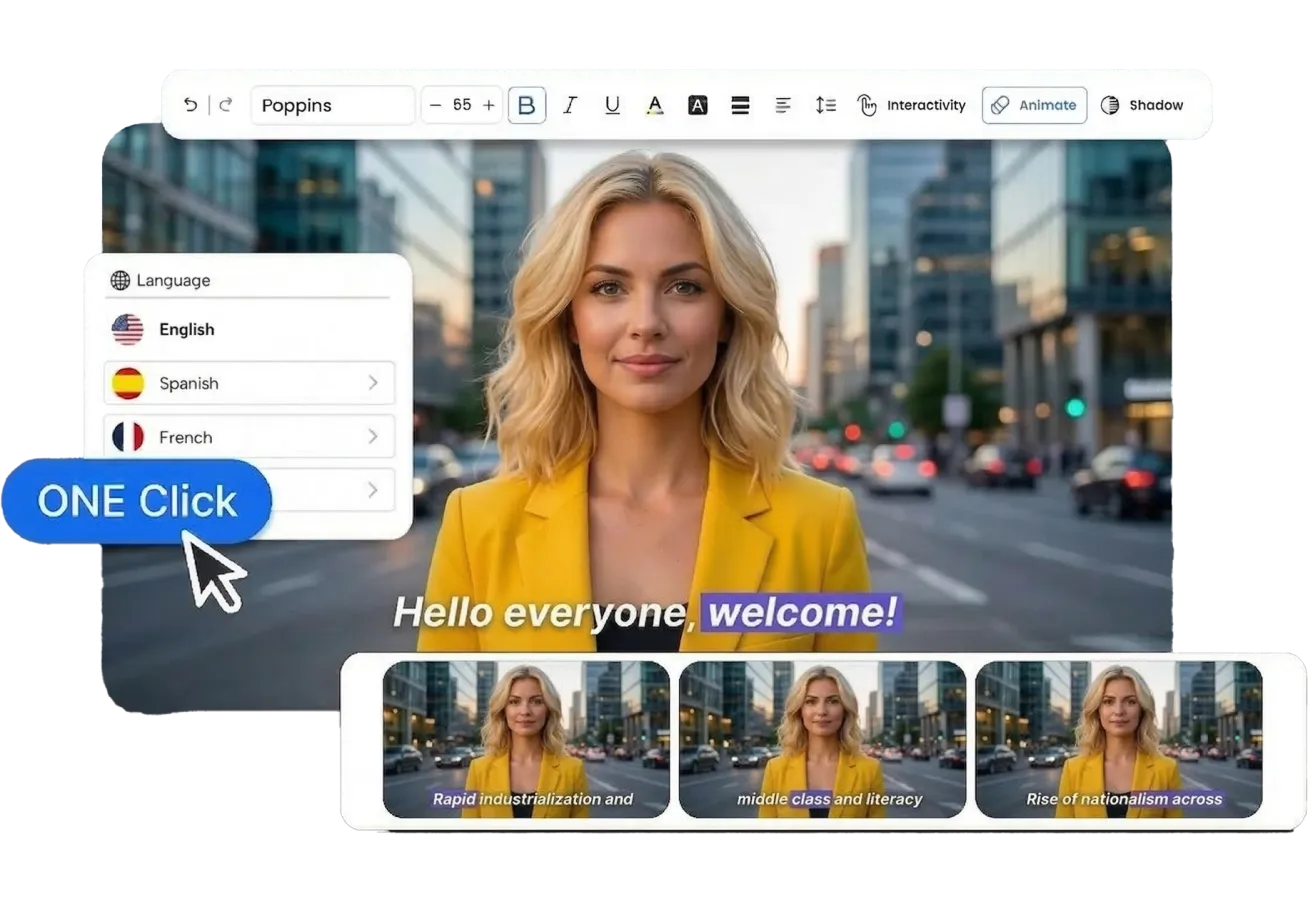
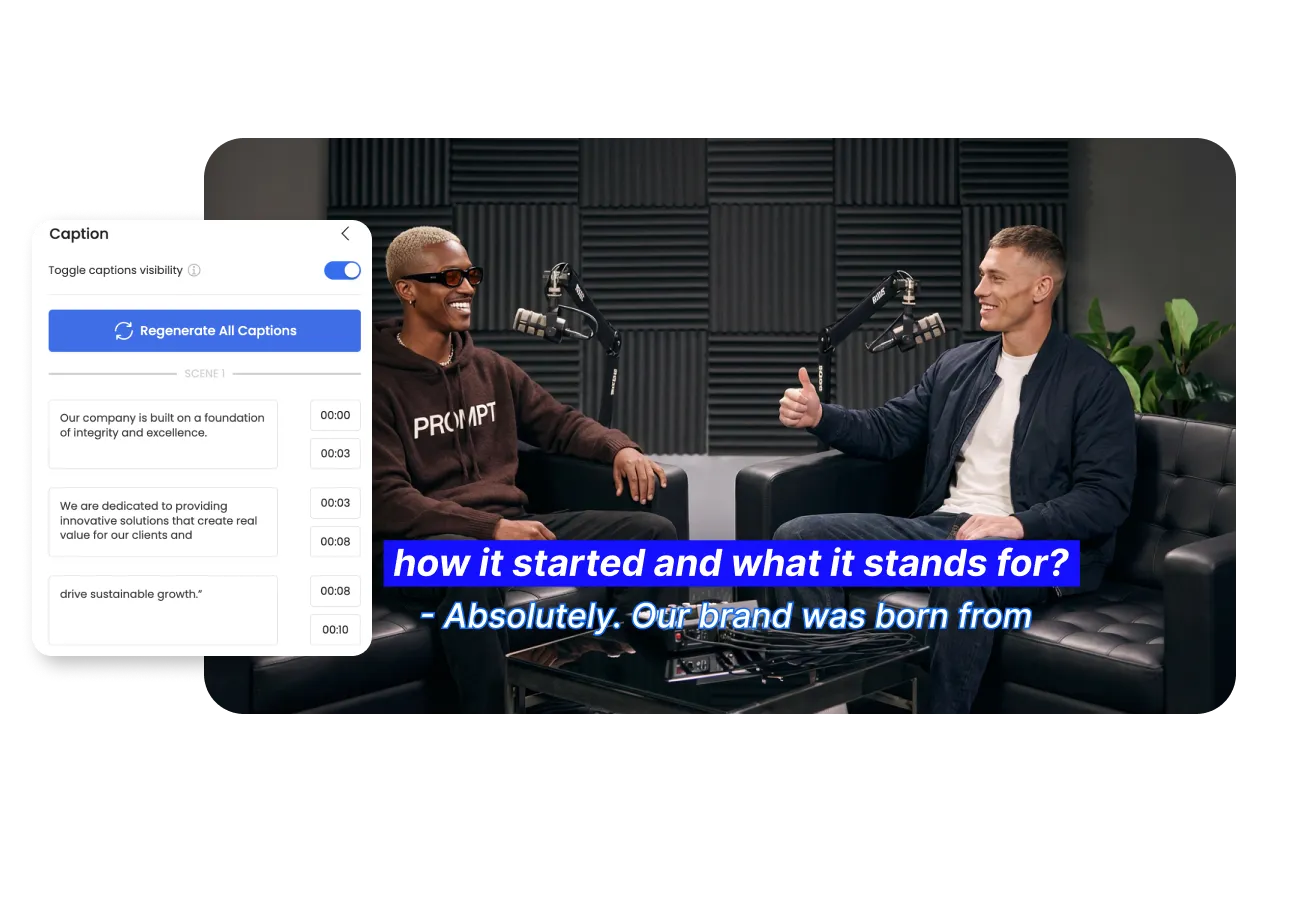
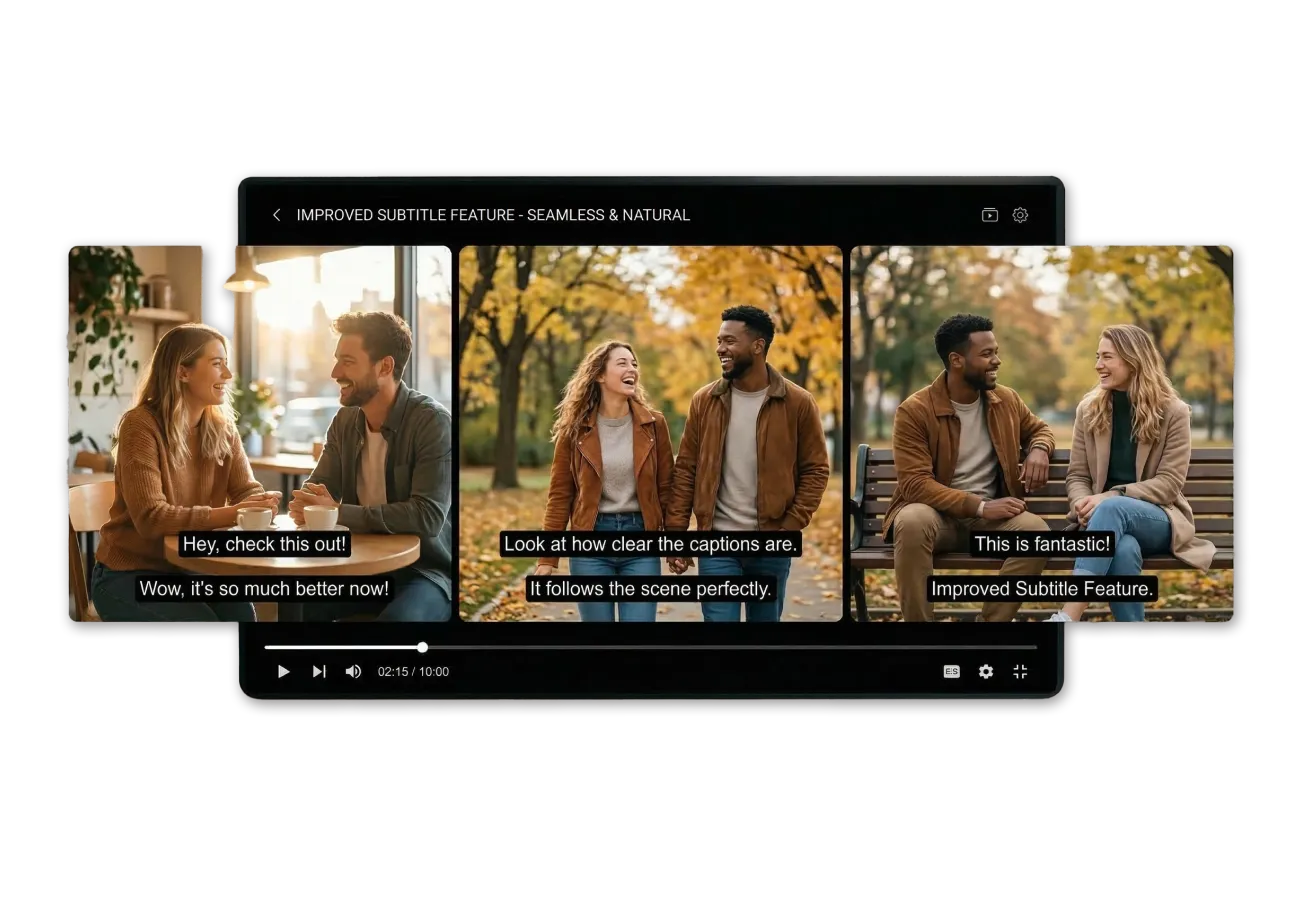
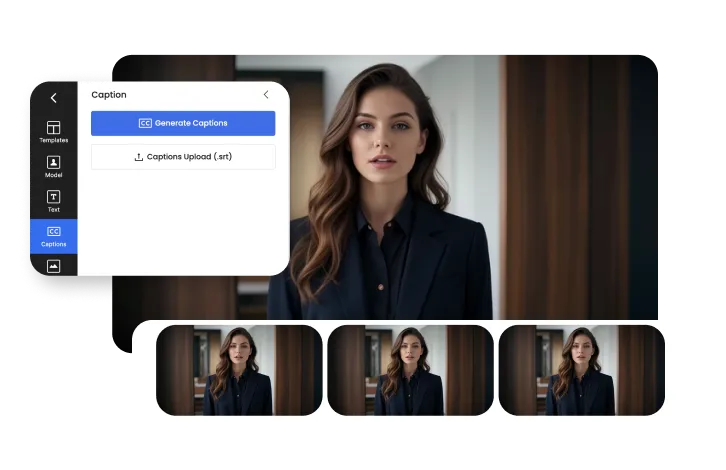
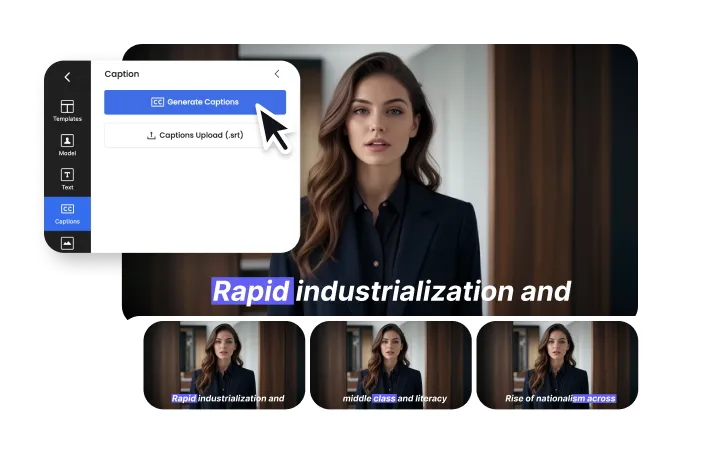
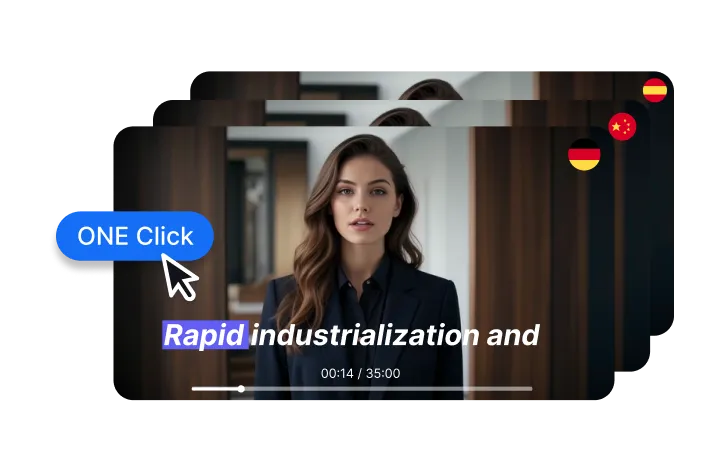




With one click, Auto Captions automatically transcribes and generates subtitles across all scenes in your project — saving you significant editing time.
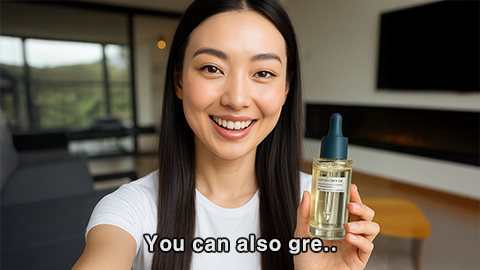
Auto Captions uses advanced speech recognition to produce highly accurate transcriptions. You can also manually fine-tune any text or timing directly in the editor.
Absolutely. Auto Captions supports translation into 150+ languages — with timing synchronized to match the translated audio.
Yes. The Auto Captions editor allows you to adjust timecodes for both original and translated subtitles, ensuring everything stays in sync with the audio.
Yes. After editing, you can download your subtitles as an SRT file to use on YouTube, Vimeo, LMS platforms, or any service that supports subtitles.
Auto Captions is available on the Team plan and above. Start with a free account to explore AI Studios, and upgrade to unlock Auto Captions and more advanced features.
Everything you need to create pro-quality videos all in one place. Discover tools that make video creation easier, faster, and better.

Deepbrain AI's video generator and conversational AI technology aim to bridge the gap between the advantages of human interaction and digital convenience.
Learn how our AI Avatars can help your projects and business scale more efficiently and reduce costs and time -- all without compromising on quality.



DeepBrain AI,
Inc.540 University Ave., Suite 200, Palo Alto, CA 94301






















.webp)
.webp)
.webp)
.webp)










.png)


