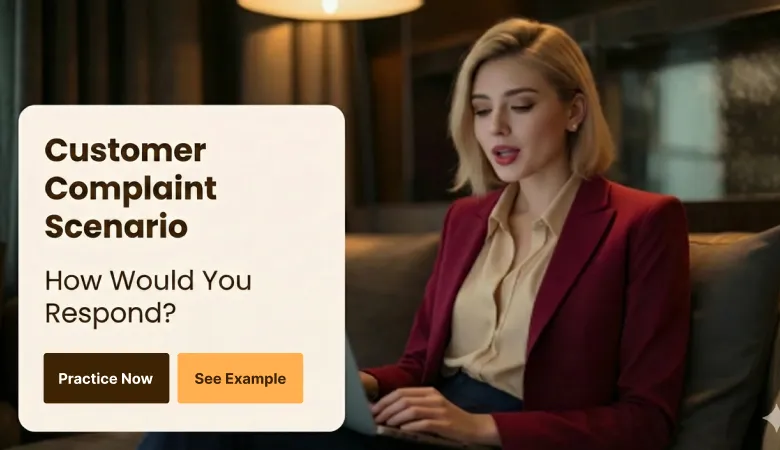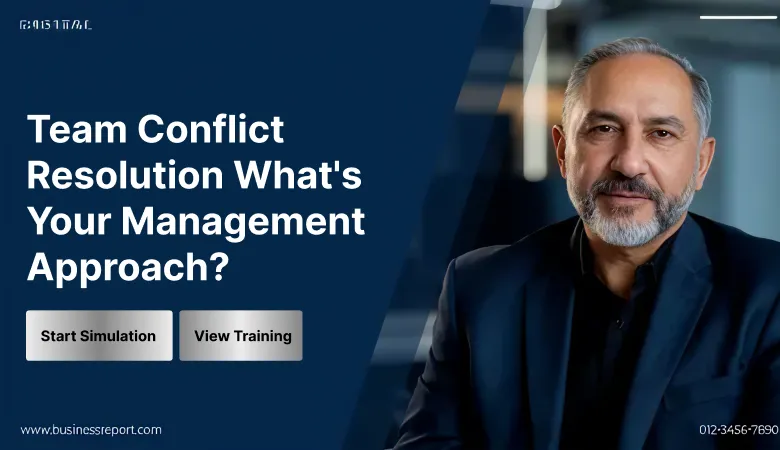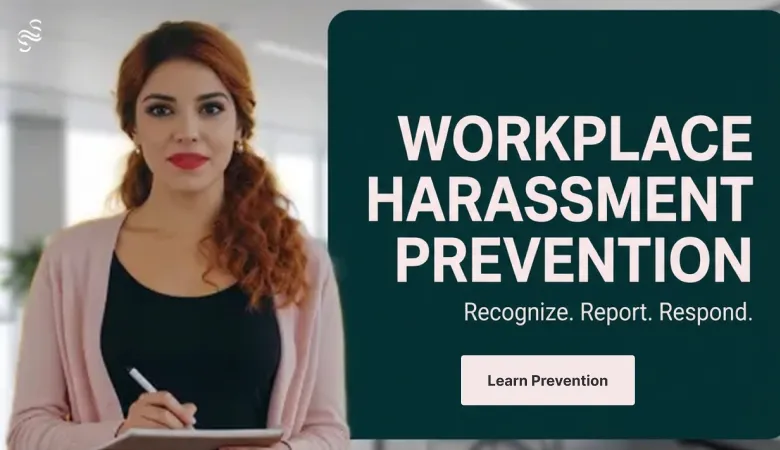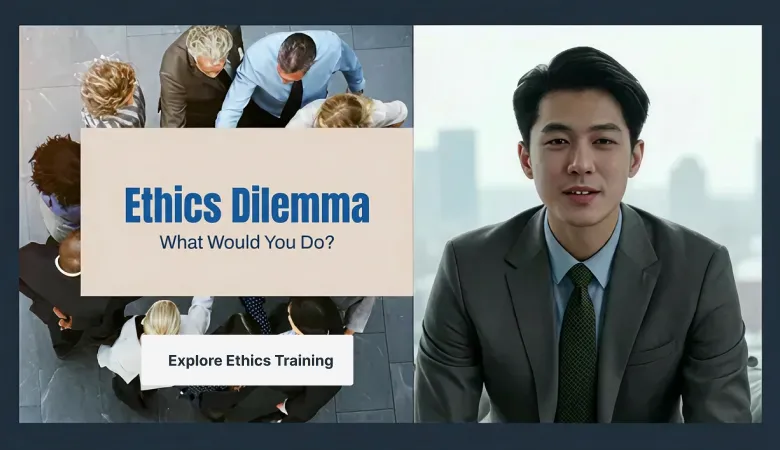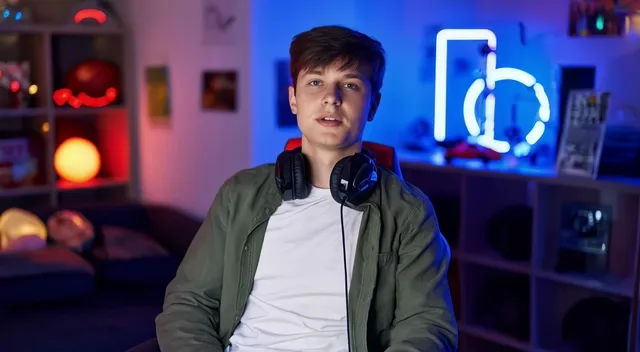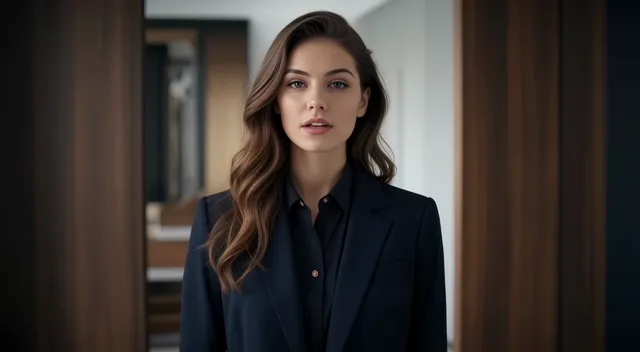
Create Realistic AI Avatar
with AI Avatar Generator

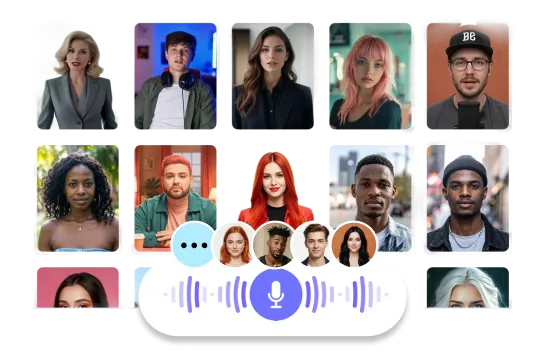
Turn any script into studio-quality narration with instantly generated AI Avatars.
Customize language, tone, accents, and voice options for global-ready content.
Explore All Avatars
Loved by
2,000,000+ Users
aws logo
bmw logo
intel logo
lenovo logo
pfizer logo
seveneleven logo
lg logo
hsbc logo
lotte logo
samsung logo
kb logo
shinhanbank logo
kyowon logo

Ready to launch ads in mites by 1-click

Create scalable product-holding avatar creatives for Shopify, Amazon, TikTok Shop, Reels, and Shorts. Generate multiple ad versions fast—no filming, no photoshoot
ChatGPT AI Video Generator

Skip Photoshoots with AI Product Integration

Product shoots are expensive and slow. With Product Avatar,justupload one product image. AI puts it into a scene with anavatar,creating professional-looking videos and images quicklyand easily.

ChatGPT AI Video Generator

AI Product Placement Made Simple

AI avatars engage with products by using, holding, and wearingthem naturally, matching their movements. This blends theproduct into the video instead of simply placing an image on top.

ChatGPT AI Video Generator

Scale Content and Test Ads Faster

Skip the expensive, time-consuming product shoots. Upload oneproduct image to Product Avatar and AI instantly createsprofessional videos and images with realistic avatars.

Why Choose AI Studios AI Dubbing?

Dub videos in 150+ languages with perfect lip sync.
 Experience studio-quality video dubbing AI that sounds natural in any language.

Dub videos in 150+ languages with perfect lip sync

AI automatically detects speech, performs AI video translation, and matches mouth movements to the new audio for a natural result. Works like an AI voice translator to deliver natural dubbed speech.

Choose from 1,000+ voices or keep your original style

Generate studio-quality voiceovers with high voice similarity and emotion control for consistent multilingual dubbing.Choose from 1,000+ voices to create a natural AI voiceover that fits your brand.
AI voice generator showing multiple voice styles for multilingual dubbing.

Multi-speaker AI dubbing for real conversations

Automatically identifies speakers and applies context-aware dubbing so dialogues stay clear and natural.Multi-speaker multilingual dubbing that keeps every speaker clear and consistent.
AI multi-speaker dubbing interface identifying speakers and applying context-aware dubbing.
How To

How to Use AI Dubbing
— AI Video Translation Built Into Your Workflow

01
Upload video step in AI dubbing workflow extracting speech automatically.

Upload your video

Drop any file to start. AI detects speech and extracts the script automatically.
02
AI video translator converting script to target language automatically.

Translate video automatically

Use built-in video translator for fast AI video translation. Edit the translation if needed.
03

Generate dubbing & download

Generate natural video dubbing AI voiceovers and apply lip sync before exporting.

Advanced Features: AI dubbing,
powered by an AI voice translator

Advanced features in our AI video dubbing software help you refine wording, match timing, and keep voices consistent across languages.

Dub multiple languages at once — faster global localization

Create multilingual versions in a single project. Translate, dub, and review faster with an AI-assisted workflow.

➊ Automatic Speaker DetectionIdentifies each speaker and preserves the flow of dialogue
➋ Context-Aware DubbingDelivers natural tones and emotions tailored to each speaker
➌ Streamlined EditingMulti-speaker dubbing simplified for translation & review

Proofread for high-quality AI Dubbing

With an editable script, you can refine every detail to produce dubbed videos in your preferred style.

AI dubbing software editable script interface for refining timing, translation, and lip sync before dubbing.
➊ Flexible segment editingAdd, merge, or split segments to improve readability, pacing, and dubbing flow.
➋ Accurate translation refinementRetranslate revised scripts and edit originals directly to ensure natural, consistent dubbing.
➌ Enhanced dubbing qualityOptimize timing, speech flow, and script accuracy for smooth and professional dubbing results.

Dubbing AI–Based Speech Duration Optimization.

The Speech Duration Optimization feature automatically adjusts audio and
video timing to match the length of the script, ensuring natural lip-sync and smooth video flow.

AI voice sync and lip-sync optimization preview showing automatic speech duration adjustment across languages.
➊ Automatic speed & timing adjustment by script lengthOptimizes dubbing speed and video timing based on translation length
➋ Improved lip-sync accuracyMatches speech duration with lip movements for a more natural result
➌ Natural speech tempo across languagesReflects the rhythm and pace of each language for smooth multilingual delivery
Benefits

Everything you need for AI Dubbing & Video Translation

Upload once, translate video automatically, and generate multilingual dubbing with AI lip sync — with free voiceover credits available.
All-in-one AI dubbing tool interface combining video translation, dubbing, and lip sync in a single editor.

All-in-one AI dubbing tool for faster localization

Upload → AI video translation → dubbing → lip sync in a single workspace.

2000+ AI Avatars

Choose from 2,000+ AI avatars and combine translation + dubbing for natural lip-sync and expressions.
One-Click AI Avatar Videos

One-click AI dubbing export

Export polished results instantly with our video dubbing generator.

We’re Here to Answer All Your Questions

What is AI Dubbing in AI Studios and how does it work?

AI Dubbing in AI Studios detects speech, performs AI translation with the built-in AI video translator, and generates multilingual voiceovers. Upload a video, translate automatically, dub it, and export with lip sync in one seamless workflow.

What’s the difference between AI Video Translation and AI Dubbing?

AI video translation (via our AI translator) creates a translated script or subtitles; AI dubbing uses that script to produce natural voiceovers. AI Studios connects both steps—AI video translation + dubbing—in one flow.

AI dubbing vs subtitles — which is better?

Subtitles help viewers read AI translations quickly, while AI dubbing lets them listen naturally in their language—often boosting engagement for marketing, storytelling, and training videos.

Can I dub a video to English (or Korean) with AI Studios?

Yes. Using the AI video translator, you can translate video to English, Korean, and 150+ languages, then generate lip-synced dubbing that keeps timing and tone aligned with the original.

Does AI Studios support YouTube AI dubbing and creator workflows?

Absolutely. Creators use the AI translator + AI dubbing pipeline to turn one video into multiple languages automatically and grow global audiences on YouTube and other platforms.

Is AI Studios suitable for corporate training or eLearning videos?

Yes. Teams localize lessons fast with AI video translation, then deliver voiceovers using our AI voice translator for consistent pronunciation and terminology across languages.

How does AI Studios compare to HeyGen, Synthesia, VEED, or Papercup for AI dubbing?

Those tools focus on different areas, but AI Studios combines an AI language translator, AI video translation, dubbing, and lip sync in one product—ideal for end-to-end localization.

Is AI Studios a video dubbing generator or AI dubbing software, and is there a free option?

AI Studios is an all-in-one AI dubbing generator and video translator. You can start free with trial credits to test AI translation and dubbing quality.

Can I use AI avatar dubbing or full-body avatar dubbing in AI Studios?

Yes. AI Studios supports AI avatar dubbing, including full-body avatar dubbing: translate with the AI video translator and create natural, multilingual voiceovers with precise lip sync.

What Will You Create?

Unlock New Creative Ideas in AI Studios!
Create videos that inspire, educate, & captivate today.