


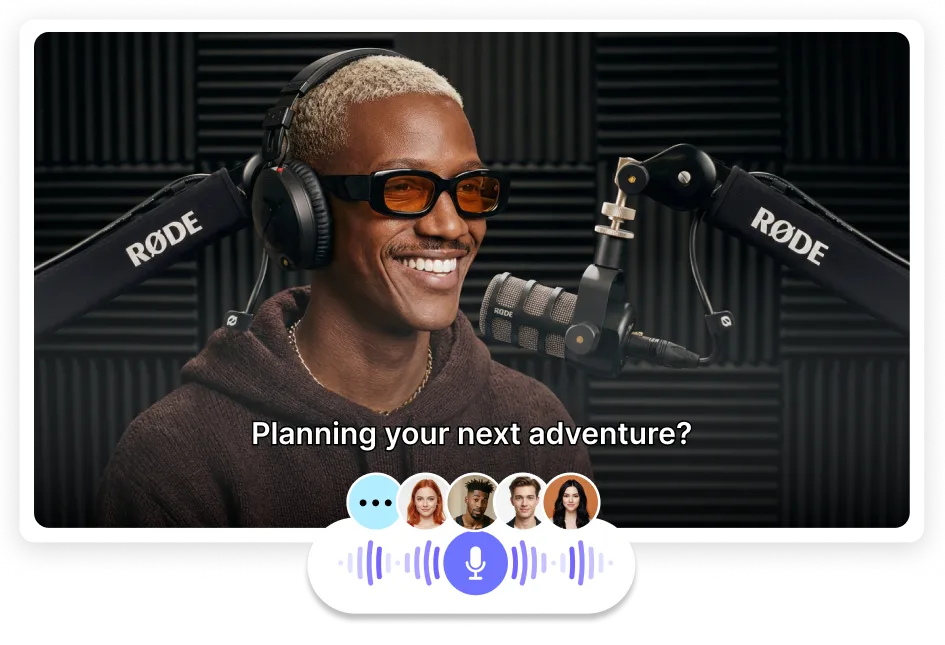

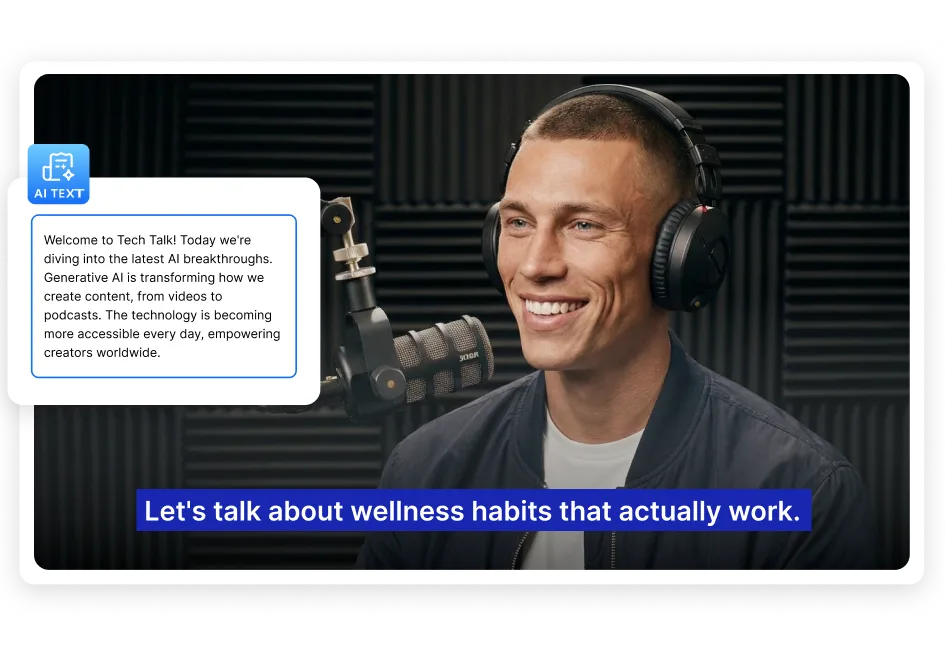
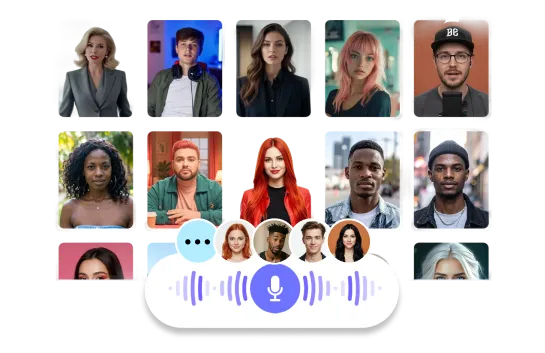
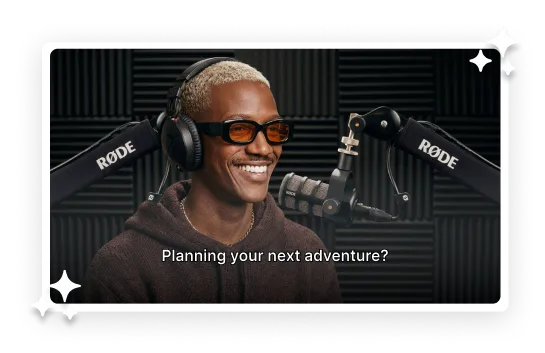


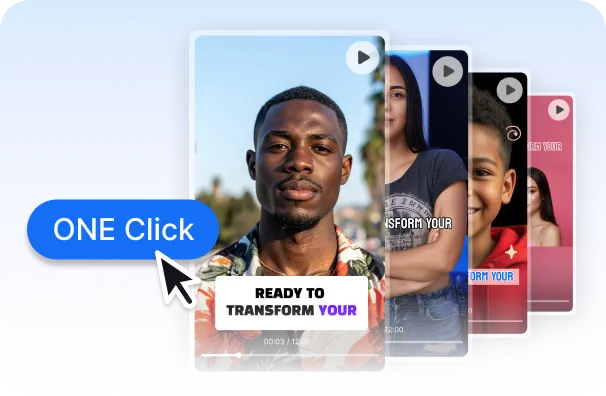
An AI podcast video generator turns text into a ready-to-share video podcast using AI voices, avatars, and subtitles.With AI Studios, you can generate podcast videos quickly without recording or filming.
Yes. AI Studios offers a free way to get started and test AI podcast video creation.You can try key features like AI voices, avatars, subtitles, and export options before upgrading.
No. AI Studios generates natural-sounding AI voices, so you don’t need a mic or voice actor.
Just paste your script, choose a voice, and create a podcast video in minutes.
You can use a script, outline, or topic as your input.
Many creators also repurpose blog posts, articles, or notes by pasting them into AI Studios and generating a video podcast.
Yes. AI Studios supports 150+ languages for AI voices, subtitles, and dubbing.
This makes it easy to create multilingual podcast videos and publish globally without re-recording.
Yes. You can adjust voice speed, tone, and emotion to match your podcast style.
This helps your video podcast sound more natural, consistent, and professional.
Yes. AI Studios offers 2,000+ AI avatars to turn podcasts into engaging video content.
Avatars work well for interviews, narration, storytelling, and educational podcast videos.
Most podcast videos can be created in just a few minutes, depending on script length and settings.AI Studios helps you go from script → voice → avatar → subtitles → export quickly for YouTube and social media.
AI Studios is built for end-to-end video podcast creation, combining AI voices, avatars, subtitles, dubbing, and export in one workflow.
Other tools often specialize in one area, such as avatar video, voice generation, audio editing, or source-to-audio summaries.

Deepbrain AI's video generator and conversational AI technology aim to bridge the gap between the advantages of human interaction and digital convenience.
Learn how our AI Avatars can help your projects and business scale more efficiently and reduce costs and time -- all without compromising on quality.



DeepBrain AI,
Inc.540 University Ave., Suite 200, Palo Alto, CA 94301
