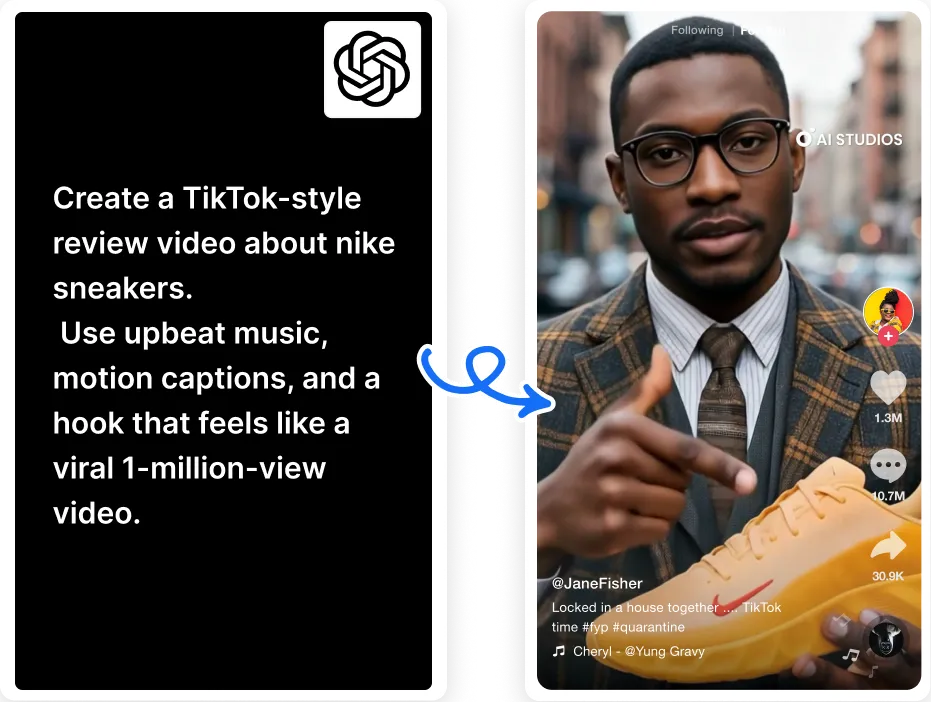


Create engaging videos from simple text prompts using AI. Input your idea, choose the length, and customize further by choosing a template, targetlanguage,goal, language, and AI Avatar narrator.
Try Free GPT Video
Kickstart your projects with ready-to-edit drafts,complete with footage, script, and an AI avatarnarrator.

Quickly bring ideas to life with full videos madein minutes – experiment with different topicsand find the one that fits.

Create videos automatically with ‘Series ofVideos’ – pick your topics, set a schedule, andlet AI handle the rest.
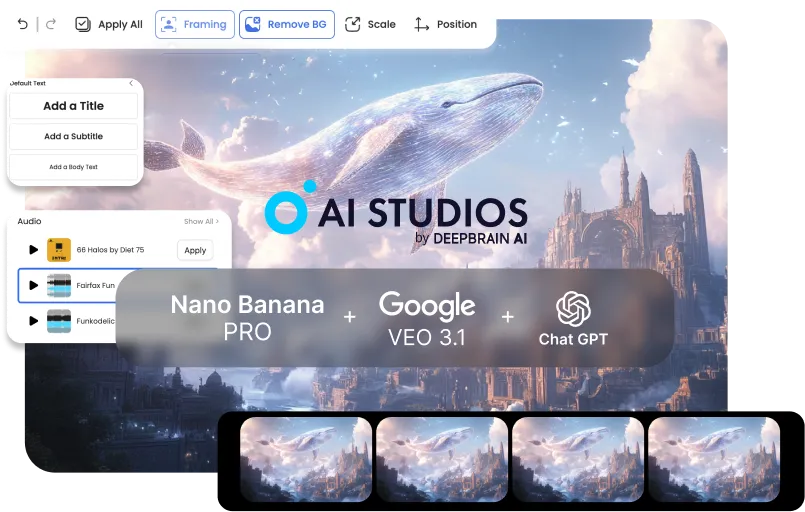
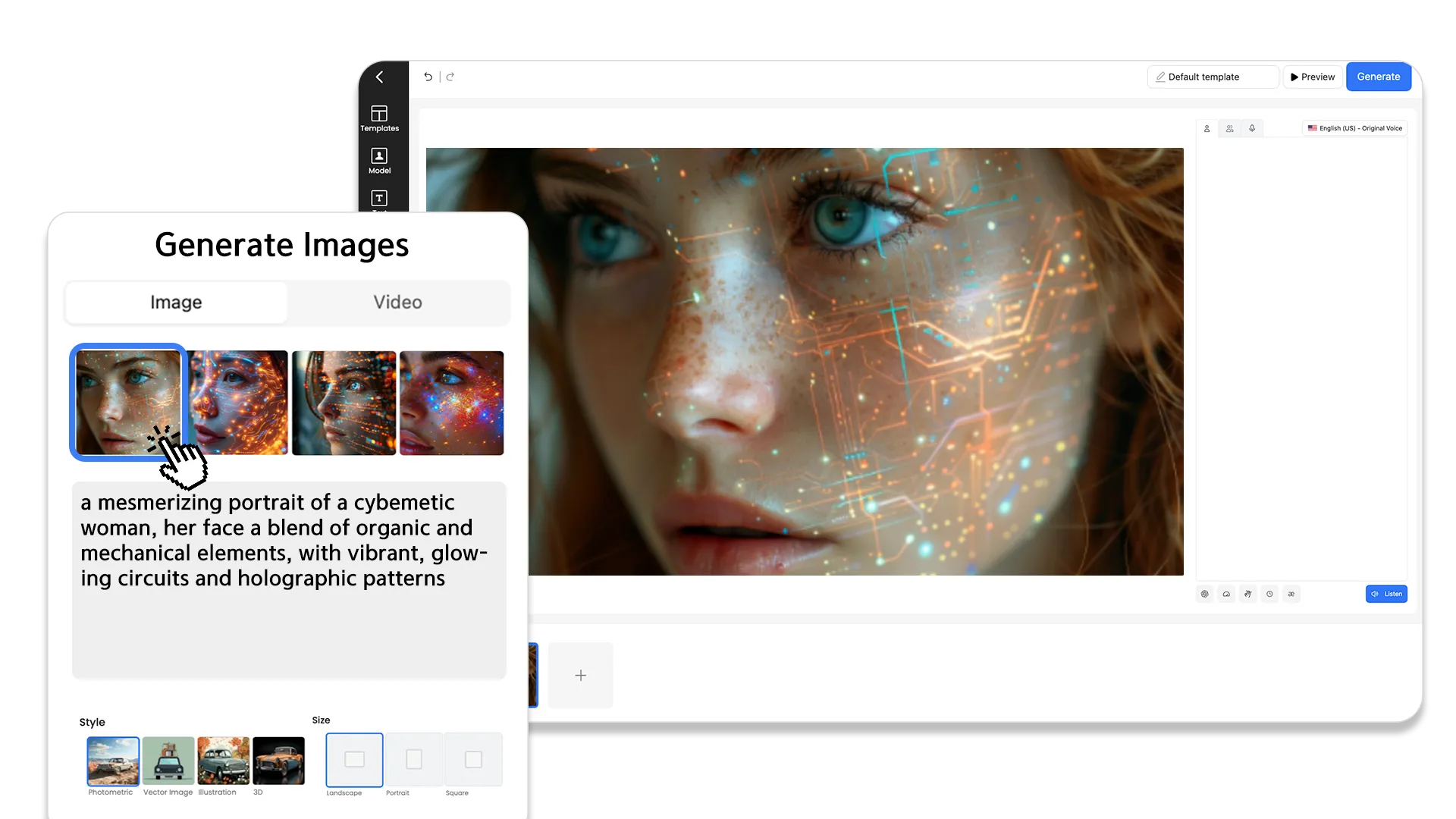
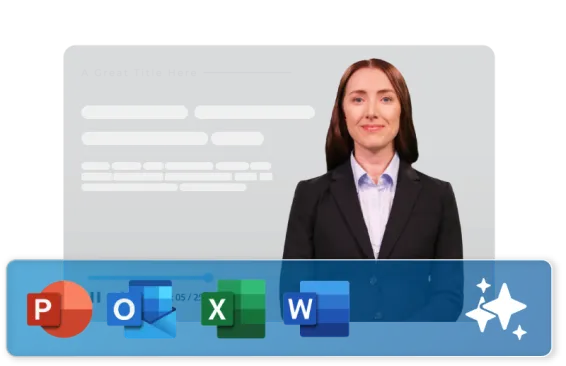
Convert static web pages into dynamic videos with ease. Simply paste a link or URL, select the video length you want, and let AI Studios’ GPT VideoGeneratorcreate your video for you.
Try Free GPT VideoConvert any blog or article into an engagingvideo in seconds. Perfect for repurposingcontent for social media.
Transform URLs or news pages into polishedvideos instantly. Ideal for fast updates with anAI anchor.
Paste a link, PDF, or PowerPoint and get instantscripts. AI Studios adds voiceover and scenesautomatically.
AI Studios simplifies video creation with its seamless integration of video editing tools and ChatGPT, making it easy to turn ideas into engaging videos.
Start with ChatGPT. Ask it to write your script, outline, or summary from a prompt, URL, or document. Once the script is ready, bring it into AI Studios to turn it into a video.

Paste your ChatGPT script into AI Studios. Choose an AI avatar, layout, and background—AI Studios automatically builds the scenes for you.
Preview your video, make any quick edits, and export. Download the final file or share it instantly with a link.
But don’t just take our word for it— check out what they have to say.
AI Studios is my favorite one to use out of them all! I really liked how up-to-date the features are.

AI Studios is a powerful tool for creating AI-generated videos using basic text.

AI video generation streamlines the process of creating video content. It can quickly convert text-based information into engaging videos.

AI Studios allows users to quickly prototype and test new ideas, which can lead to innovation and new discoveries.

AI Studios eliminates the need for freelancers to invest in expensive hardware or software, making it a cost-effective solution.


No. ChatGPT can write scripts, but it can’t create or export videos; AI Studios turns those scripts into finished videos.
Write your script in ChatGPT, paste it into AI Studios, choose an avatar/template, then export your video in minutes.
Yes. AI Studios works as a ChatGPT video generator by turning ChatGPT prompts and scripts into AI-powered videos.
Yes. Use ChatGPT to summarize or analyze a video transcript, then paste that text into AI Studios to create an explainer or recap video.
No. ChatGPT works with text (like transcripts, captions, or URLs), and AI Studios uses that text to generate the actual video.
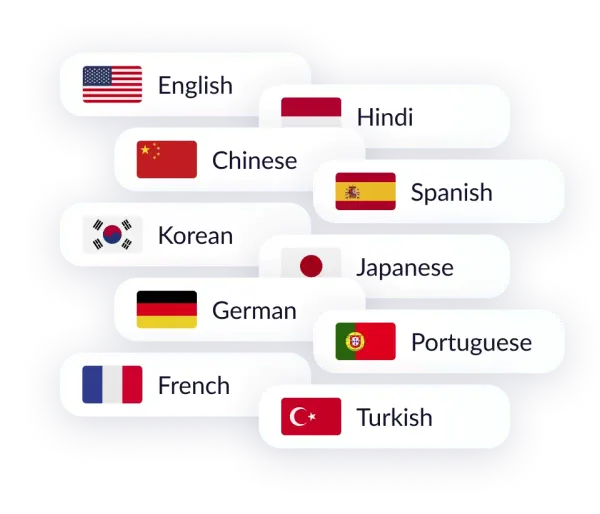
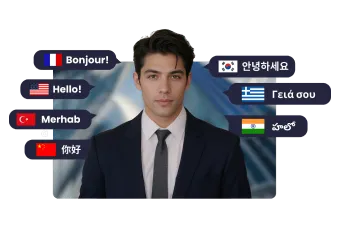
Yes. AI Studios supports 150+ languages and accents, so you can turn ChatGPT scripts into localized videos for global audiences.
Yes. You can start on a free plan, create ChatGPT-powered videos, and upgrade only if you need more exports or features.
Yes. Your projects are stored securely, not used to train public models, and access can be restricted to your team.
Everything you need to create pro-quality videos all in one place. Discover tools that make video creation easier, faster, and better.

Deepbrain AI's video generator and conversational AI technology aim to bridge the gap between the advantages of human interaction and digital convenience.
Learn how our AI Avatars can help your projects and business scale more efficiently and reduce costs and time -- all without compromising on quality.



DeepBrain AI,
Inc.540 University Ave., Suite 200, Palo Alto, CA 94301


