
AI Realistic Image Generator Free

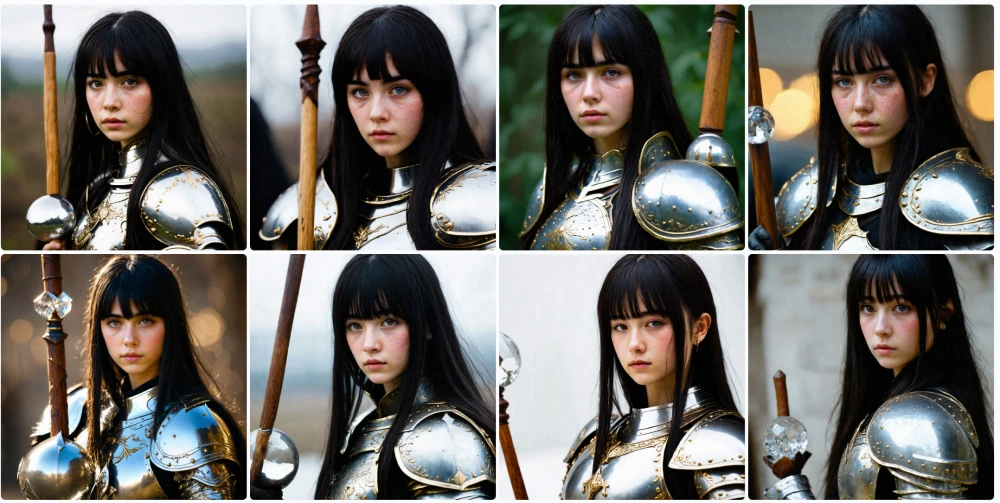
AI Studios’ free AI Image Generator creates realistic, high-quality images from any text prompt in seconds.
Generate photorealistic AI art, product shots, portraits, and marketing visuals with our advanced text-to-image model—fast, easy, and commercial-ready.
generate icon
Loading...
Loved by
2,000,000+ Users
aws logo
bmw logo
intel logo
lenovo logo
pfizer logo
seveneleven logo
lg logo
hsbc logo
lotte logo
samsung logo
kb logo
shinhanbank logo
kyowon logo

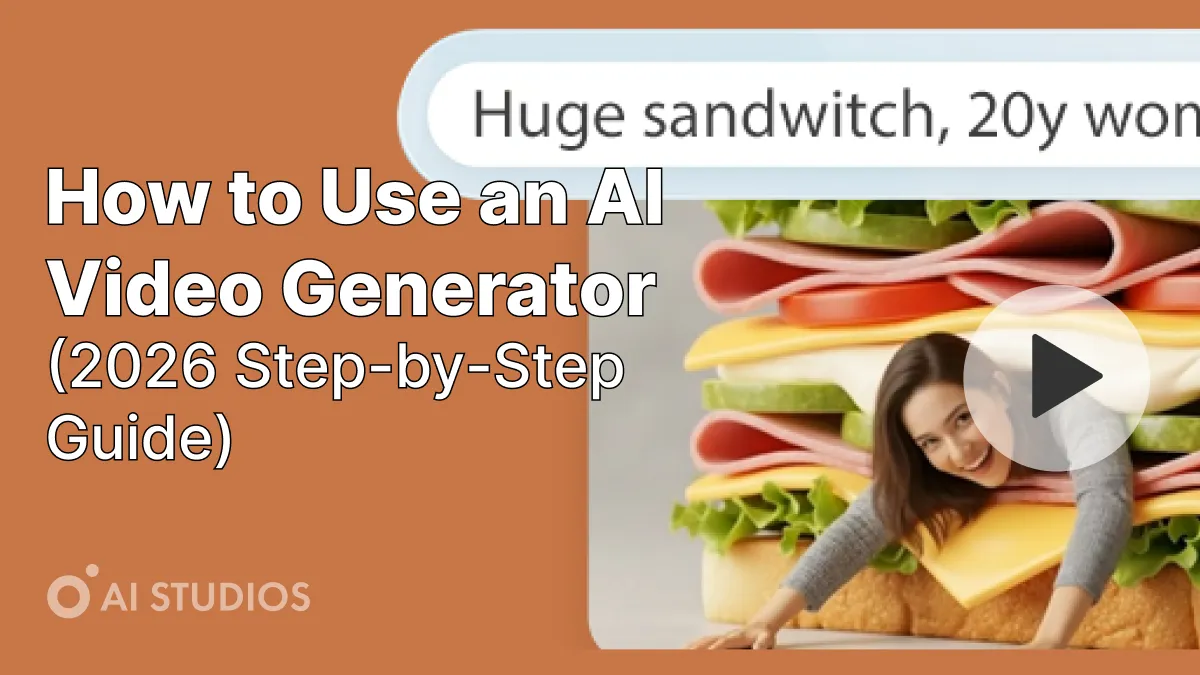
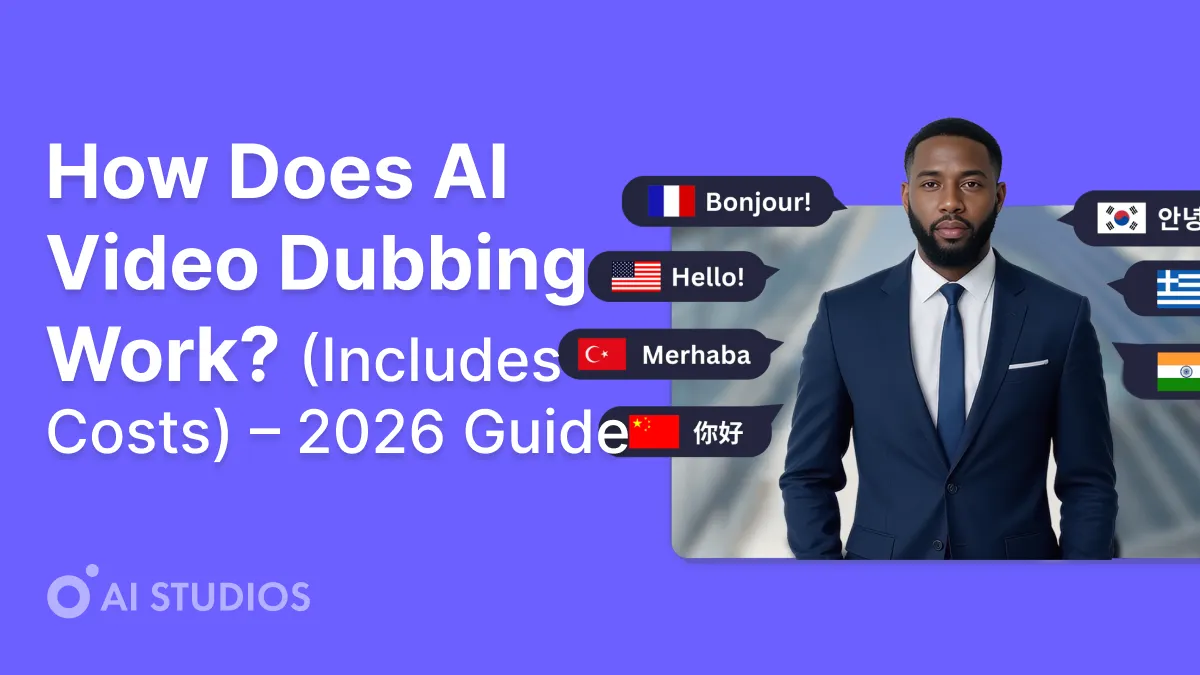
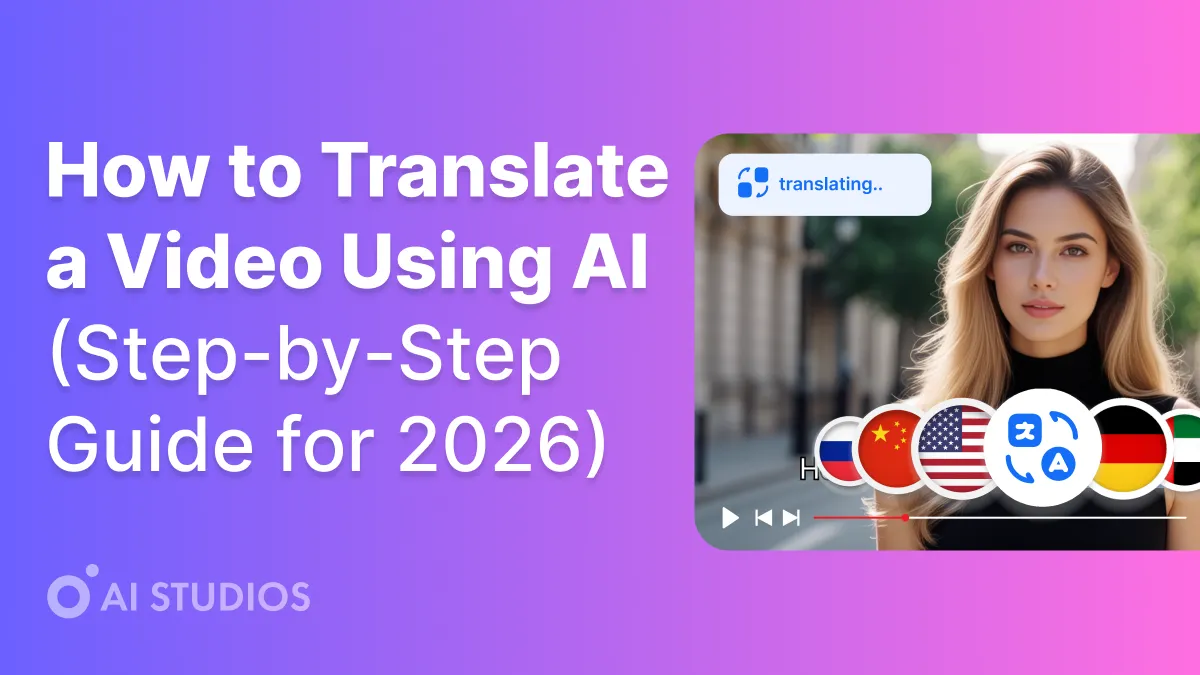
AI Image Generation From Text

AI Studios is a free text-to-image generator that turns prompts into realistic, high-quality AI images in seconds. Choose built-in models Imagen 4, FLUX.1, or Nano Banana Pro to get the best style and photorealistic results for any use case.

Nano Banana Pro

Nano Banana Pro is lightweight and fast, designed for rapid iterations and high-volume generation. It’s perfect for quick drafts, prompt testing, social graphics, thumbnails, and multiple ad variations, helping you explore ideas quickly without sacrificing consistency.
Custom Avatar

Imagen 4

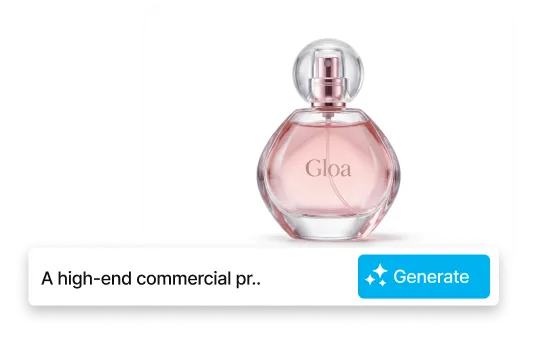
Imagen 4 is optimized for clean photorealism, crisp micro-details, and natural lighting. It produces stable, camera-like results with minimal artifacts, making it ideal for lifelike visuals, product shots, portraits, interiors, and brand-safe marketing images where realism matters most.
Photo Avatar

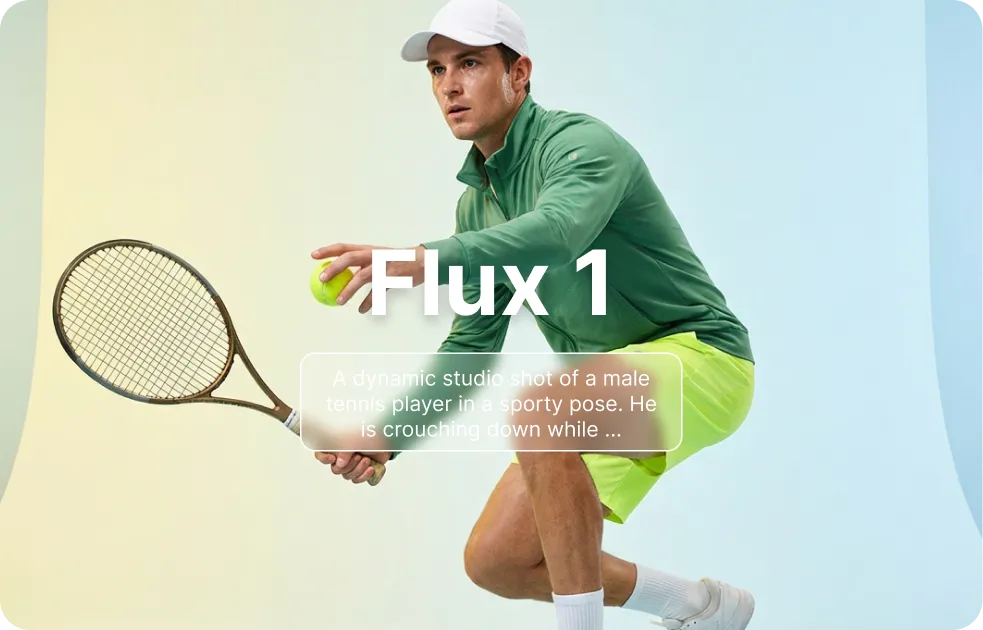
Flux 1

FLUX.1 is built for creative composition and strong artistic direction. It interprets prompts with more stylistic freedom, delivering expressive mood and bold framing—great for concept art, illustration, character design, posters, and stylized campaign visuals that need standout aesthetics.
Product Avatar
How To

How AI Image Generator Works in AI Studios

01

Add Prompts & Upload Image

Enter a prompt to describe what you want to create.
 Optionally upload a reference image so the AI can match your preferred composition and tone more accurately.
02

Select a Model

Choose the image model that best fits your style and goal.
 AI Studios provides multiple options for different looks, so you can start with the right visual direction.
03

Edit & Download

Fine-tune the result in the editor with quick adjustments or re-generation.
 Then download your final image and use it right away.
Benefits

Image Creation to Video Completion
— One Flow in AI STUDIOS

Send your generated images straight to the AI Studios timeline to add script, avatar, voice, captions, and effects—all at once. Create and finish your content on a single platform.

Sora2, Veo3.1, and More — Generate Directly in AI Studios

Compare top generative models side-by-side, pick the best shot, and send it to the timeline in one click. AI Studios supports multiple models—including Sora, Veo, and others—recommends the best shot with easy versioning, and lets you push results to the timeline in a single click with built-in upscale and color presets.
All-in-One Editor for Faster Video Creation

All-in-One Editor for Faster Video Creation

Write scripts, auto-split into scenes, add motion and color, and finalize captions in one timeline. Drag-and-drop editing and templates cut production time without sacrificing quality.
7,000+ Templates for Any Project

2000+ AI Avatars

Deliver hyper-real lip-sync, eye contact, and expressive gestures. Choose from thousands of presenters—or bring your own—and pair with natural-sounding voices.
One-Click AI Avatar Videos

150+ Languages & 1,000+ Voices

Localize with synced captions and voiceover across 150+ languages. Finish fast with 1,000+ voices plus built-in music, SFX, and background assets.

AI Image Tools by Nano Banana — Free for Everyone

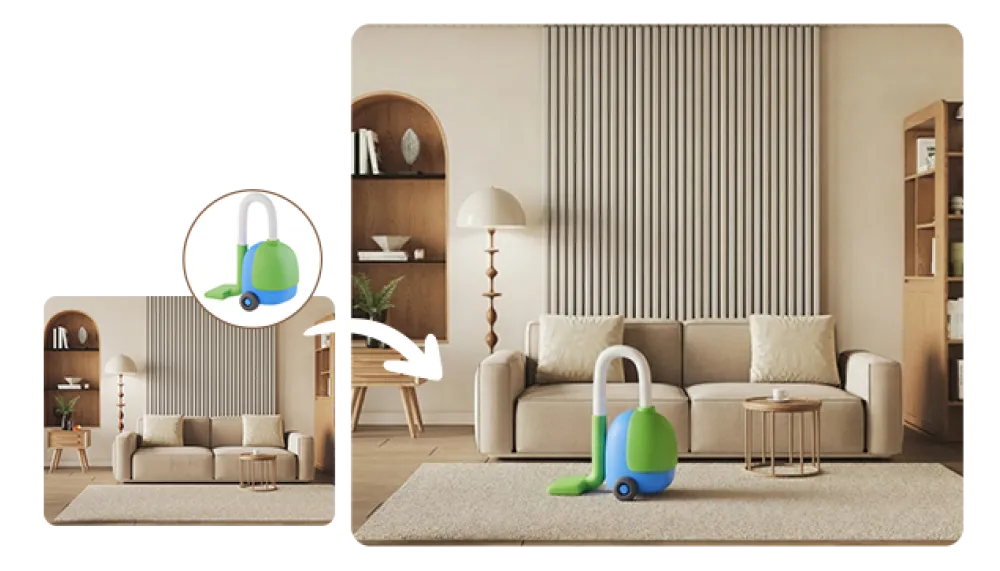
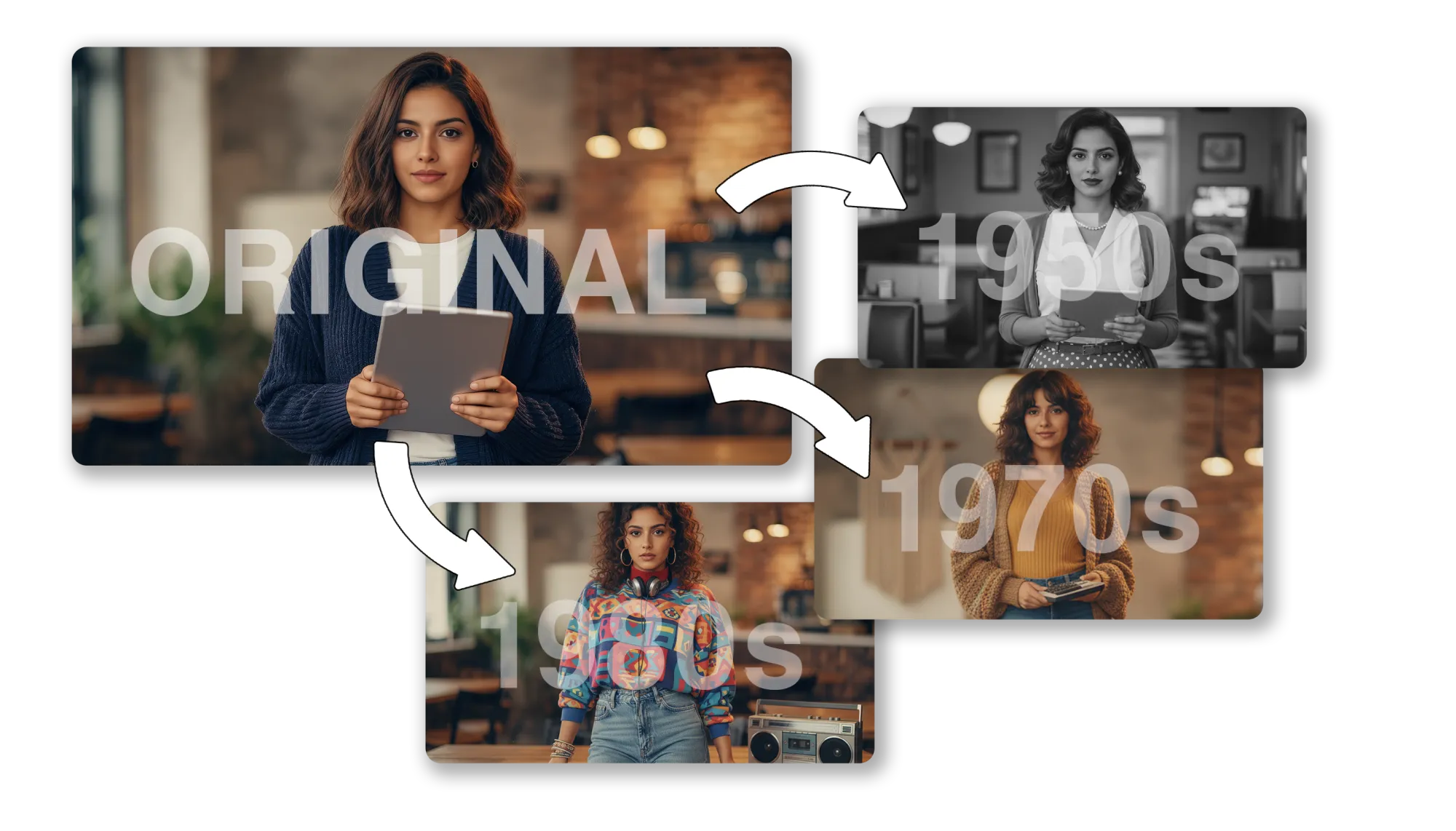
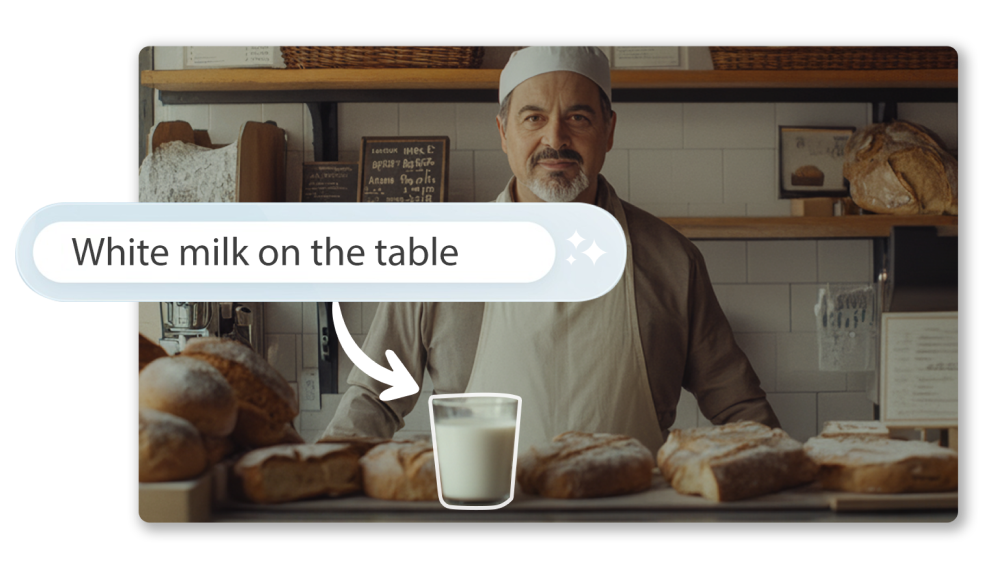
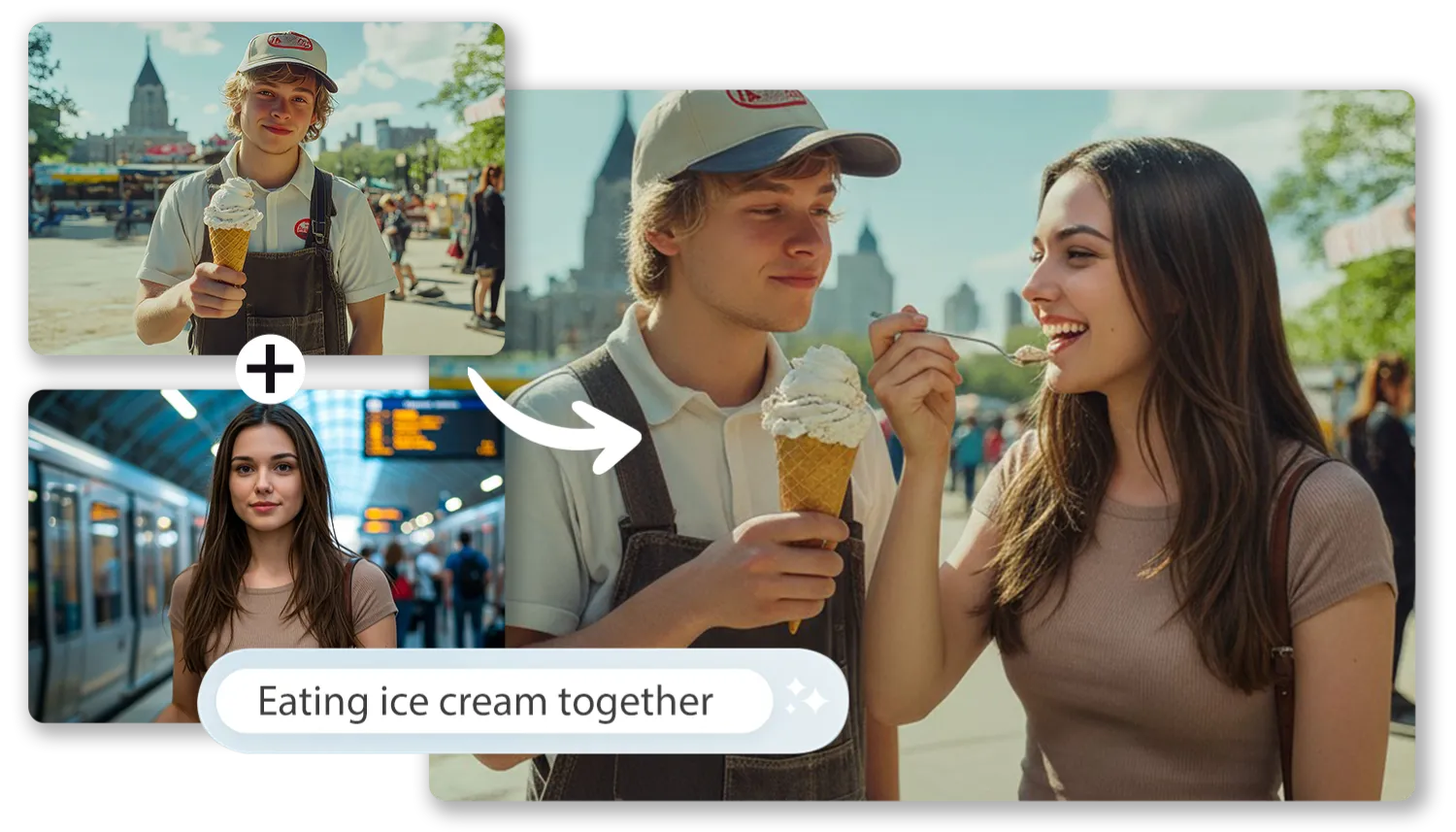
Explore Nano Banana’s free AI image suite—create, combine, and edit visuals in seconds, all inside AI Studios.

AI STUDIOS Insight

We’re Here to Answer All Your Questions

What is AI Studios’ AI Image Generator?

AI Studios’ AI Image Generator is a Text-to-Image tool that creates high-quality visuals from a simple text prompt in seconds, supporting everything from photorealistic images to illustrations and marketing creatives across many styles.

Which image generation models does AI Studios offer?

AI Studios lets users choose from the latest image models—Nano Banana Pro, Imagen 4, and FLUX.1—so they can optimize for speed, realism, or artistic direction depending on the project.

What is Nano Banana Pro best for?

Nano Banana Pro is built for fast, lightweight generation with strong style consistency, making it ideal for rapid iteration, multi-variation testing, and everyday assets like social graphics, thumbnails, and quick drafts.

What are the strengths of Imagen 4?

Imagen 4 is optimized for clean photorealism, crisp micro-details, and natural lighting, delivering stable results for AI product photography, brand-safe product shots, portraits, and interior-style visuals.

What kind of styles is FLUX.1 good at?

FLUX.1 excels at creative composition and strong artistic stylization, making it a great choice for concept art, character design, posters, and other style-driven visuals that need bold direction.

Is AI Studios’ AI Image Generator free to use?

AI Studios provides a Free AI Image Generator experience so anyone can start immediately, while advanced options such as high-resolution exports or bulk generation may vary by plan.

How do I write prompts to get better results?

More specific prompt engineering—clearly describing subject, style, details, lighting, and camera framing—produces sharper, more realistic outcomes, and testing across different models helps users quickly find the best combination.

Can I upload a reference image for generation?

AI Studios supports Image-to-Image workflows, allowing users to upload a reference image to preserve key traits and mood while applying style changes, redesigns, or consistent series generation.

What does Extract & Enhance do?

Extract & Enhance is a built-in post-generation workflow that removes backgrounds, cleanly extracts objects, applies new backdrops, and enhances detail in one click, reducing editing time for commerce and marketing use cases.

Can I use generated images commercially?

Images created in AI Studios can be used for commercial purposes within the platform’s terms and policies, enabling practical use in advertising, branding, and product sales.

What resolution options are supported?

AI Studios offers high-resolution generation and download options so users can produce visuals with enough clarity and detail for real production needs like ads, social media, and product pages.

What other AI image tools are included in AI Studios?

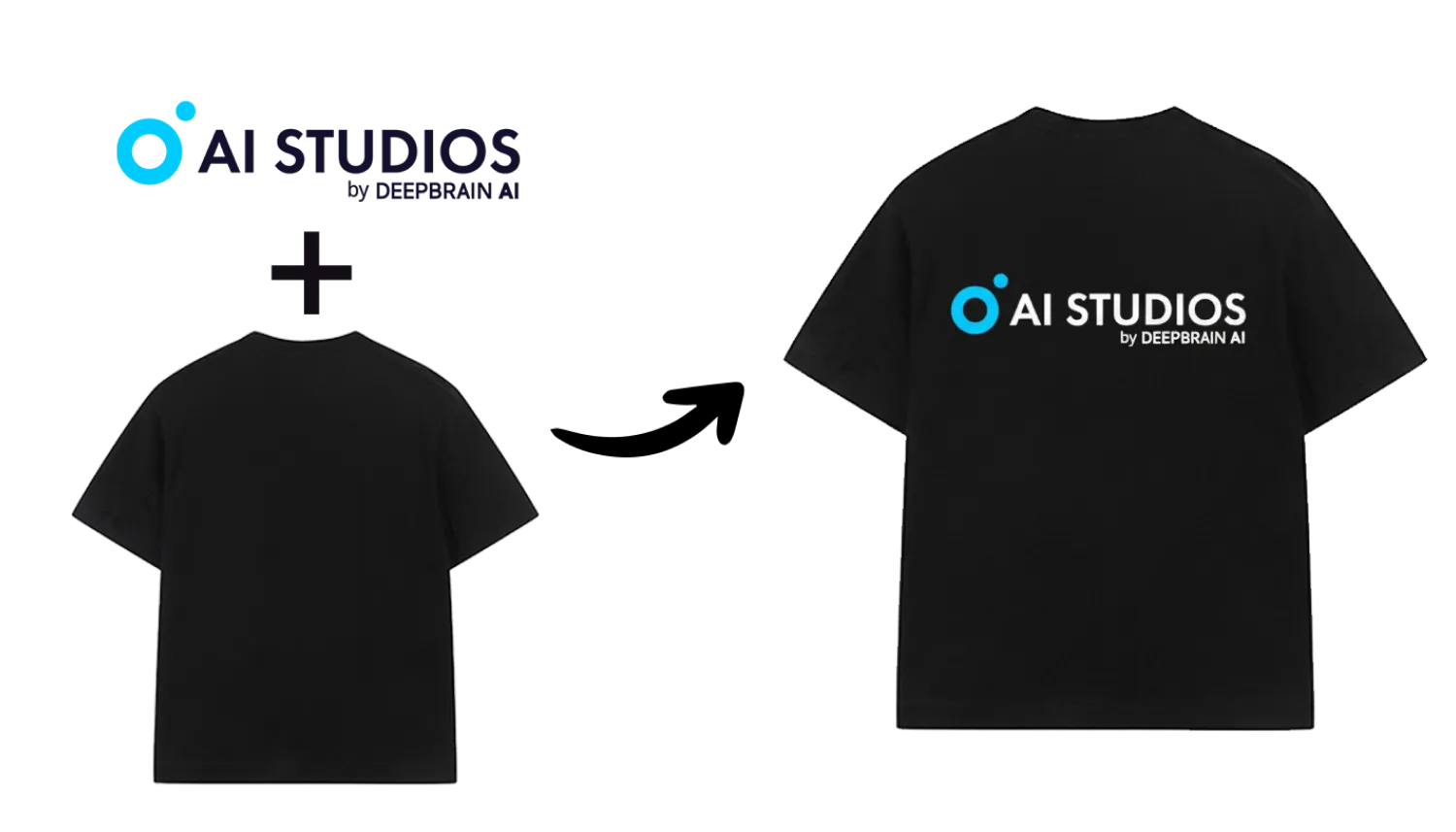
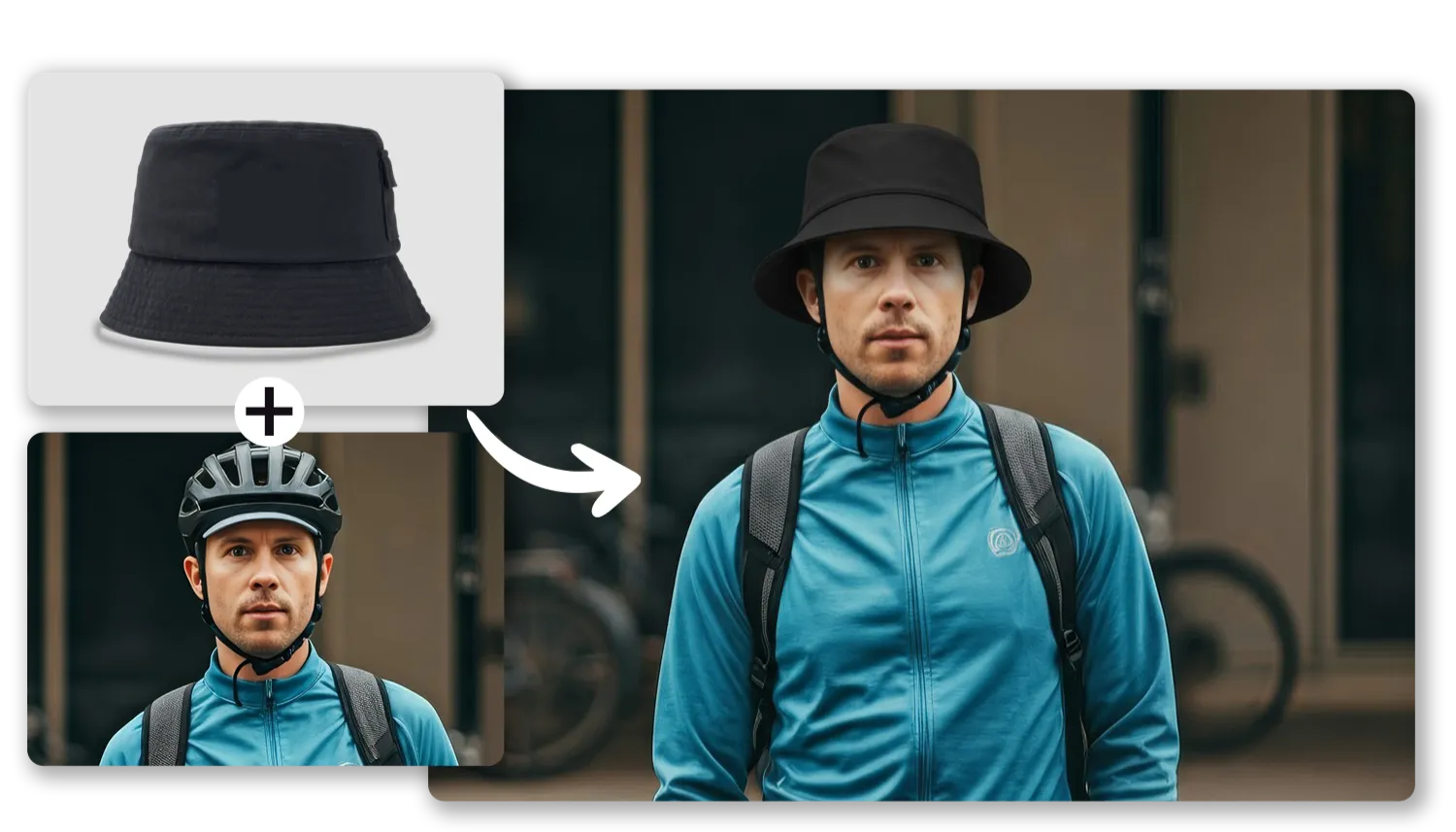
 AI Studios provides a Nano Banana-powered suite—AI Image Editor, AI Image Combiner, AI Logo Mockup, and AI Virtual Try-On—so users can complete an all-in-one workflow from generation to editing to final use.

What Will You Create?

Unlock New Creative Ideas in AI Studios!
Create videos that inspire, educate, & captivate today.