Free YouTube Shorts Video Templates with AI Avatars
Turn a quick explainer, a review or a news update into a vertical Short. Pick a template, write the script, and an AI avatar presents it for you, no camera needed.
Turn a quick explainer, a review or a news update into a vertical Short. Pick a template, write the script, and an AI avatar presents it for you, no camera needed.
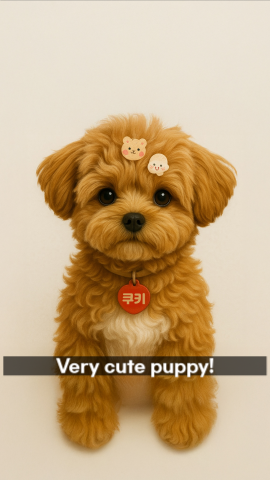
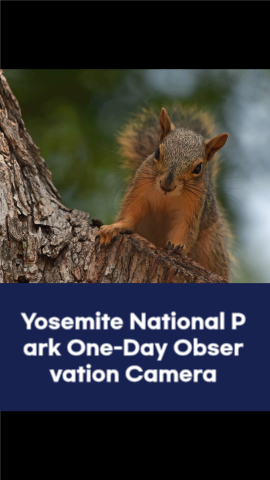
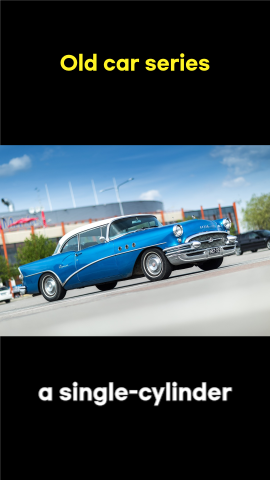
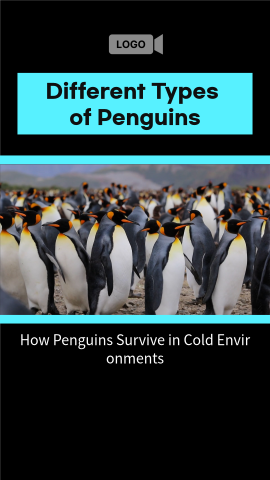
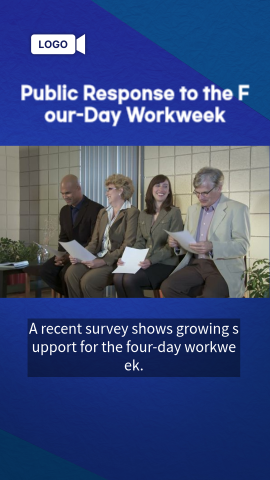
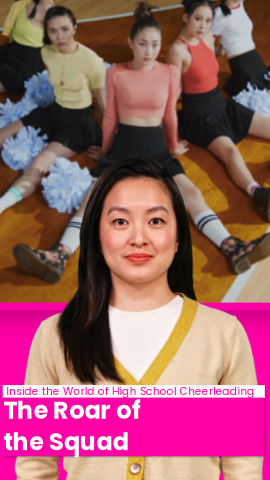
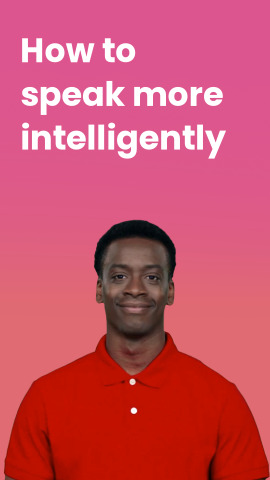
Shorts work best when one person tells you one thing quickly: a fact, an opinion, a how-to. The twelve templates below are all 9:16 vertical layouts built around a presenter or a narrated story, which is why we picked them for this page.
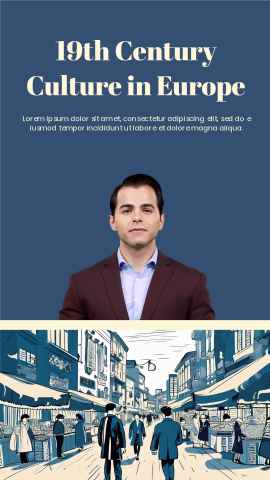
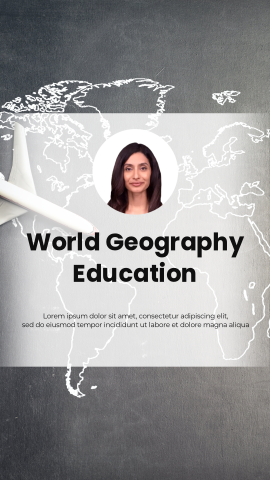
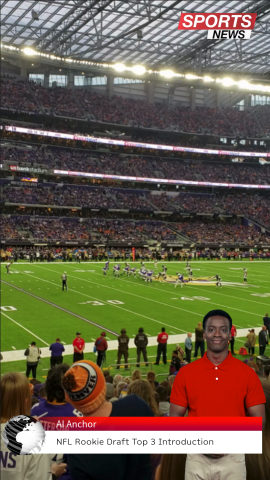
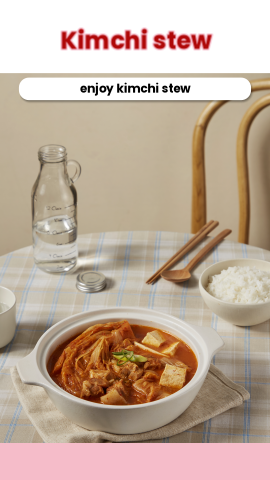
Three are general-purpose Shorts layouts you can drop any topic into. The rest show the formats that tend to become a channel series: a movie review and a film critique, a short documentary, a history or geography lesson, a sports news update, a workplace explainer and a cooking tip. Use one as-is or treat it as a starting point for your own recurring format.
Click "Use this template" on a card. If you are not signed in, AI STUDIOS asks you to sign in or create an account, then opens the template as a new project in the editor.
Paste or type your script. An AI avatar reads it with an AI voice, and you can swap the presenter for another avatar or your own custom avatar. Change the titles, images and colors to fit your channel.
Generate the video, export it, and upload it to YouTube. A vertical video of up to three minutes is treated as a Short, so a 9:16 export from one of these templates is ready to go.
YouTube counts a video as a Short when it has a square or vertical aspect ratio (YouTube Help). Every template on this page is 9:16 vertical, which fills a phone screen.
You can upload Shorts up to three minutes long (YouTube Help). On AI STUDIOS, Free-plan videos can be up to 1 minute and Personal-plan videos up to 30 minutes, so for a 2–3 minute Short you will need a paid plan (pricing).
A 9:16 frame at full HD is 1080×1920 pixels. AI STUDIOS exports in 720p on the Free plan, 1080p on Personal and 4K on Team (pricing).
Quick answers about using AI STUDIOS templates for YouTube Shorts.
Yes. All AI STUDIOS users, including free users, can use any template. The Free plan lets you create up to 3 AI videos of up to 1 minute each, exported in 720p. Paid plans allow more and longer videos.
YouTube allows Shorts up to three minutes long with a square or vertical aspect ratio. On the AI STUDIOS Free plan a video can be up to 1 minute, and the Personal plan allows up to 30 minutes.
Use a 9:16 vertical frame. At full HD that is 1080 by 1920 pixels. AI STUDIOS exports in 720p on the Free plan and 1080p on the Personal plan.
Yes. An AI avatar presents your script, so you do not have to appear on camera. If you want your own likeness in the videos, you can create a custom avatar and use it in any template.
AI STUDIOS includes AI voices, translation and subtitles in the editor, so you can make other language versions of the same Short from one project.
Yes. Reels and Shorts both use a 9:16 vertical frame, so the same export works on both. See our Instagram Reels templates for layouts chosen with Reels in mind.

Deepbrain AI's video generator and conversational AI technology aim to bridge the gap between the advantages of human interaction and digital convenience.
Learn how our AI Avatars can help your projects and business scale more efficiently and reduce costs and time -- all without compromising on quality.



DeepBrain AI,
Inc.540 University Ave., Suite 200, Palo Alto, CA 94301