Enter a one-line topic, a script, a URL, or a document in the dashboard, and the agent builds an outline.
Chat with it to fix anything that needs changing, then confirm to generate the scenes, images, and voice — and finish everything from preview to export in one workspace.


Describe your idea, or add a script, link, or document. Video Agent plans the scenes, picks the right avatar and voice,
generates the assets, and keeps every scene editable.
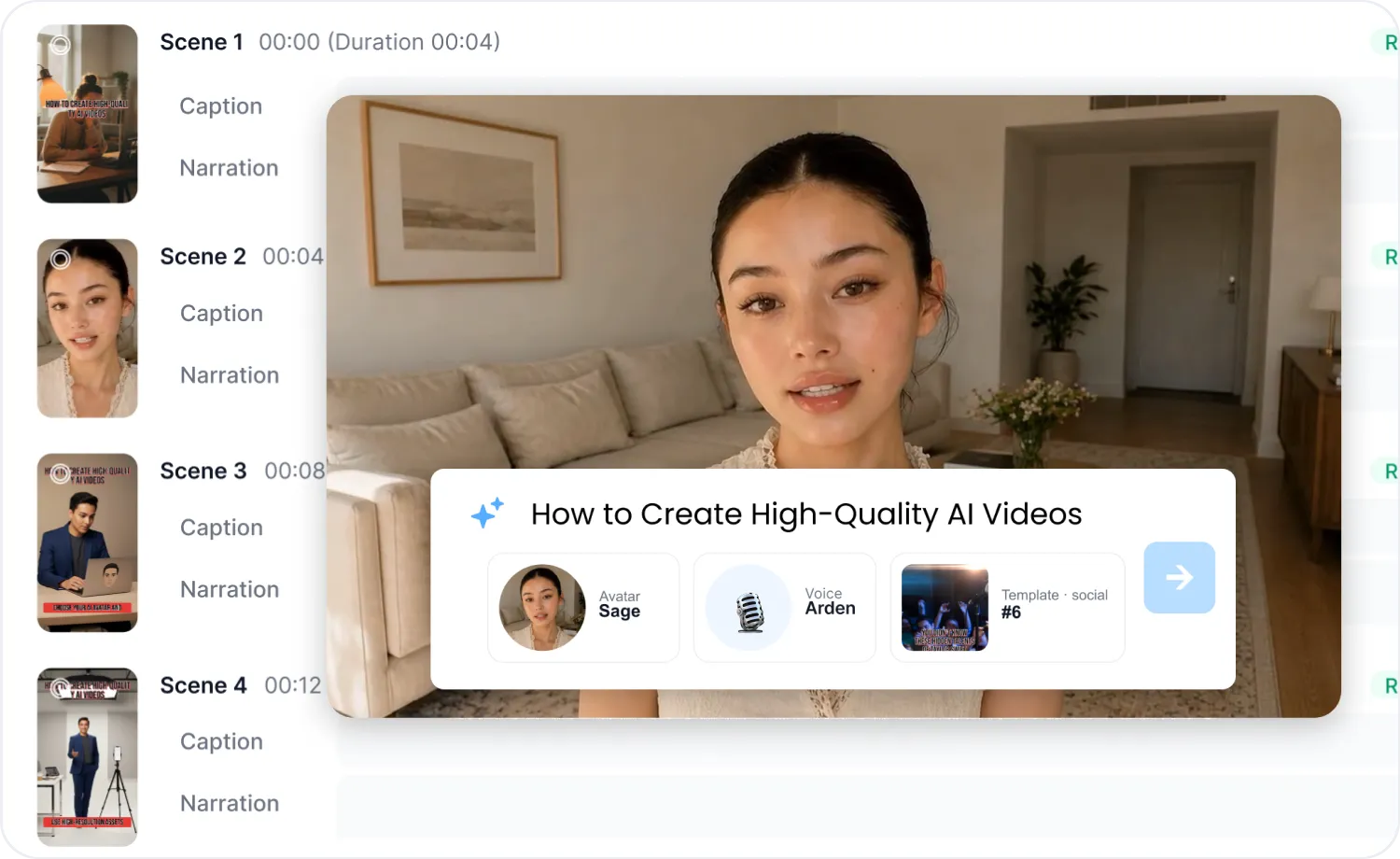
Before generating, AI Video Agent shows you a full outline — avatar, voice, template, and scene-by-scene captions and narration. Adjust anything on the spot, so there's less to redo once it's made.

Preview the outline before generation
Choose avatar, voice, and template
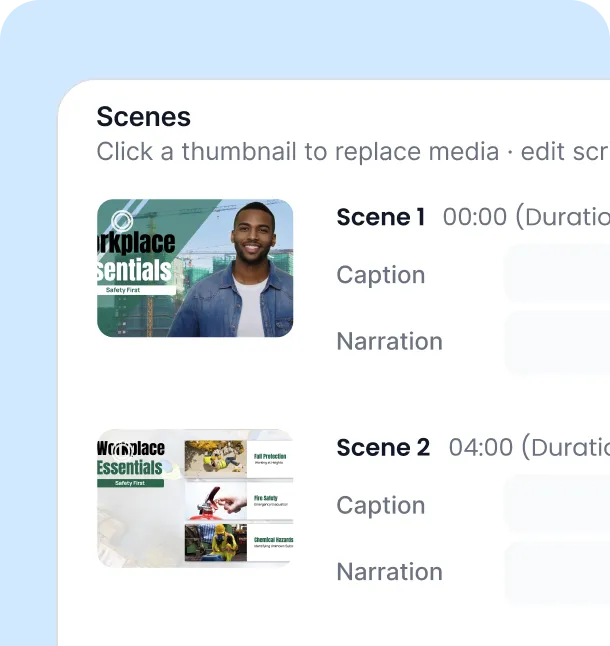
Review captions and narration per scene

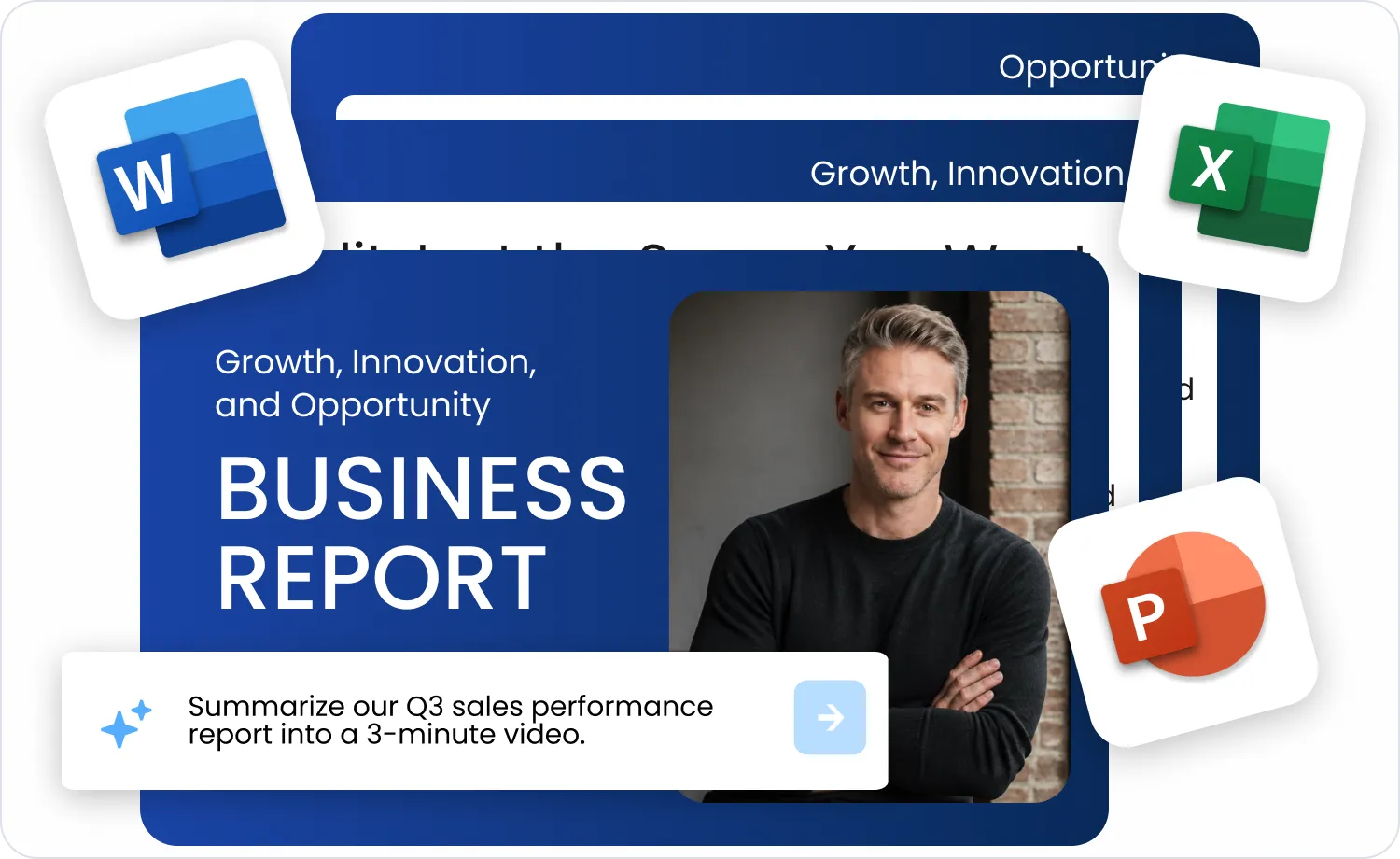
Whether it's a one-line topic, a script, a URL, or a document, AI Video Agent detects it automatically — no tabs to pick. News, e-commerce, and YouTube links are each handled differently, pulling page images in as scene material, while documents can keep their original layout as a background or have their content extracted into narration.
Automatic input detection
Link-type-aware scene building
Background or extraction mode for documents
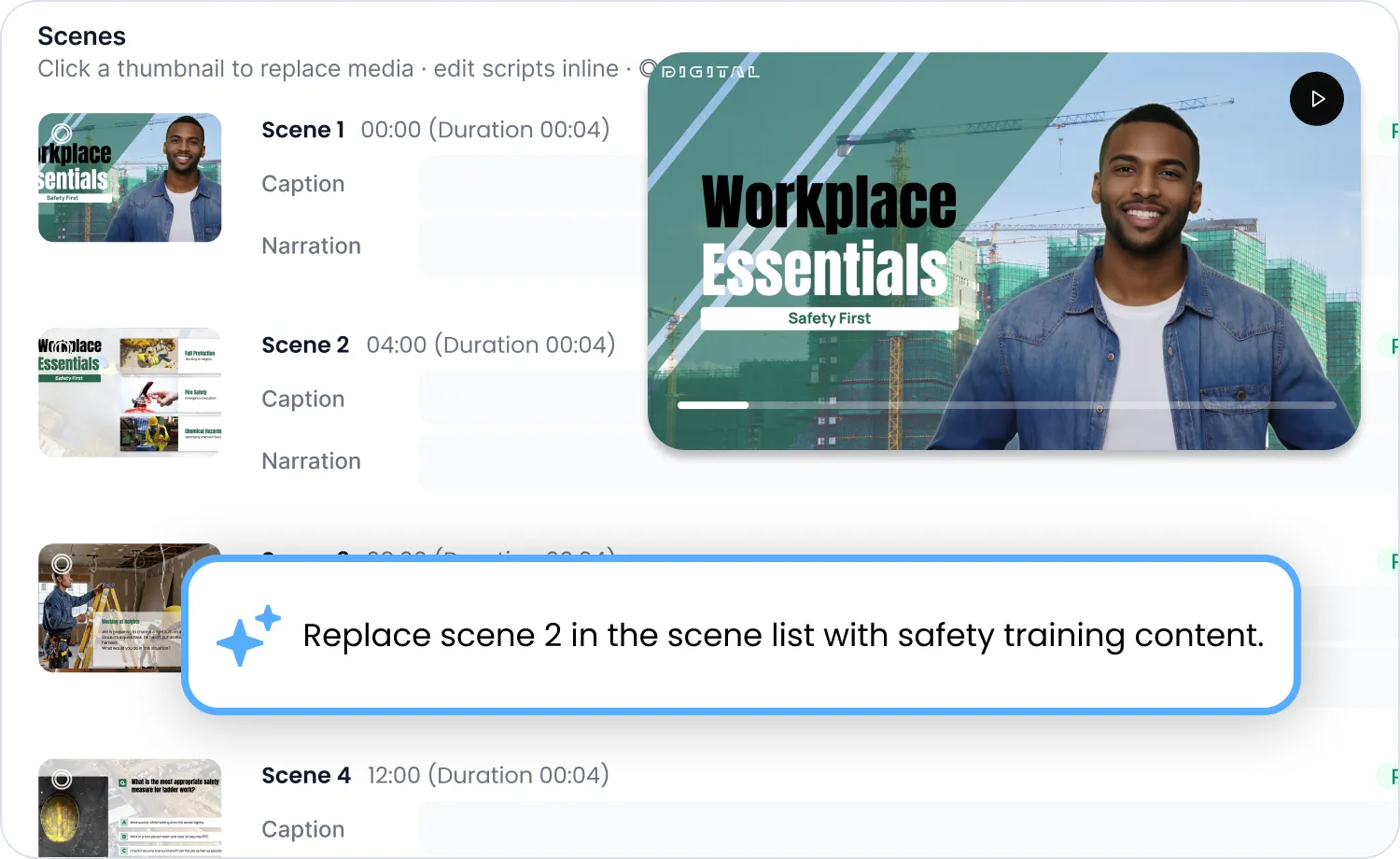
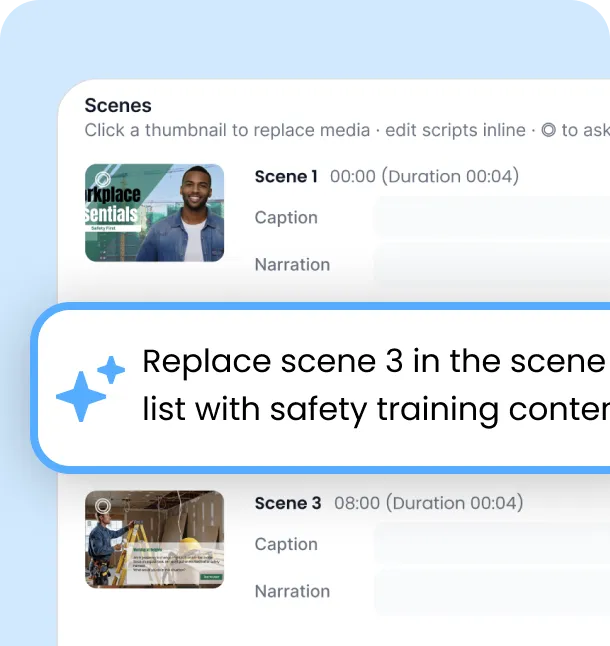
Point to the scene that needs work and ask for the change in plain conversation — only that scene gets regenerated. This works at both the outline stage and the preview stage, so you never have to rebuild the whole video.
Regenerate a single targeted scene
Works at outline and preview stages
No full re-generation required
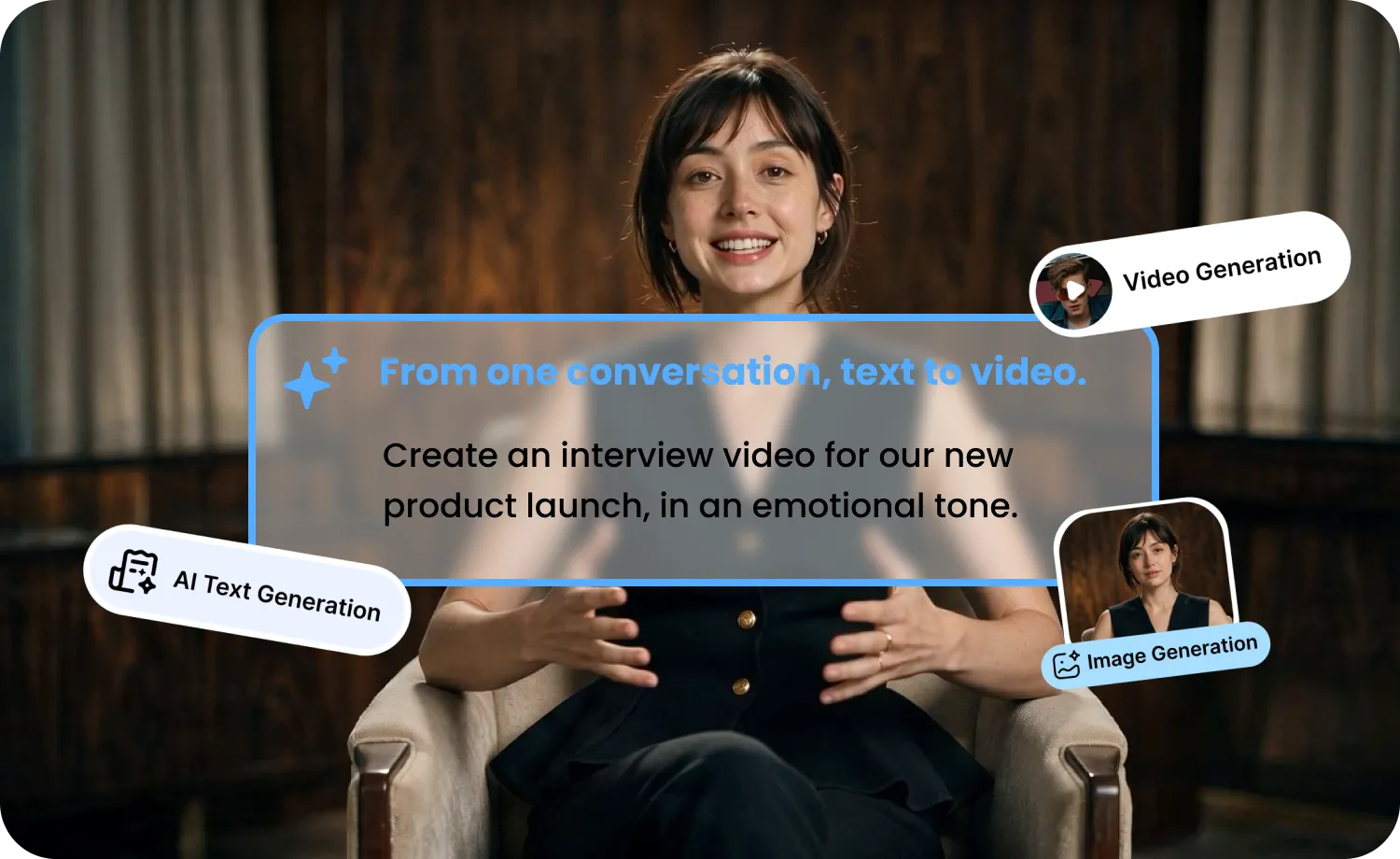
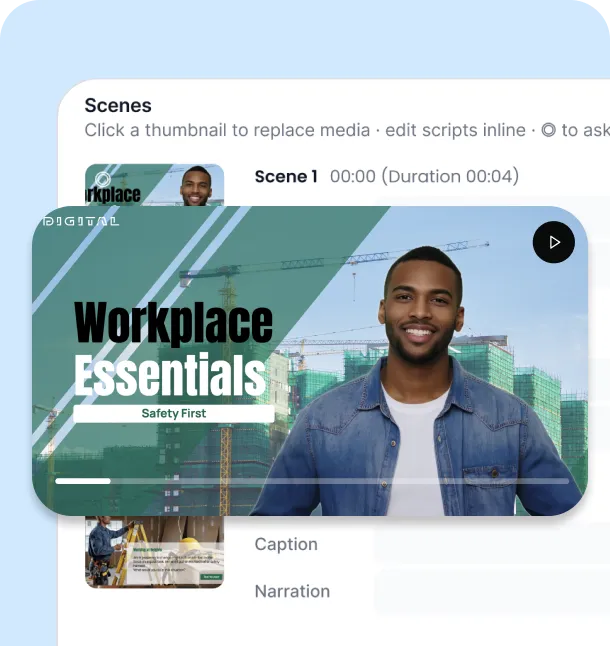
Chat and preview sit side by side, so you can see results as they happen. Once it's ready, export directly, or hand it off to the Editor to keep refining.
Chat and preview side by side
Export instantly
Continue in the Editor
Input → review the outline → edit through chat → export. No complicated setup — just one continuous flow.
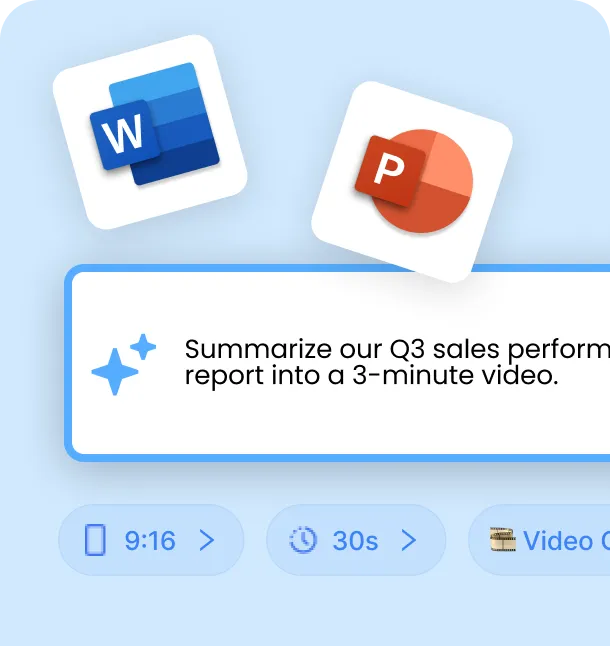
Enter anything — a one-line topic, a script, a link, or a document.
Review the outline and settings, with a live preview alongside.
Watch the preview, then just ask in chat for any change you want.
Once it looks right, export the video — that's it.
From the latest generation models to a wide range of avatars and voices, complete it all in one workspace.
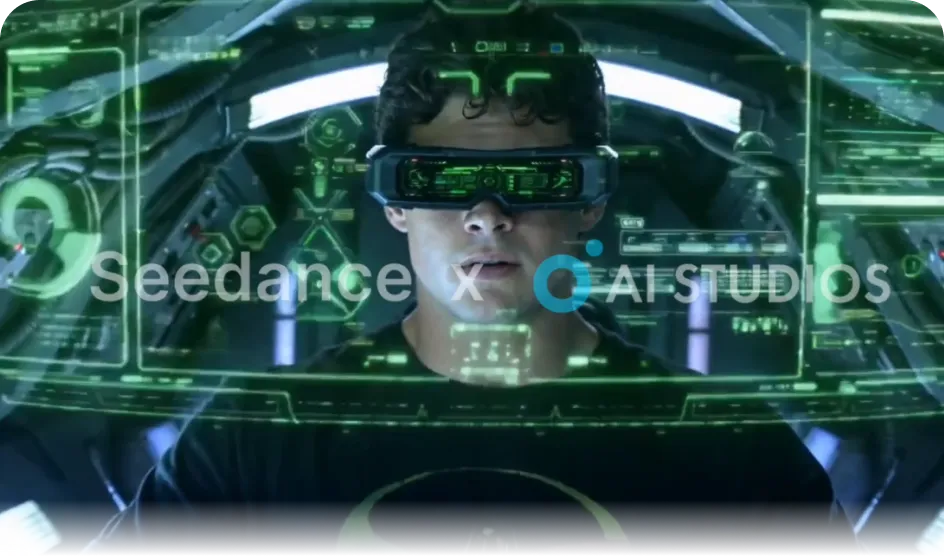
Use the latest generation models like Seedance, Kling, and GPT Image to elevate your visuals.
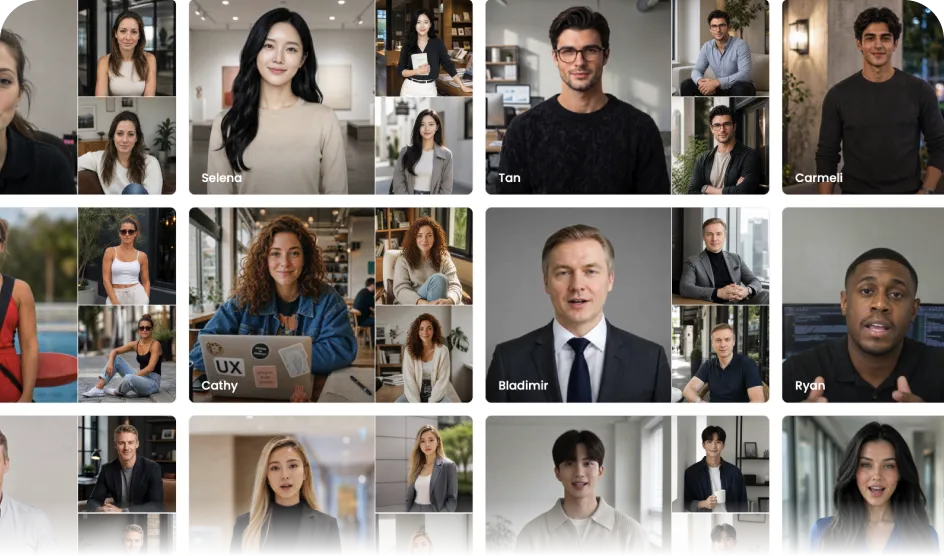
Choose from 2,000+ built-in avatars, or use your own custom avatar.
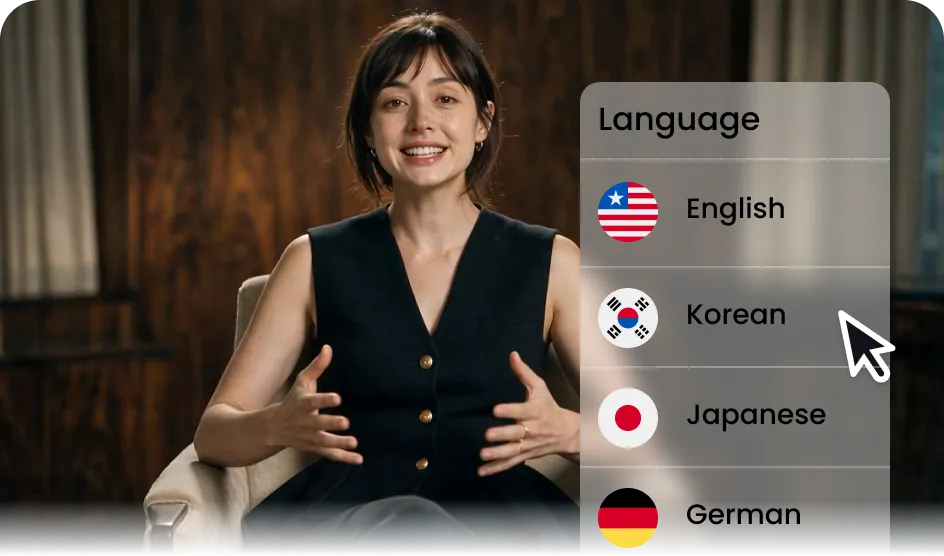
With 1,000+ voices and 150+ languages, create natural content for any market.
Whatever your team needs to create, Video Agent turns it into a finished video — fast.
Upload a PPT or PDF, and either keep the page as the background or extract the content into narration. Turn onboarding materials or internal announcements into video.
Create authentic-looking review and ad videos with natural avatars and voices — no filming required. Test multiple styles quickly while keeping your brand voice consistent.
A one-line topic is all you need to produce vertical short-form videos fast. Keep up with your social calendar without the extra workload.
Turn a news article or product link into a video in minutes — Video Agent pulls in real images and details automatically to create timely marketing content.
AI Video Agent is built on the same enterprise security infrastructure trusted by global organizations
— so your team's data, scripts, and generated videos stay protected.


Can't find the answer? Talk to us directly.
AI Video Agent is a conversational AI video creation feature from AI Studios. Whether you enter a one-line topic, a script, a URL, or a document, it builds an outline, then lets you refine it through conversation before generating scenes, images, and voice into a finished video.
You can enter a one-line topic, a script, a link (URL), or a document file. The type of content you enter is automatically detected and handled accordingly.
Yes, you can upload a document to create a video. You can either have it used as background reference for a new script, or have its content extracted directly into the video — whichever fits your purpose.
Before generation, the outline stage shows you the captions, narration, avatar, voice, and template for each scene. If something's off, you can edit it directly through conversation.
Yes, even at the preview stage you can point to a specific scene and have it regenerated through conversation — no need to start over from scratch.
For video, you can choose from the latest models like Seedance, Kling, and Veo; for images, Gemini and GPT Image, depending on what you need.
Yes, you can choose from the built-in avatar and voice library, or use your own custom avatar.
Yes. Since you refine and finalize everything through conversation and preview, you can export directly without moving to a separate editing tool.
Most tools only accept a script or prompt as input, but AI Studios' Video Agent also takes documents and links directly, and lets you edit the entire process — from outline to preview — through conversation.
It works well for short-form social content, UGC-style ads, marketing videos, and educational or training material.

Deepbrain AI's video generator and conversational AI technology aim to bridge the gap between the advantages of human interaction and digital convenience.
Learn how our AI Avatars can help your projects and business scale more efficiently and reduce costs and time -- all without compromising on quality.



DeepBrain AI,
Inc.540 University Ave., Suite 200, Palo Alto, CA 94301
