Free Instagram Reels Video Templates with AI Avatars
Start from a vertical template that is already laid out for a phone screen. Write what you want to say, let an AI avatar present it, and export a reel you can upload to Instagram.
Start from a vertical template that is already laid out for a phone screen. Write what you want to say, let an AI avatar present it, and export a reel you can upload to Instagram.
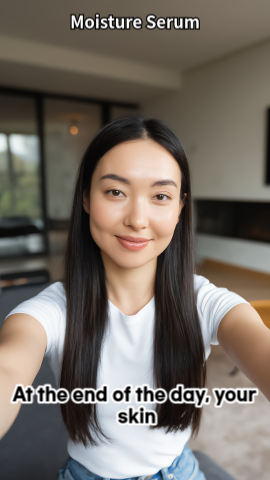
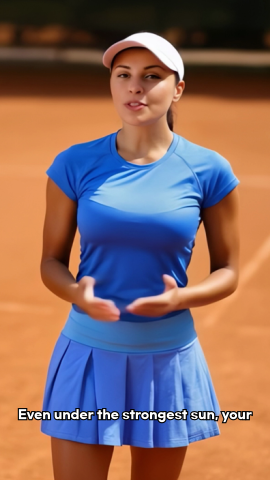
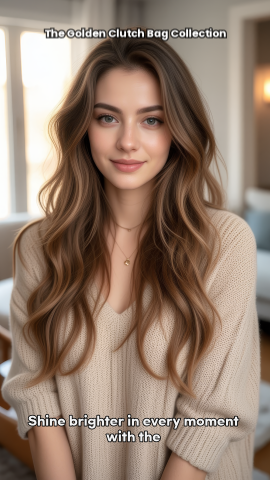
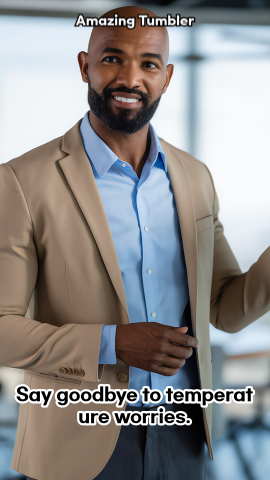
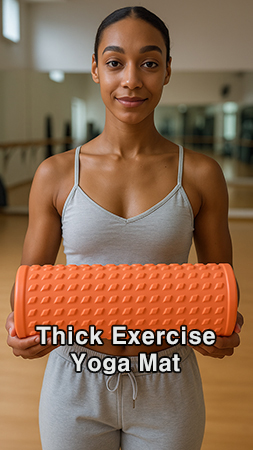
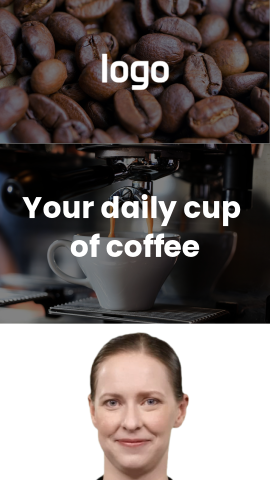
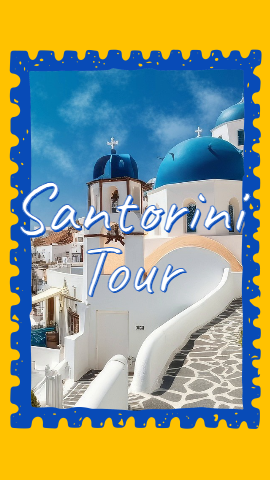
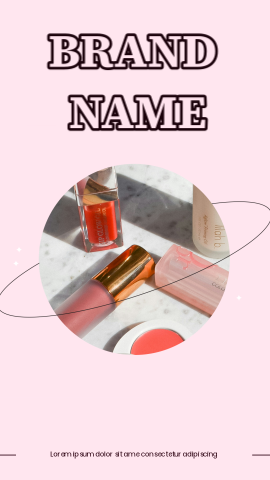
Every template below is built in a 9:16 vertical frame, so nothing needs to be cropped or re-framed before you post. We chose these twelve because they match the kinds of reels small brands and creators actually publish: short product demos, a quick recipe, a place worth visiting, a retro-style story.
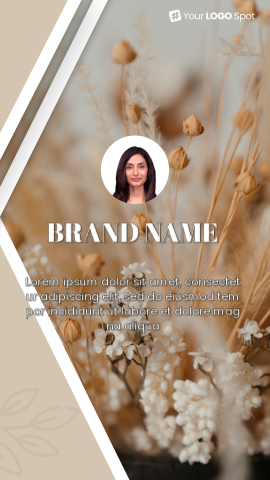
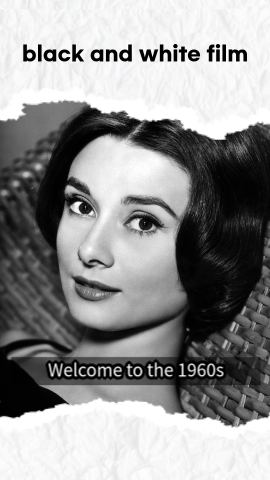
The six UGC-style templates (two for beauty, plus shoes and jewelry, home and kitchen, beverages, and sports and outdoors) are set up like a customer talking to the camera about a product. They work well for a product drop or a review-style ad. The lifestyle templates (pizza, coffee, Santorini, cosmetics, flowers, black-and-white film) lean on visuals and a short voiceover, which suits accounts that post food, travel or hobby content.
Click "Use this template" on any card. If you are not signed in yet, AI STUDIOS asks you to sign in or create an account first, then opens that template as a new project in the editor.
Replace the sample text with your own lines. The avatar presenter reads your script with an AI voice, and you can switch to a different avatar, or to your own custom avatar, without rebuilding the layout. Swap the product photos, colors and captions to match your brand.
Generate the video and export it. Then upload the file to Instagram as a reel. Because the template is already 9:16, the frame fills the screen the way it does in the editor.
Instagram accepts reels from 1.91:1 up to 9:16 (Instagram Help Center). Meta recommends 9:16 to avoid cropping or blank space (Meta developer docs). All templates on this page are 9:16.
A 9:16 frame at full HD is 1080×1920 pixels. On AI STUDIOS, the Free plan exports in 720p, the Personal plan in 1080p and the Team plan in 4K (pricing).
Instagram lets you make reels up to 20 minutes long, but reels over 3 minutes are not recommended to people who do not follow you (Instagram Help Center, Instagram Creators FAQ). If you want reach beyond your followers, keep it at 3 minutes or less. Free-plan videos on AI STUDIOS can be up to 1 minute; Personal allows up to 30 minutes.
Quick answers about using AI STUDIOS templates for Instagram Reels.
Yes. All AI STUDIOS users, including free users, can pick and use any template. The Free plan lets you create up to 3 AI videos, each up to 1 minute long, exported in 720p. Paid plans raise those limits.
Instagram supports aspect ratios from 1.91:1 to 9:16, and 9:16 is the recommended shape for a full-screen reel. At full HD that is 1080 by 1920 pixels. Every template on this page uses a 9:16 frame.
Instagram lets you make reels up to 20 minutes, but reels over 3 minutes are not recommended to people who do not follow you. On the AI STUDIOS Free plan a video can be up to 1 minute, and the Personal plan allows up to 30 minutes.
Yes. AI STUDIOS templates work with custom avatars. Once you have created a custom avatar, you can put it into any template in place of the built-in presenter, and it reads your script like any other avatar.
No. The avatar presents your script, so you do not need a camera, microphone or actor. You can still add your own product photos or clips to the template if you have them.
Yes. YouTube treats square or vertical videos up to three minutes long as Shorts, so the same 9:16 export can be uploaded there too. See our YouTube Shorts templates for layouts chosen with Shorts in mind.

Deepbrain AI's video generator and conversational AI technology aim to bridge the gap between the advantages of human interaction and digital convenience.
Learn how our AI Avatars can help your projects and business scale more efficiently and reduce costs and time -- all without compromising on quality.



DeepBrain AI,
Inc.540 University Ave., Suite 200, Palo Alto, CA 94301