


在几分钟内创建专业的培训和内部沟通视频。将政策、入职培训和产品更新转化为清晰、一致的内容——无需繁重的制作开销。
通过端到端的视频工作流程更快地推出营销活动和销售内容。生成吸引眼球的视觉效果,将其转换为动态草稿,并为每个渠道完成脚本和字幕。
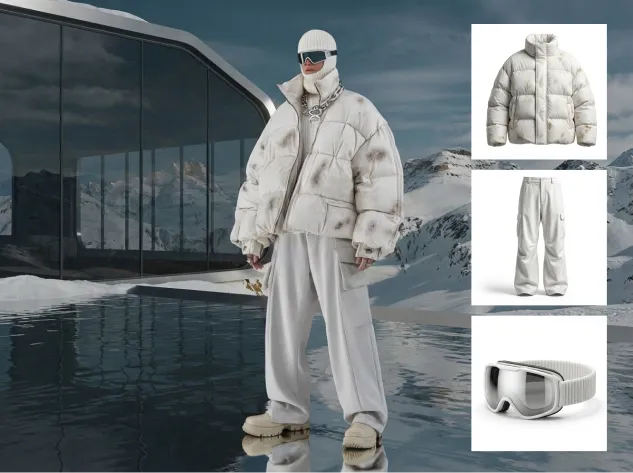
独立制作高质量视频——快速且一致。从教程到故事讲述,在一个流程中从图像转换为完成的视频,只需最少的编辑和返工。


Start with defaults: a clear prompt for planning, 3–5 key images in one style, and a basic motion preset for the rough cut.BRefine only after the draft is done to avoid early rework.
It’s less ideal for fully live-action projects, VFX-heavy frame-by-frame work, or one-off single-tool tasks. This pipeline wins when stages connect end-to-end.
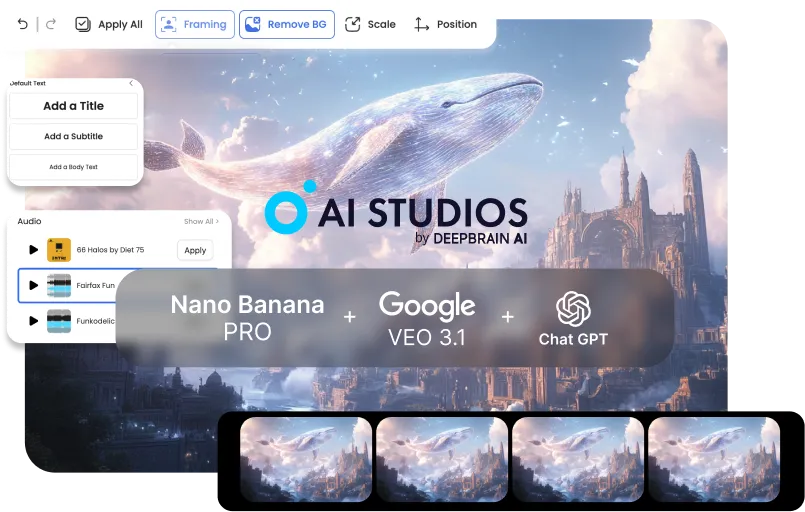
Start from your current tool and plug into the next stage: script → key images → video draft → finishing. AI Studios shines when outputs flow forward without manual handoffs.
Usually 3–5 key images per video are enough for a coherent rough cut. Add more only if you need extra continuity or scene variation.
Lock a single style direction during key image generation (same preset + reference look). Carry that style into Veo’s motion settings for stable continuity.
Repeatable formats like training, explainers, product demos, social ads, and tutorial series benefit the most. They need consistent visuals and fast iteration—exactly what the pipeline optimizes.
With a clear brief, you can go from concept to a rough cut in under 10 minutes. Most time savings come from skipping exports, conversions, and rework loops.
No—simple structured prompts work great: goal, audience, tone, and scene outline. The workflow is designed to succeed with minimal prompt complexity.
Instead of paying for three separate Pro plans (and extra credits), you use one bundled workflow plan. That single subscription covers the core pipeline end-to-end, so your total monthly spend stays predictable.
Yes—each stage outputs clean, shareable assets (brief → images → draft → finishing notes). That keeps handoffs smooth and reduces alignment overhead.
Update only the weak stage (script, key images, or motion draft) instead of rebuilding everything. Because the pipeline is modular, iterations stay quick and controlled.

Deepbrain AI的视频生成器和对话式人工智能技术旨在弥合人机交互优势和数字便利性之间的差距。
了解我们的 AI 头像如何帮助您的项目和业务更高效地扩展并减少成本和时间,同时不影响质量。



深脑人工智能,
Inc.540 大学大道,200 号套房,加利福尼亚州帕洛阿尔托 94301



.webp)
.webp)
.webp)
.webp)












.png)