Chat freely with an Interactive Avatar after watching a lecture — ask what you're curious about, and check your understanding on the spot. Stay engaged from start to finish, with completion rates rising naturally. When the session ends, you'll get a results report too.


Pair any lecture or training video with an Interactive Avatar. It checks what viewers understood, answers their questions in real time, and keeps them engaged from start to finish.
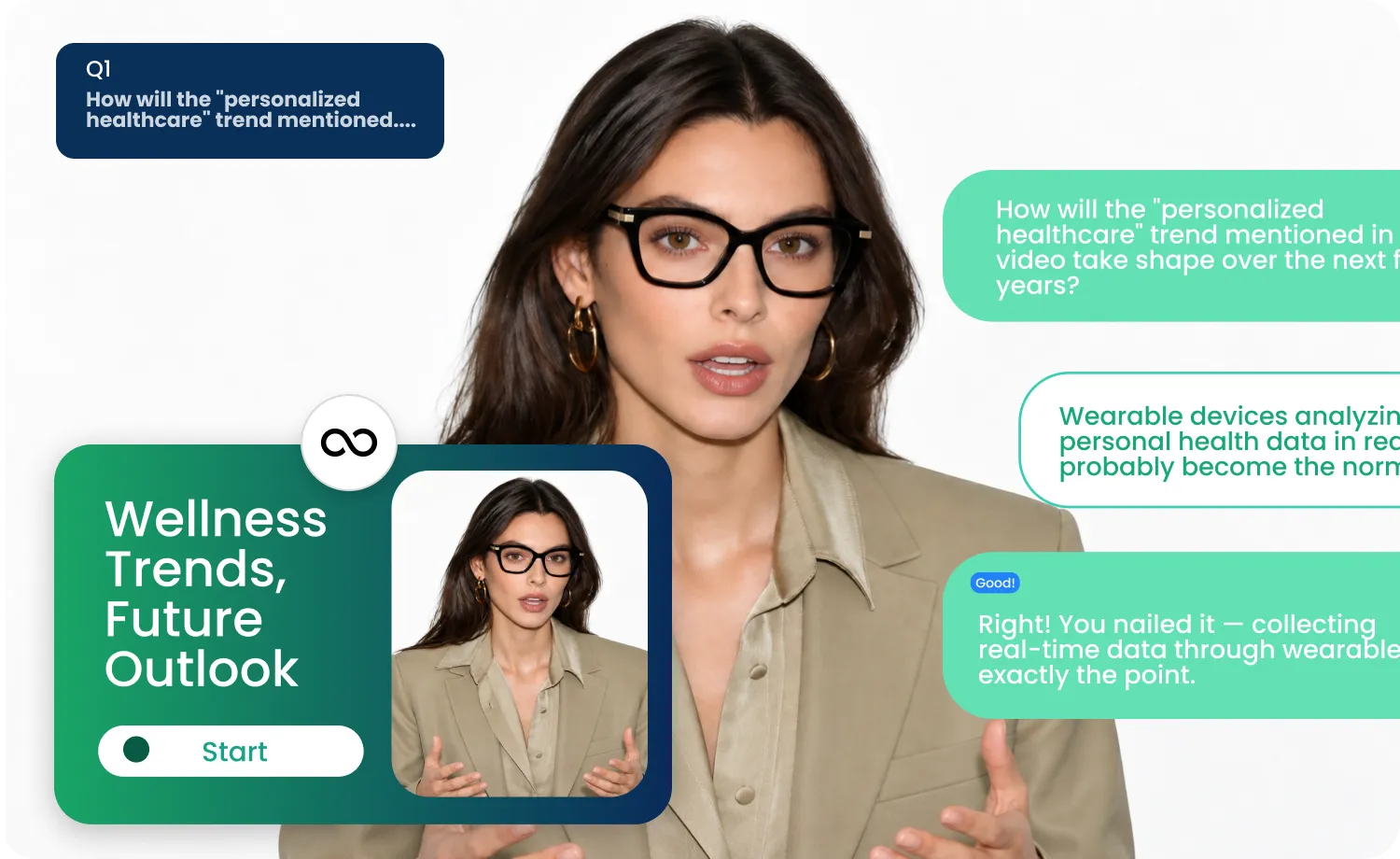
Any video you've made in AI Studios becomes a coaching session instantly. No reshoot, no re-edit.

Works with existing lectures and training videos
No editing or reshooting required
Just attach it — the session is ready to go

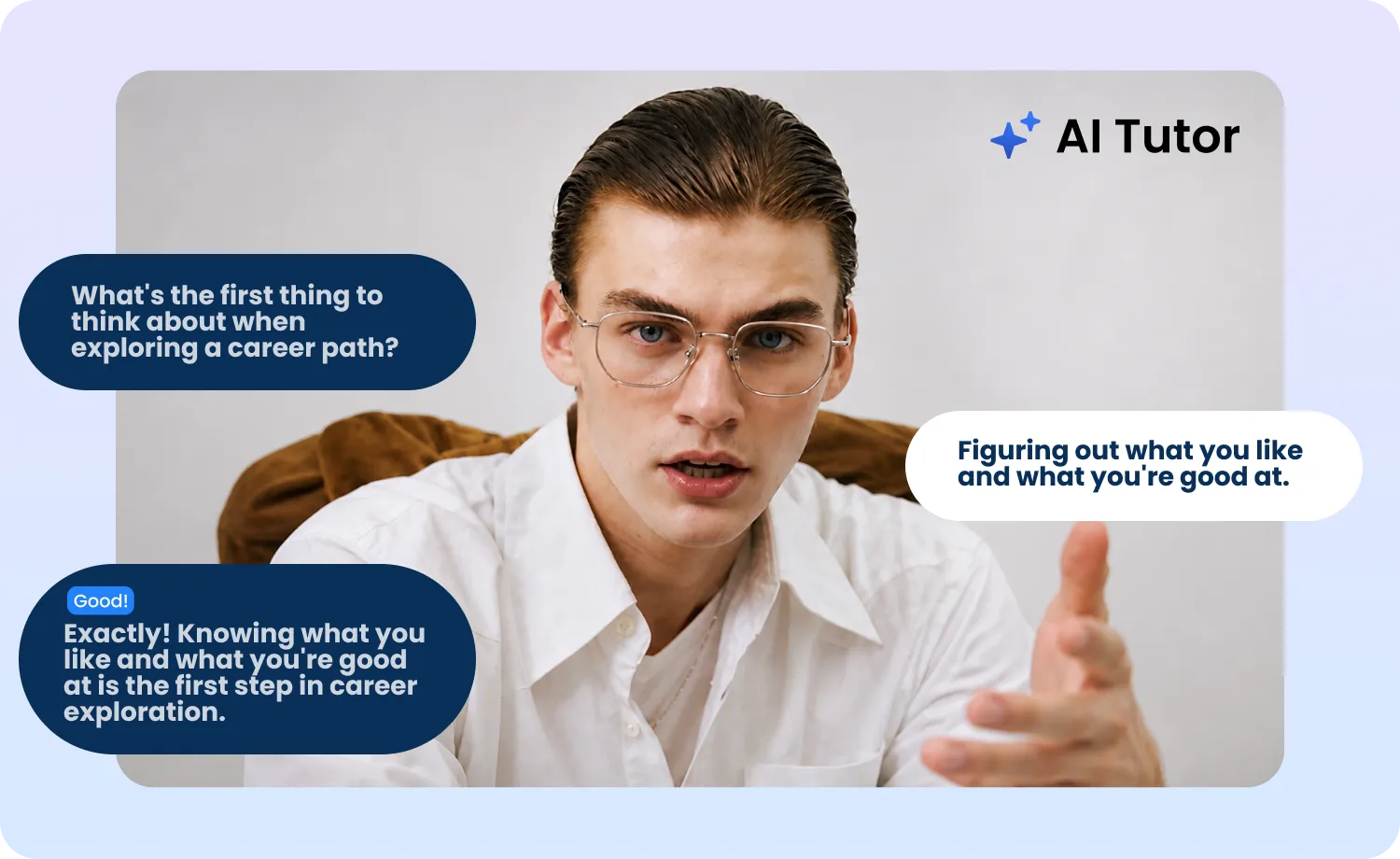
The Interactive Avatar asks questions based on the video, and learners can ask their own questions right back.
Avatar asks comprehension-check questions
Learners can ask about anything they're curious about
Works with both text and voice
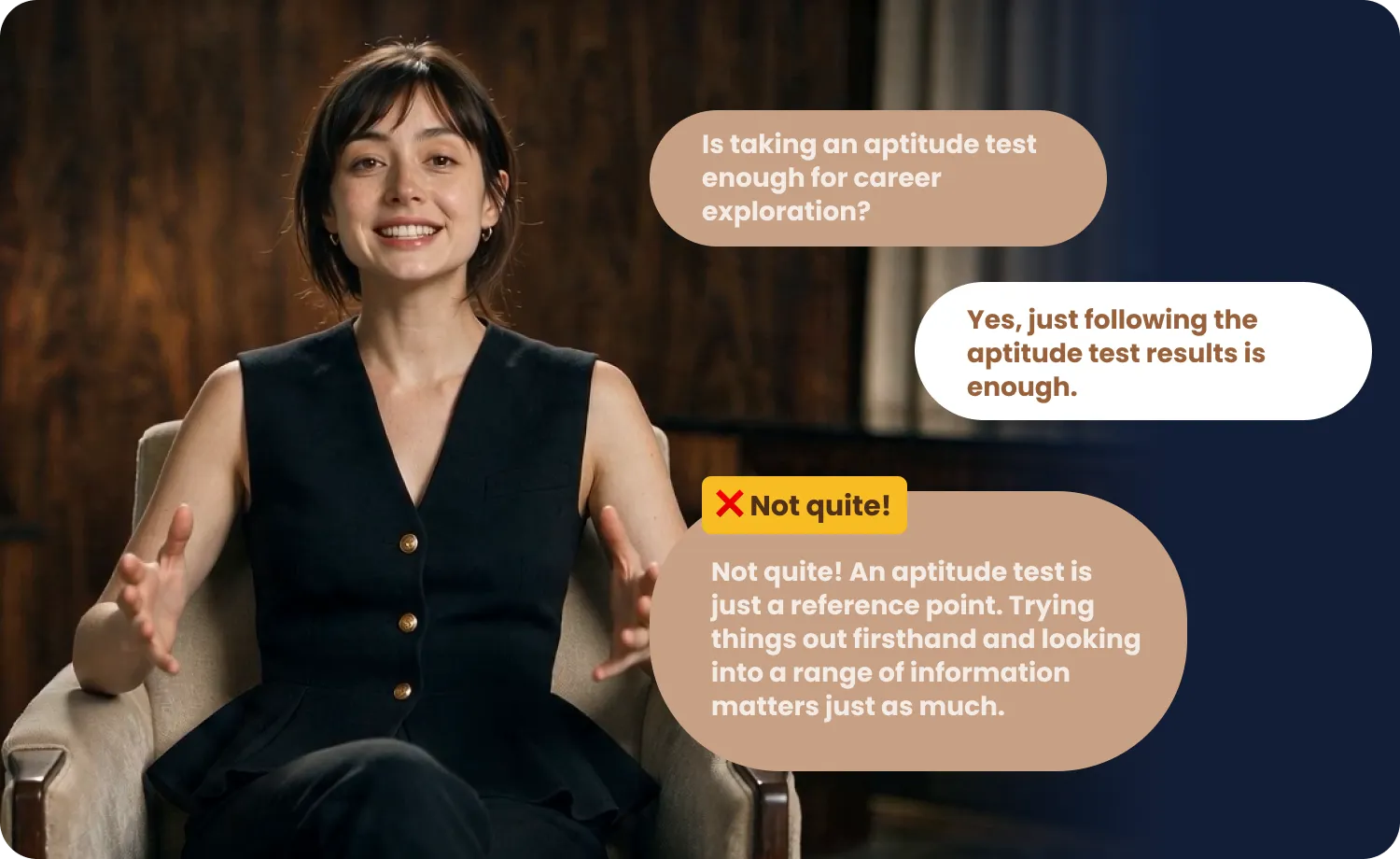
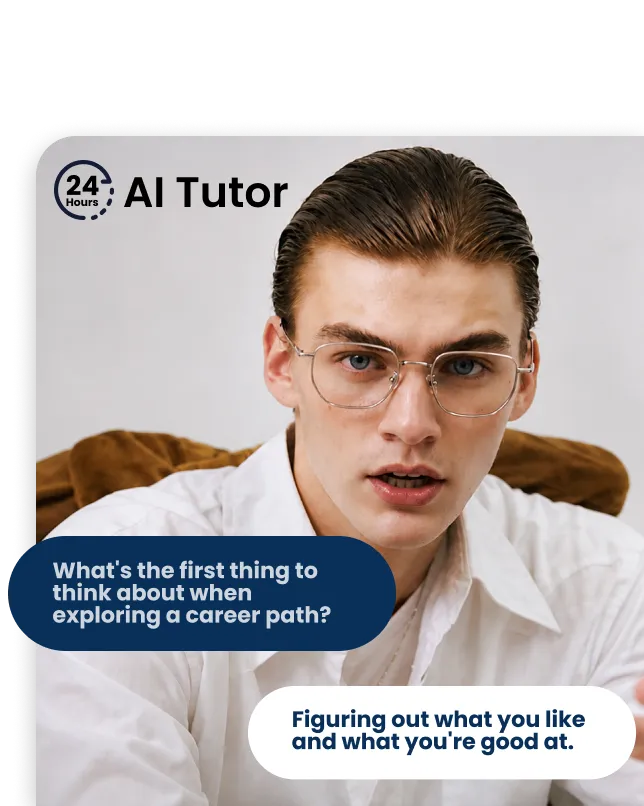
The moment you answer, you get feedback on whether you were right — and specific guidance on what you missed.
Instant right-or-wrong feedback on every answer
Specific feedback on what was missed
Keep asking until it clicks
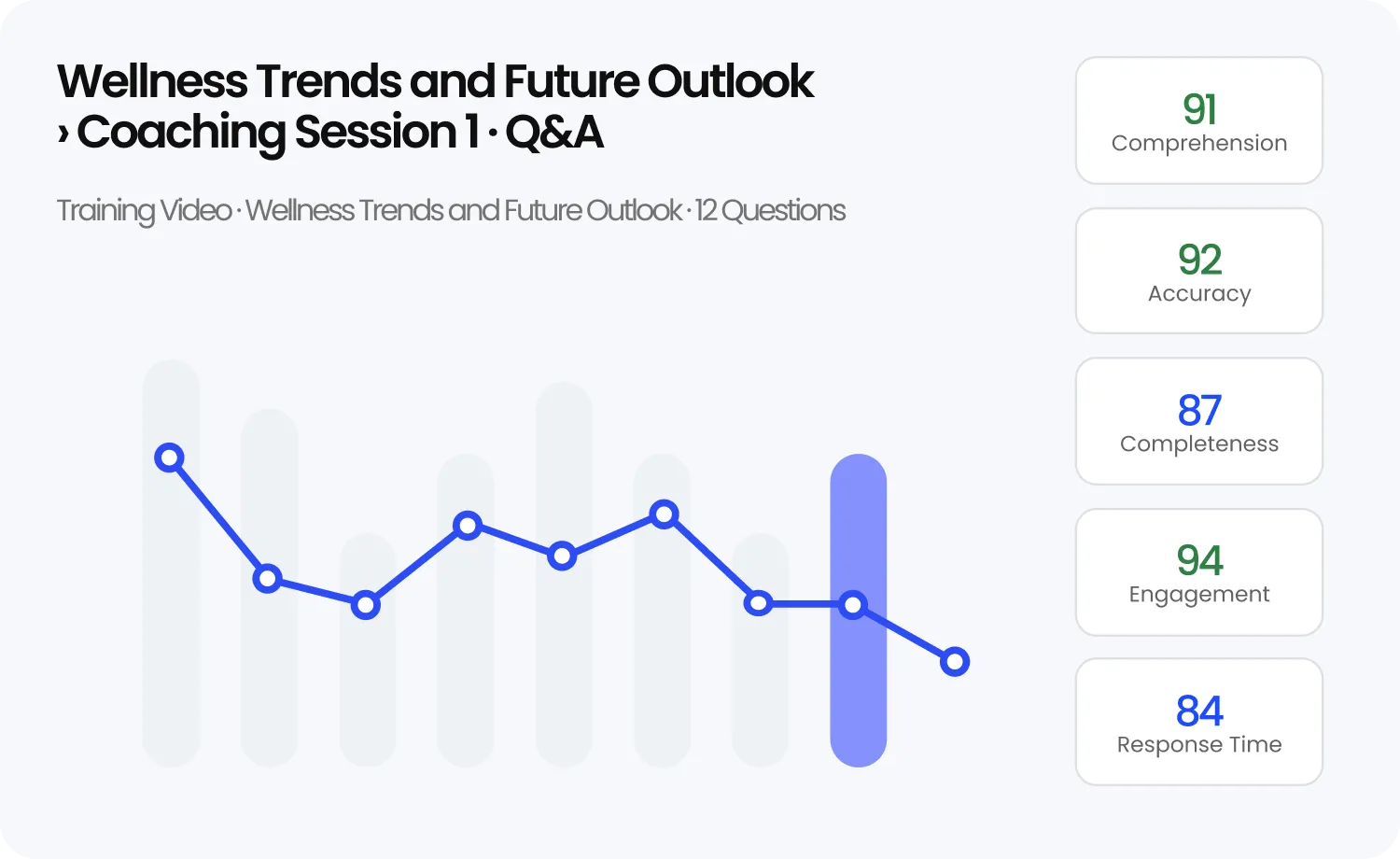
Once the session wraps up, learners get a report summarizing what they understood — so it's clear who got what, at a glance.
Report generated automatically after each session
Summarizes understanding and what was missed
Gives admins a clear view of learner progress
See why teams trust Interactive Coaching to train every agent consistently — available 24/7, adapting to each learner, and proving they actually understood.
Every session ends with a real answer, not a passive view. Learners respond in their own words, so you know they actually understood — not just pressed play. Built for compliance and mandatory training.
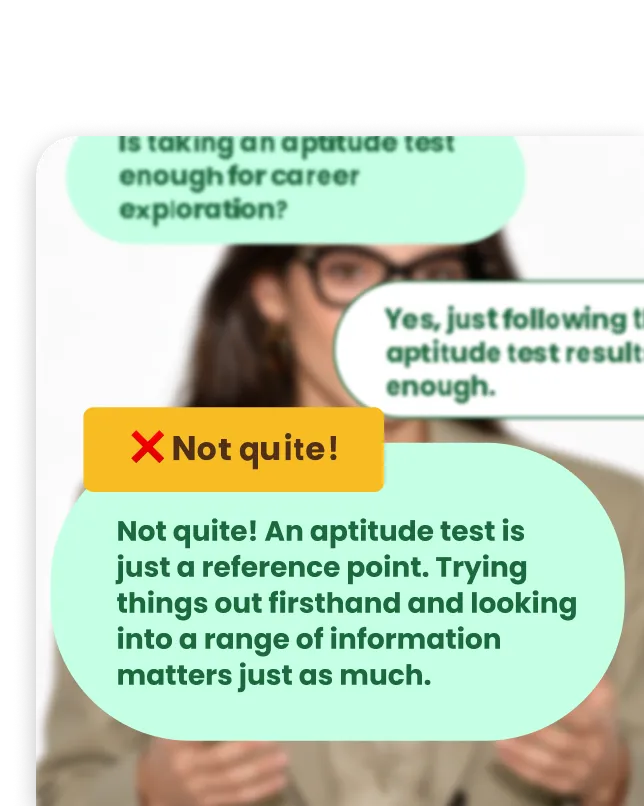
No live trainer to book. Learners can revisit a session and ask follow-up questions whenever they need to, so onboarding and refresher training never wait on a calendar.
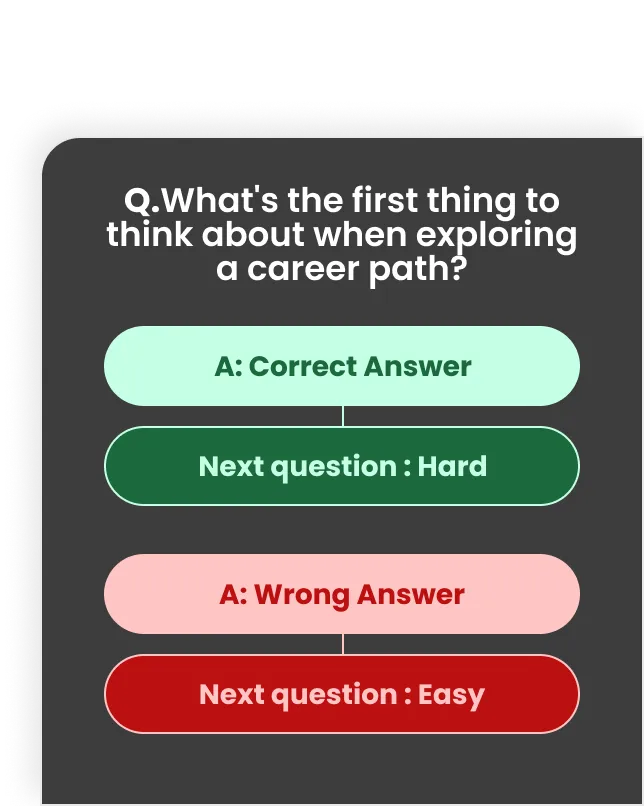
Answer well, and the conversation goes deeper. Miss it, and it circles back with a simpler prompt — every learner gets a session paced to them, not a one-size-fits-all quiz.
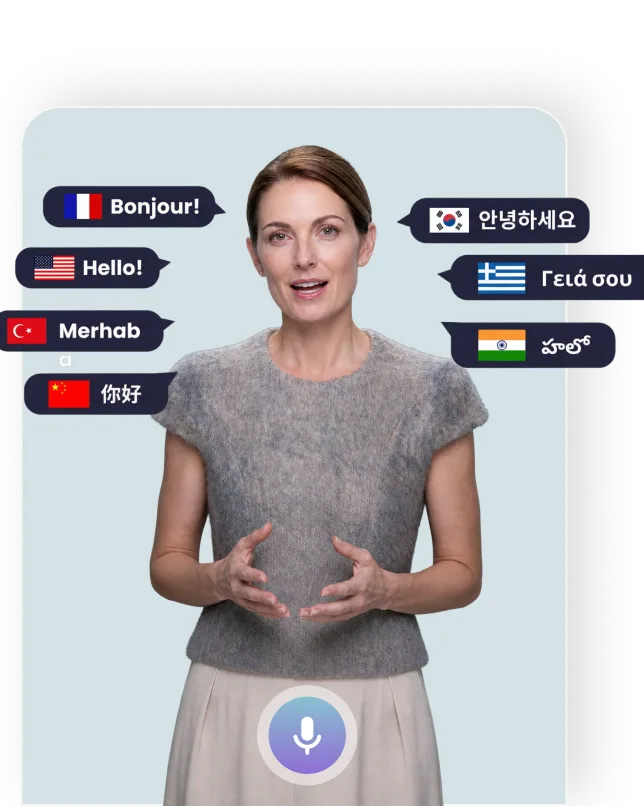
One coach has limits. Interactive Coaching doesn't — the same quality, in 150+ languages, for any number of learners.
Ready-to-deploy training libraries for lectures, onboarding, and customer conversations — customizable to your team's real scenarios.

Turn any recorded lecture into an interactive study session — students engage with the material instead of just watching, and professors see who's actually keeping up.

Attach Interactive Coaching to onboarding and compliance videos so every new hire is verified, not just marked "watched." Admins get a clear view of who understood what.

Let reps and support agents practice real customer conversations before they happen live — objections, complaints, and tough calls, all in a safe, repeatable environment.
Pair a video, watch and chat, then check your report. No setup beyond attaching a video — just one continuous session.
Attach any lecture or training video to Interactive Coaching.

Watch the video, then answer questions or ask your own.
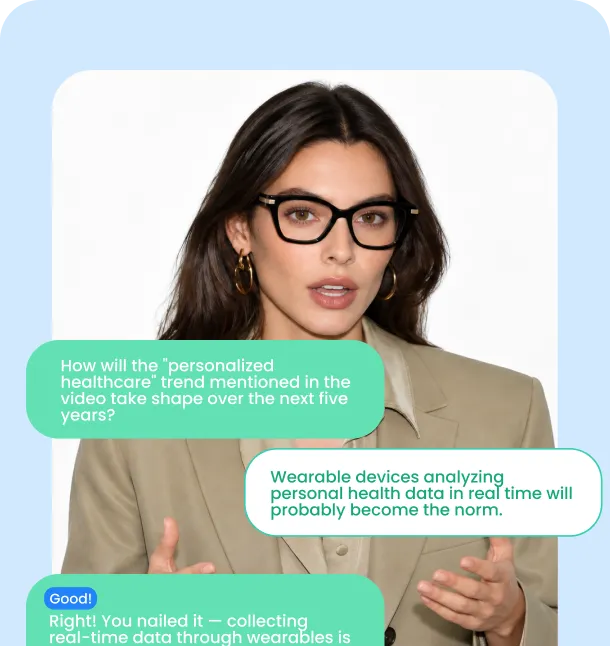
See right away what you got right and what to review.
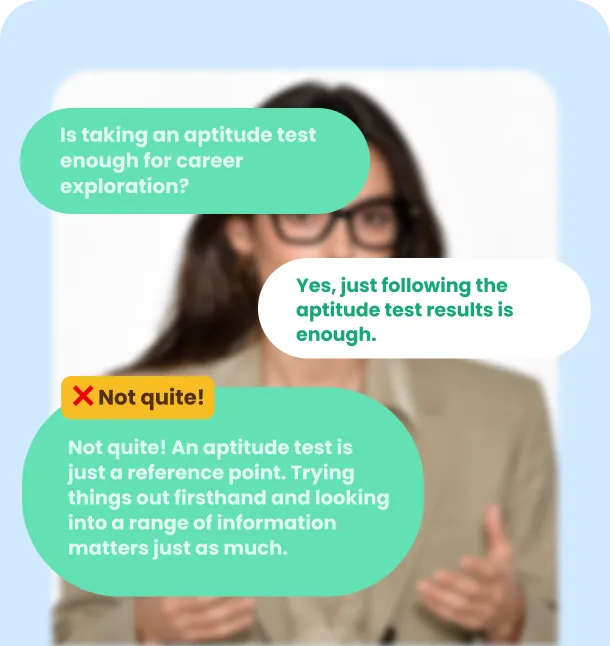
When the session ends, check your comprehension report.
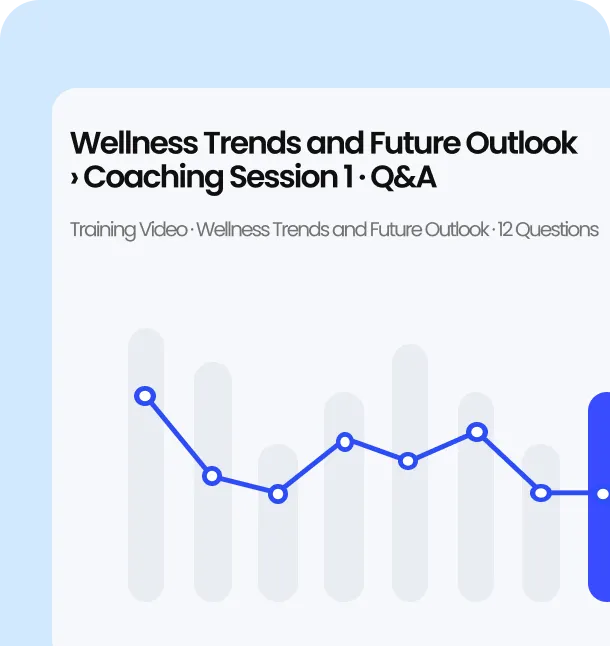
From interactive video creation to full course structure, build your entire training library in one place.
Organize sessions into full courses with modules, sequencing, and progress tracking — structure your entire curriculum in one workspace.
Build a Course →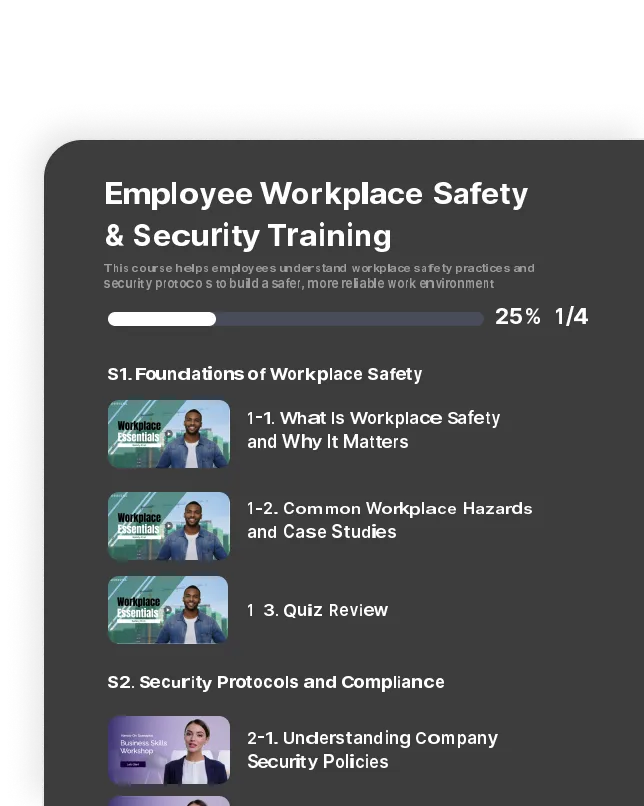
Start from thousands of ready-made templates for onboarding, compliance, and sales training — customize in minutes instead of building from scratch.
Browse Templates →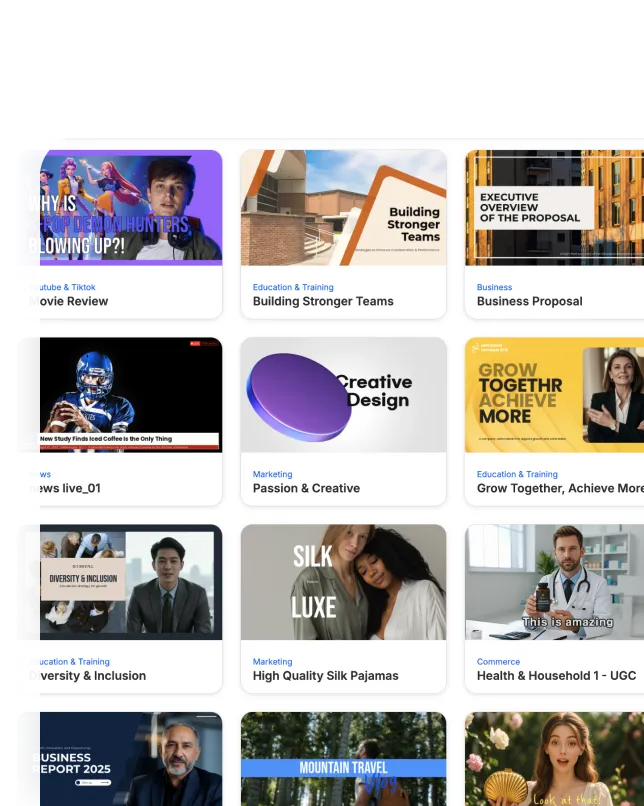
AI Studios' Interactive Coaching is built on the same enterprise security infrastructure trusted by global organizations, keeping your learners' sessions, responses, and comprehension data safely protected.



Can't find the answer? Talk to us directly.
It pairs any lecture, onboarding, or training video with an AI avatar that turns passive viewing into a two-way session — asking questions, answering follow-ups, and checking real understanding in real time.
No. Attach Interactive Coaching to any video you've already made — no reshoot or re-edit required.
Learners respond in their own words instead of just watching. If an answer is wrong, it guides them to think it through rather than just handing over the correct answer.
No — questions happen throughout the session and adjust in real time. Answer well, and the conversation goes deeper; miss one, and it circles back with a simpler explanation.
150+ languages, so the same session works consistently across global teams.
Yes. There's no live trainer to schedule — learners can start, revisit, or ask follow-up questions any time, day or night.
Admins get a comprehension report after each session, showing what each learner got right, what they missed, and where to follow up.
As many as you need. One coach can't sit with a thousand people — Interactive Coaching gives every learner the same consistent session at the same time.
No — start from ready-to-use templates for onboarding, compliance, and sales training, or use the Course Builder to structure your own curriculum from existing videos.
Yes. Interactive Coaching runs on enterprise-grade security infrastructure trusted by global organizations, so learner sessions, responses, and comprehension data stay protected.

Deepbrain AI's video generator and conversational AI technology aim to bridge the gap between the advantages of human interaction and digital convenience.
Learn how our AI Avatars can help your projects and business scale more efficiently and reduce costs and time -- all without compromising on quality.



DeepBrain AI,
Inc.540 University Ave., Suite 200, Palo Alto, CA 94301
