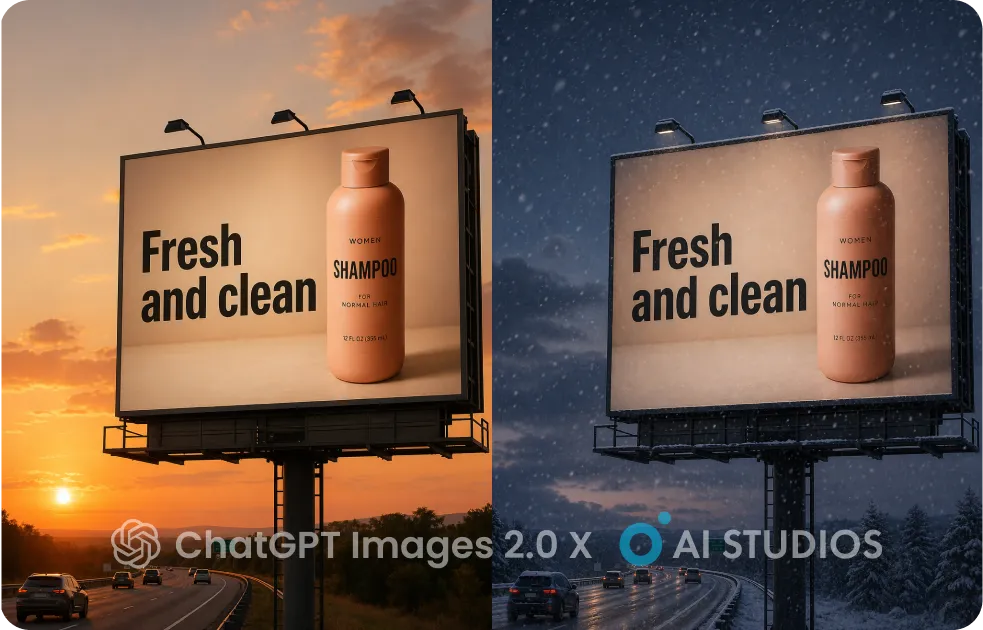
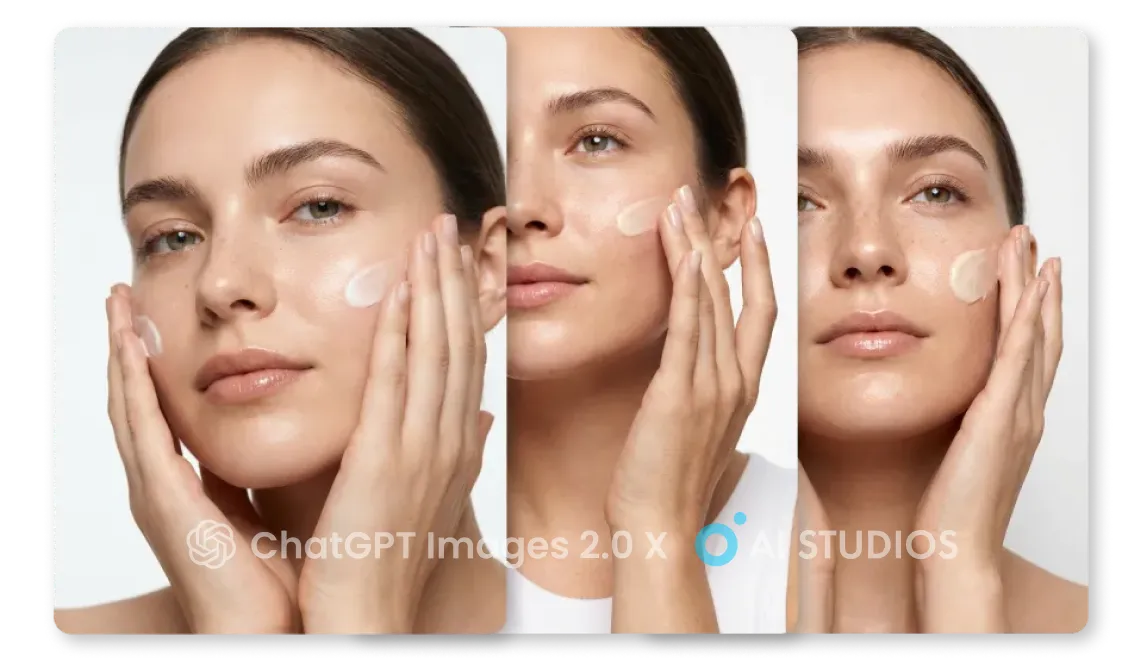
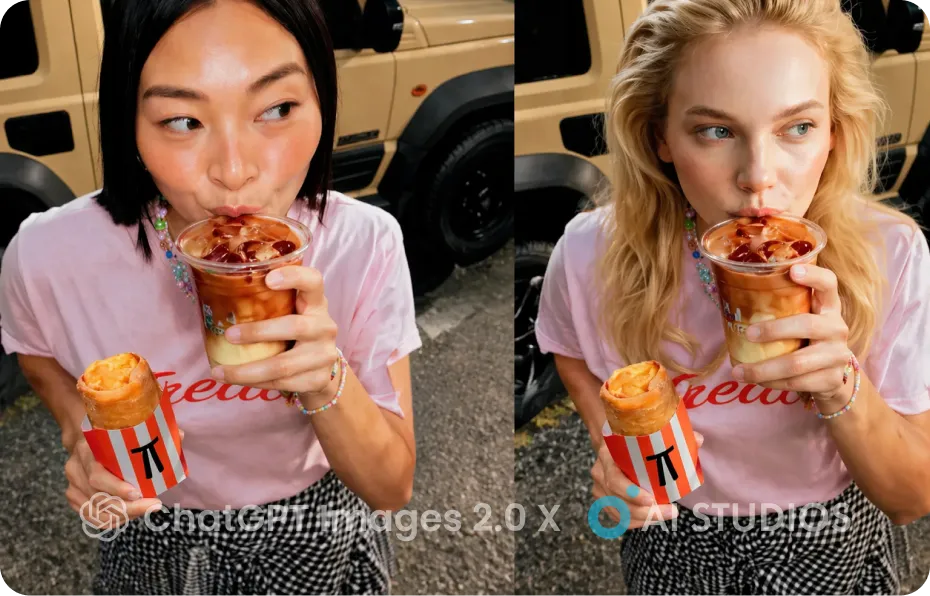
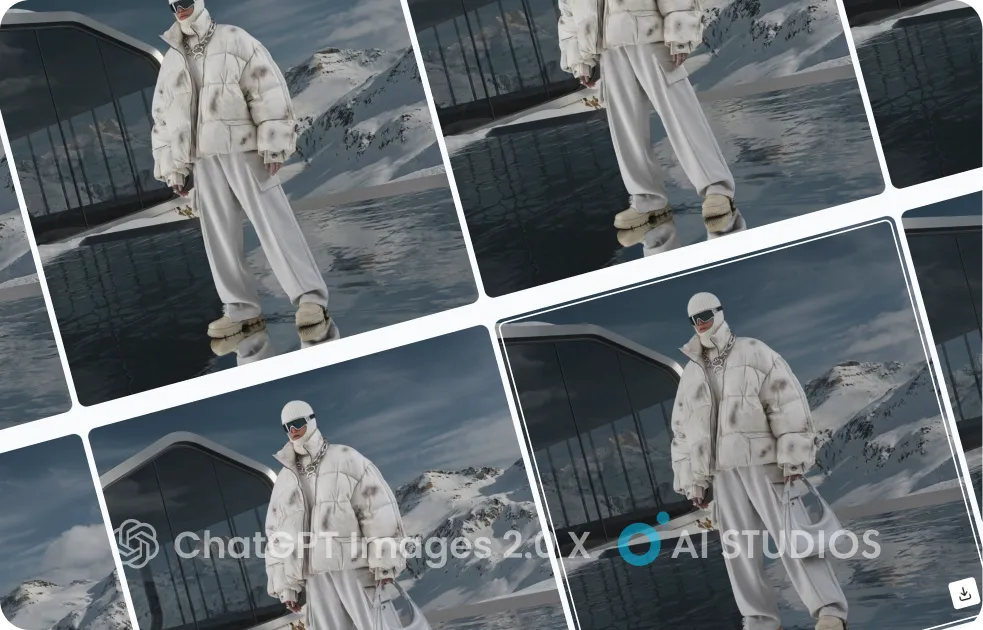

GPT Image 1.5 :
Professional Image Creation & Editing Inside AI Studios

Create stunning visuals in seconds with OpenAI's GPT Image 1.5. From marketing  graphics to product mockups - generate, edit, and perfect images with precision  AI technology, all within your AI Studios workflow.
Try GPT Image 1.5
Nano banana Pro - AI STUDIOS
Loved by
2,000,000+ Users
aws logo
bmw logo
intel logo
lenovo logo
pfizer logo
seveneleven logo
lg logo
hsbc logo
lotte logo
samsung logo
kb logo
shinhanbank logo
kyowon logo

Why AI Studios for GPT Image 1.5?

GPT Image 1.5 brings OpenAI's most advanced image generation and editing technology 
into AI Studios. Create professional visuals, make precise edits, and maintain brand 
consistency—all in one place for faster, production-ready content.

4x Faster Image Generation

Speed Meets Precision
Generate and refine images in seconds with GPT Image 1.5's lightning-fast processing.  Create marketing visuals, product mockups, and branded graphics without the wait.  Perfect for high-volume campaigns and tight deadlines where speed and quality both matter.
Try GPT Image 1.5

Precise, Controlled Edits

Change What You Want, Keep What You Need
Edit specific elements while preserving lighting, composition, and brand identity.  Change product colors, swap backgrounds, or adjust details without regenerating  from scratch. GPT Image 1.5 maintains consistency across every edit—no more  unpredictable results.
Try GPT Image 1.5

Built for Professional Marketing

Ready for Real-World Campaigns
GPT Image 1.5 in AI Studios delivers production-quality results—crisp visuals,  accurate text rendering, and dependable brand control. From social media ads to  e-commerce catalogs, your images are ready to publish the moment they're generated.
Try GPT Image 1.5
How To

How GPT Image 1.5 Works in AI Studios

01

Enter Your Prompt & Upload Image

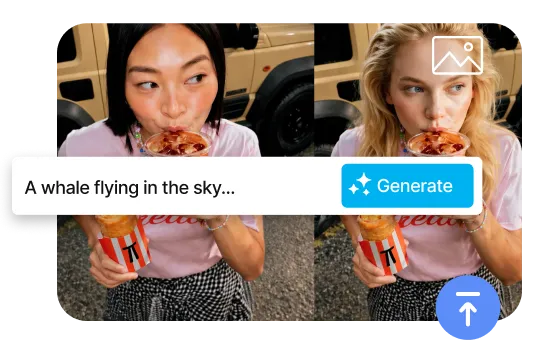
Start by describing what you want to create—or upload an existing image  to edit. Add detailed prompts to guide the visual style, composition,  and elements. GPT Image 1.5 understands your intent to deliver  precisely what you envision.
02

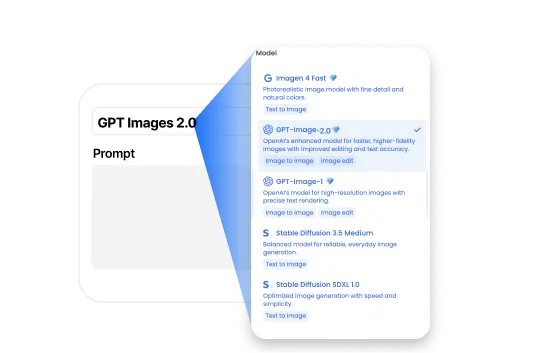
Select GPT Image 1.5

Choose GPT Image 1.5 to generate or edit your image, ensuring  precision, speed, and brand consistency. The model processes  your inputs 4x faster while maintaining professional-quality  results for production-ready content.
03

Edit & Download

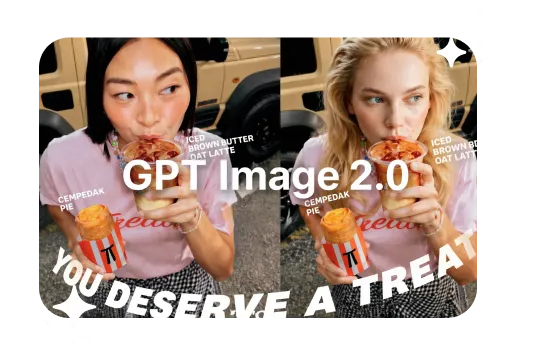
Review your generated image and make precise edits using natural  language commands. Change colors, adjust lighting, or modify  specific elements—all while preserving composition and quality.  Export your final image ready for any marketing channel.
Benefits

Why Leading Marketers & Brands Choose AI Studios for Image Generation

Everything you need to create professional marketing visuals at scale.
Generate  high-quality images, make precise edits, and maintain brand consistency—all in  one platform.
All-in-One Editor for Faster Video Creation

Generate, Edit, and Export—All in One Place

Create and refine your videos in AI Studios with a built-in editor.
 Adjust visuals, timing, and audio—then export instantly.
7,000+ Templates for Any Project

150+ Languages
& 1,000+ Voices

Localize across markets with natural AI voices in AI Studios.
GPT Image 1.5 keeps dialogue aligned with the right speaker—scene by scene.
One-Click AI Avatar Videos

All Leading AI Models in One Place

Create anything you want with cutting-edge generative models (Nano Banana Pro, Veo 3.1).
Use case

GPT Image 1.5 Use Cases in AI Studios

Explore how GPT Image 1.5 inside AI Studios helps marketers, e-commerce teams,  and brands create professional images 4x faster with precision control and  brand consistency.
🎥

Creators & Designers

Create studio-quality visuals fast with GPT Image 1.5. Generate new images  or refine existing ones with simple prompts, then make precise edits without  losing consistency. Perfect for concept art, product mockups, and high-fidelity  creative work.

⭐️

Ads & Marketing

Produce campaign-ready images in minutes. Use GPT Image 1.5 to create ad  creatives with perfect text rendering. Change backgrounds, adjust lighting,  and make fast variations for A/B testing and weekly content. Maintain brand  consistency across all channels.

🎓

E-learning & Presentations

Turn ideas into clear visuals for learning and communication. With GPT Image 1.5,  create infographics, diagrams, and slides with readable multilingual text. Great  for explainers, training materials, and presentation assets.

We’re Here to Answer All Your Questions

What is GPT Image 1.5?

GPT Image 1.5 is OpenAI's advanced image generation and editing model. In AI Studios, it helps you create professional visuals 4x faster and make precise edits with simple text prompts while maintaining brand consistency.

What's the difference between GPT Image 1.5 and previous versions?

GPT Image 1.5 delivers 4x faster generation, better instruction following, precise editing that preserves composition and lighting, improved text rendering, and stronger brand control than earlier GPT image models.

How do I use GPT Image 1.5 in AI Studios?

Open the Image Generator in AI Studios, select GPT Image 1.5, add a prompt (and optional reference image), then generate, refine, and download your result.

What can GPT Image 1.5 image editing do in AI Studios?

You can change specific elements while preserving composition, adjust colors and lighting, swap backgrounds, modify objects, transform styles, and create product variations—all with text instructions and pixel-perfect control.

Is GPT Image 1.5 in AI Studios the same as OpenAI's GPT Image 1.5?

AI Studios uses OpenAI's GPT Image 1.5 technology to power image generation and editing workflows. Feature availability and policies can vary by product environment.

Can I use GPT Image 1.5 results commercially?

Commercial use is allowed under AI Studios' terms and licensing. Please check the latest policy for your specific project or region.

What file types does AI Studios support for GPT Image 1.5?

AI Studios typically supports common formats like JPG and PNG for input, and lets you export high-quality images in multiple aspect ratios.

Who is GPT Image 1.5 in AI Studios best for?

It's ideal for marketers, e-commerce teams, designers, agencies, and brands who need fast, production-ready visuals with precise editing control and brand consistency.

What Will You Create?

Unlock New Creative Ideas in AI Studios!
Create videos that inspire, educate, & captivate today.
