AI课程构建器 — 让您的团队真正学完每一课。

大多数培训视频制作完成后从未被观看。AI Studios的LMS课程构建器将任何文档、脚本或简介转化为结构化课程、章节测验和SCORM格式导出文件 — 让您的团队不只是拥有培训的访问权限,而是真正完成它。
免费试用
深受喜爱
2,000,000+ 用户
aws logo
bmw logo
intel logo
lenovo logo
pfizer logo
seveneleven logo
lg logo
hsbc logo
lotte logo
samsung logo
kb logo
shinhanbank logo
kyowon logo

可与您的学习管理系统 (LMS) 配合使用的 AI 驱动课程构建器。

将课程组织成结构化课程,使用 AI 生成内容,并导出到您的学习管理系统 (LMS) — 所有这些都无需拍摄、编辑或切换工具。

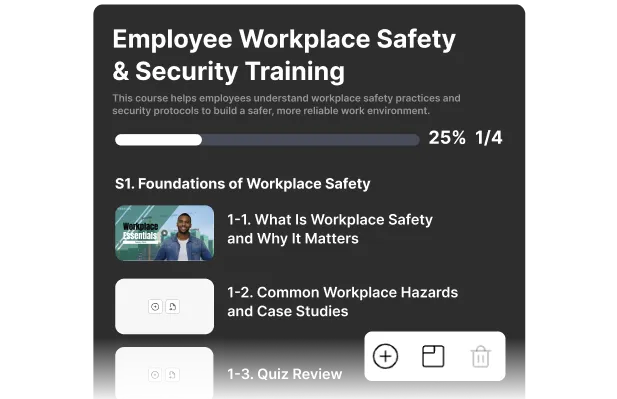
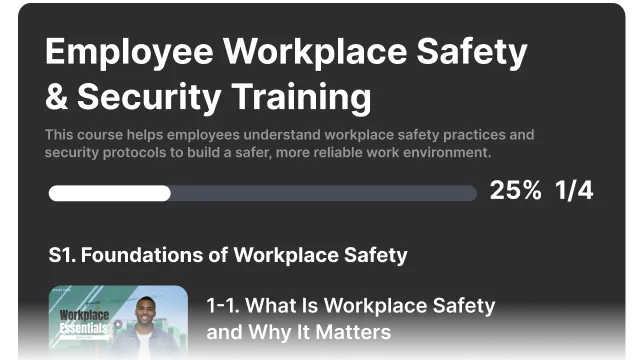
课程构建器 — 将课程组织成真正的课程

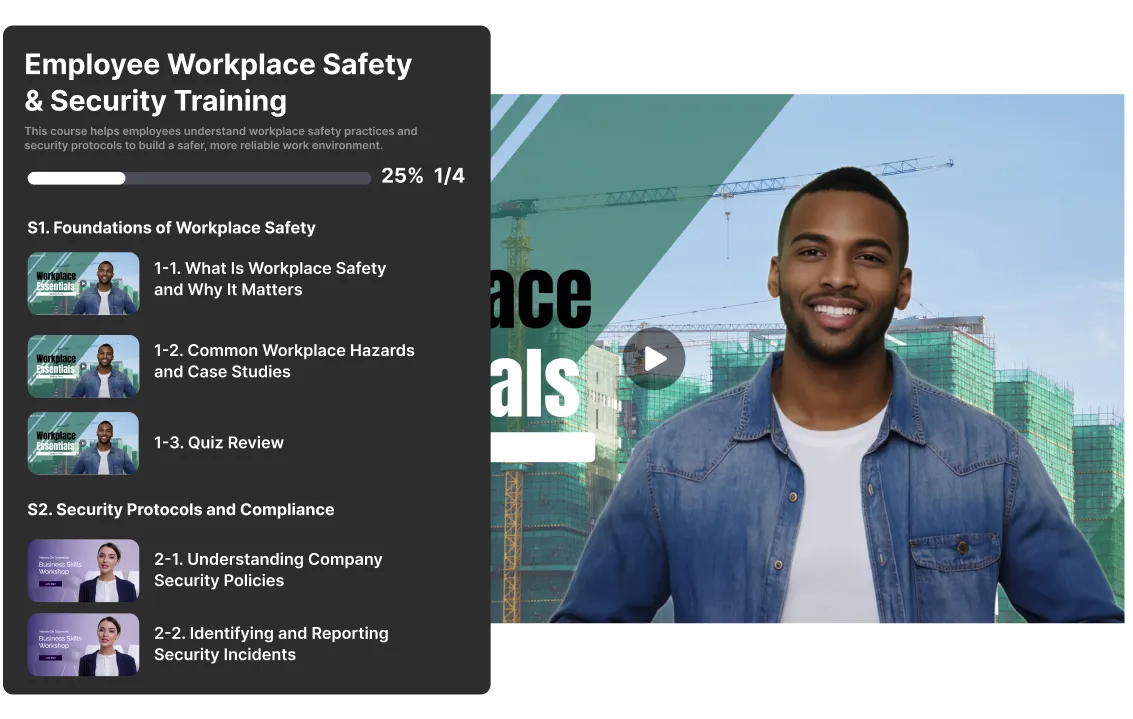
通过拖放方式将 AI 虚拟形象视频和互动视频组织成章节和课程。设置先决条件,控制课程顺序,为学习者提供从头到尾的结构化学习路径。在您构建过程中,总时长会自动更新。
  • 将课程分组为章节,并设定明确的学习目标
  • 设置课程先决条件以控制学习顺序
  • 在构建过程中跟踪课程总时长
AI 语音生成器,展示多种音色风格,用于多语言配音。

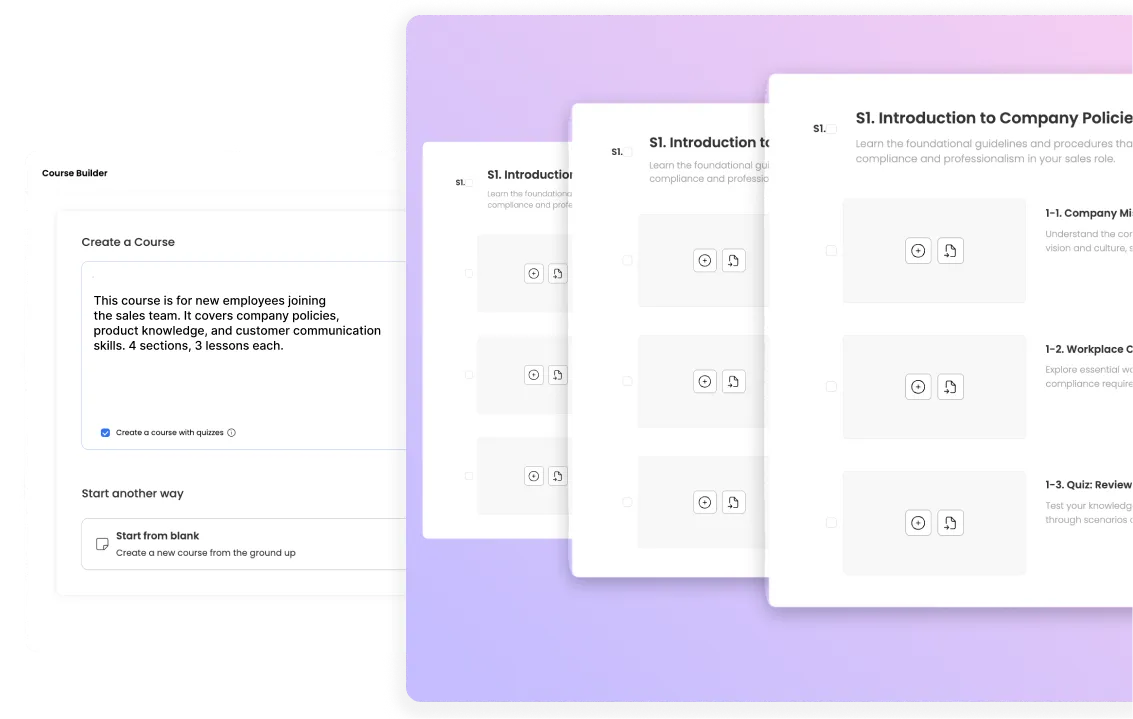
AI 课程生成 — 定义目标,AI 构建结构

输入课程受众、内容和学习目标。AI Studios 会自动生成完整的课程序列和脚本。审核、自定义并发布——无需从零开始。
  • 一步生成完整的课程大纲、课程脚本和章节测验。
  • 通过拖放编辑自定义 AI 生成的结构。
  • 从文本简介开始,导入现有视频,或从零开始创建。
AI 语音生成器,可展示多种语音风格,用于多语言配音。

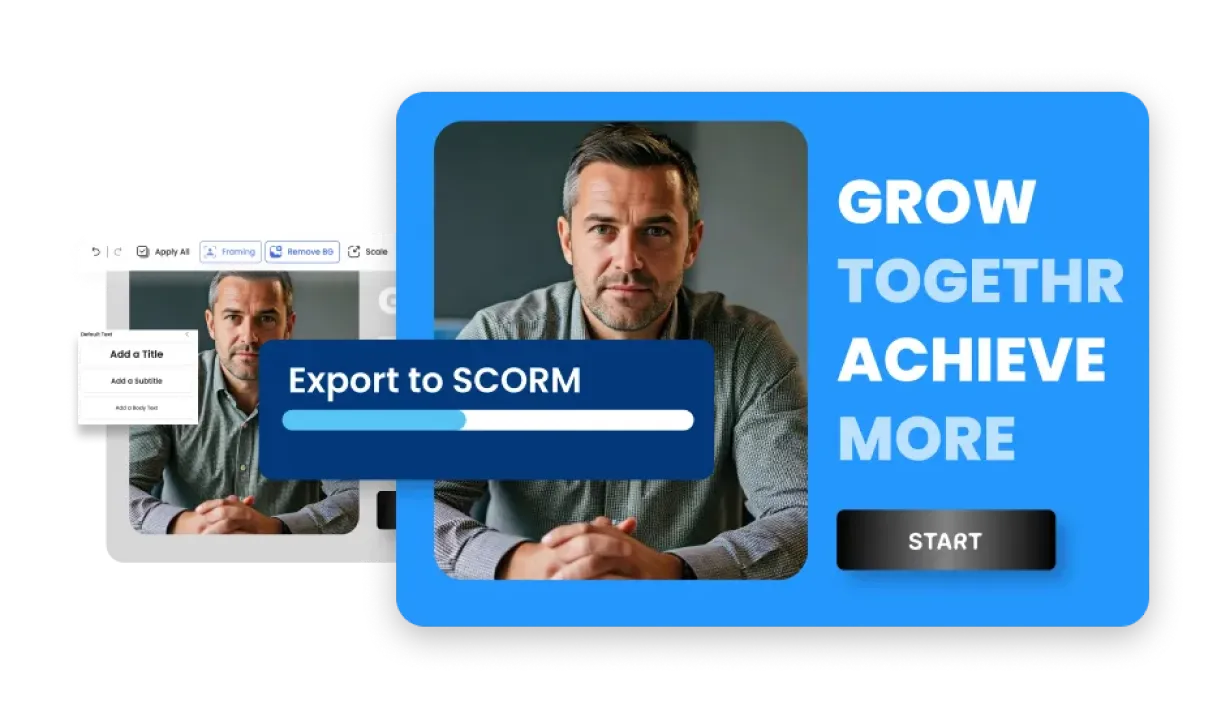
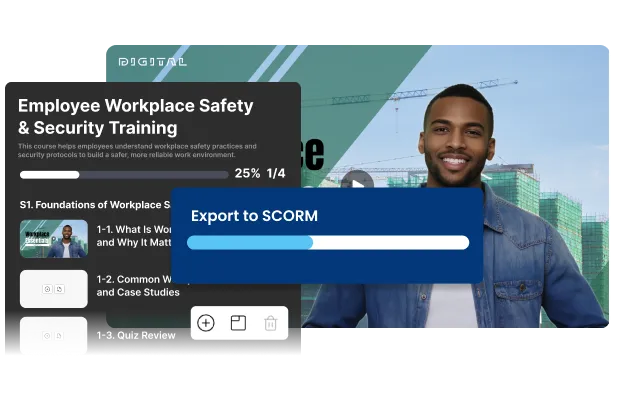
SCORM 导出 — 轻松导入任何企业学习管理系统

一键将任何课程导出为 SCORM 1.2 或 2004。完成数据、章节测验分数和通过/未通过状态将自动与您的企业学习管理系统同步。尚未准备好使用学习管理系统?通过链接分享,并从内置仪表板追踪学习者。
  • 一键导出为 SCORM 1.2 或 2004
  • 自动将完成数据、测验分数和通过/未通过状态同步到您的学习管理系统。
  • 没有学习管理系统?通过链接分享,并从内置仪表板追踪每位学习者。
AI 多说话人配音界面,可识别说话人并进行上下文感知配音。
操作指南

从目标到上线课程 — 仅需 3 步。

从学习目标到可发布、可追踪的课程 — 仅需三步。
01
在 AI 配音工作流程中上传视频,自动提取语音。

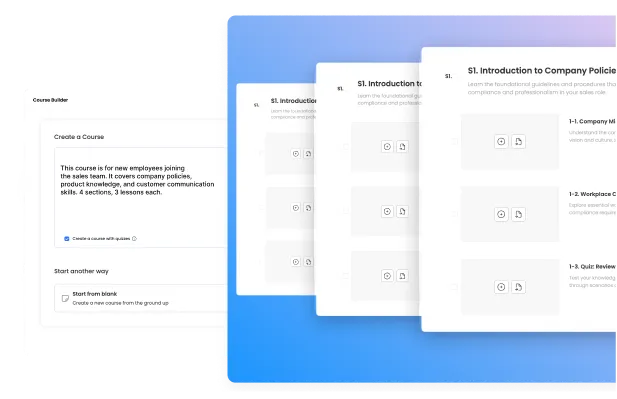
明确目标 — AI 构建课程

输入课程受众、内容范围和学习目标。AI Studios 会自动生成完整的课程顺序、脚本和章节测验。您也可以导入现有的 AI Studios 视频,或从零开始创建。
02
AI video translator converting script to target language automatically.

Customize Your Curriculum & Quizzes

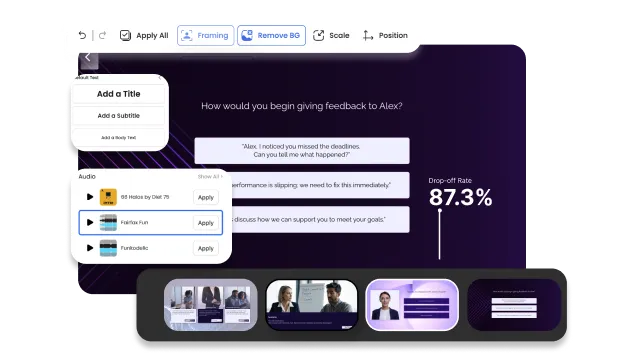
Review the AI-generated outline. Add sections, reorder lessons, set prerequisites — all drag-and-drop. Review automatically generated section quizzes, edit or delete questions, and set the passing score and whether retries are allowed.
03

Export to SCORM and Track Every Learner

Export as SCORM and connect to your enterprise LMS, or share via link. Monitor completion rates, section quiz scores, and time-on-lesson per learner from one dashboard.

Everything Else You Need to Run Enterprise Training.

AI Studios includes every tool you need — from course creation to delivery and tracking — all in one platform. No extra software, no switching tools.
IMPORT FROM PROJECTS
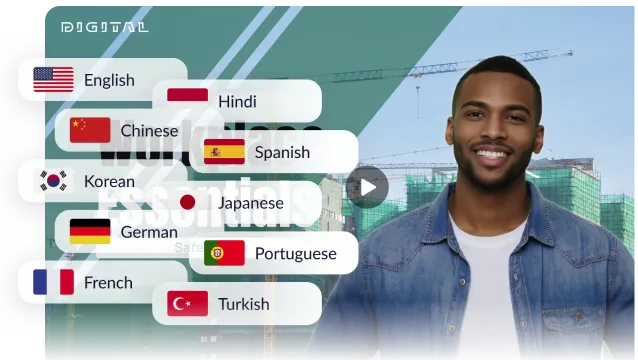
One-click AI dubbing in 150+ languages with multilingual avatar video translation and localization feature.

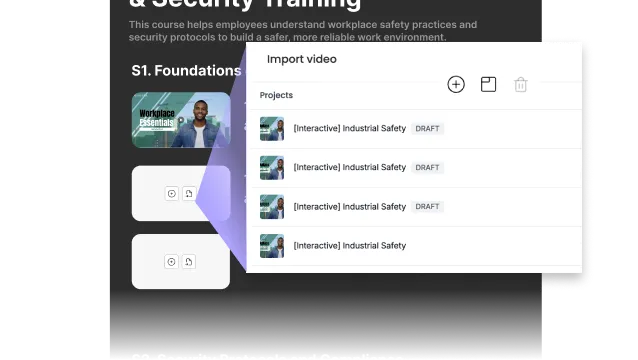
Your Existing Videos. Instant Lessons.

Import any AI Studios project — including Interactive Videos — directly into your course. Each video becomes a lesson instantly. No re-uploading, no re-editing.
SECTION QUIZZES
Multi-speaker AI dubbing with voice cloning and automatic lip-sync for interviews, panels, and multi-person videos.

Auto-Generated Quizzes. One Checkbox.

Course Builder adds a quiz at the end of every section — generated from your lesson content. Set the passing score, whether to allow retries, and completion rules.
COMPLETION TRACKING
AI dubbing proofreading tool with editable script for high-quality voiceover, timing adjustment, and accuracy control.

Know Exactly Who Finished. In Real Time.

Track completion rates, section quiz scores, and time-on-lesson per learner — all from one dashboard. No more guessing whether your team finished the training.
INTERACTIVE VIDEO
One-click AI dubbing in 150+ languages with multilingual avatar video translation and localization feature.

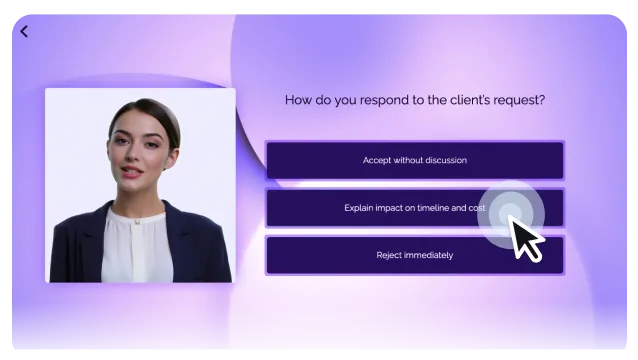
Lessons That Do More Than Play.

Turn any lesson into an interactive experience with branching paths, clickable buttons, and embedded quizzes. Learners don't just watch — they engage, decide, and respond.
AI DUBBING
Multi-speaker AI dubbing with voice cloning and automatic lip-sync for interviews, panels, and multi-person videos.

One Course. 150+ Languages. Zero Reshoots.

Localize any lesson into 150+ languages with AI dubbing. Same course structure, native-sounding narration — deploy to global teams without re-recording a single scene.
TEMPLATES
AI dubbing proofreading tool with editable script for high-quality voiceover, timing adjustment, and accuracy control.

Start With a Template. Finish Faster.

Choose from AI Studios' library of professionally designed video templates. Apply your brand kit and produce polished lesson videos without designing from scratch.
Use Case

Built for the Enterprise Training Scenarios That Matter Most.

From onboarding to compliance — see how enterprise teams use Course Builder to build training that actually gets finished.

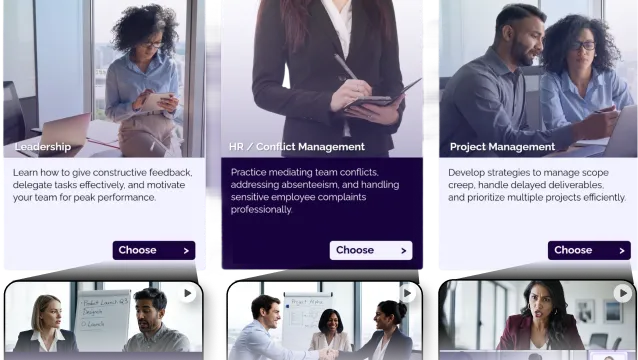
New Employee
Onboarding

  • Role-specific onboarding paths
  • Company culture immersion scenarios
  • First-week task simulations
Interactive
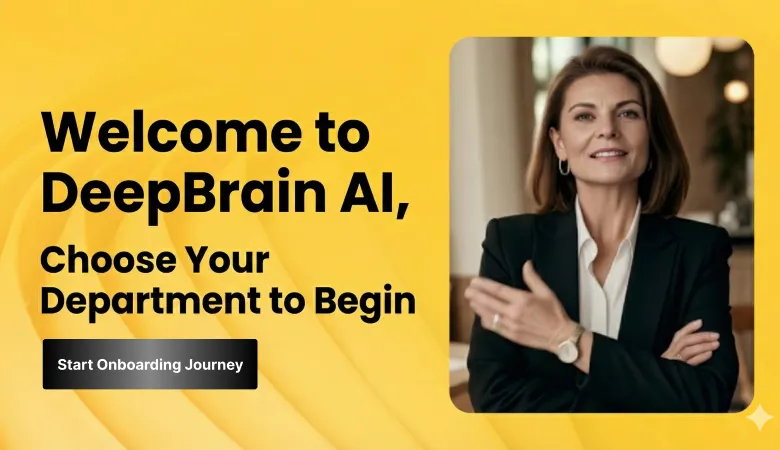
Choose your department journey
Sales & Customer
Service Excellence

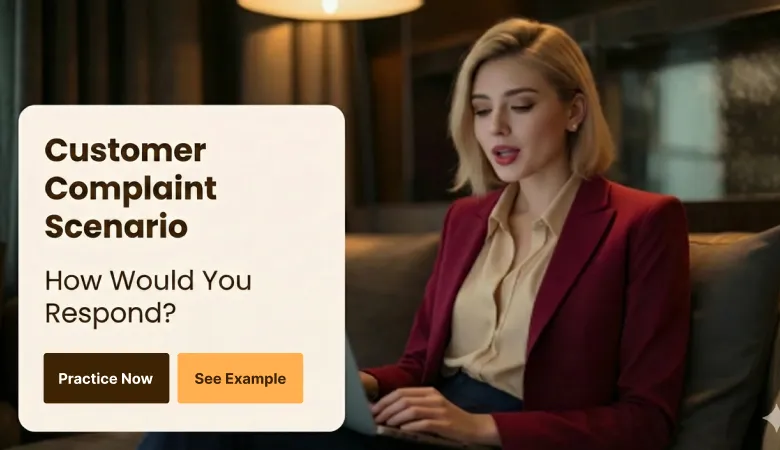
  • Real-world customer scenario roleplays
  • Objection handling simulations
  • Instant feedback-driven learning
Interactive
Dialogue choices with real-time feedback

Leadership
Development

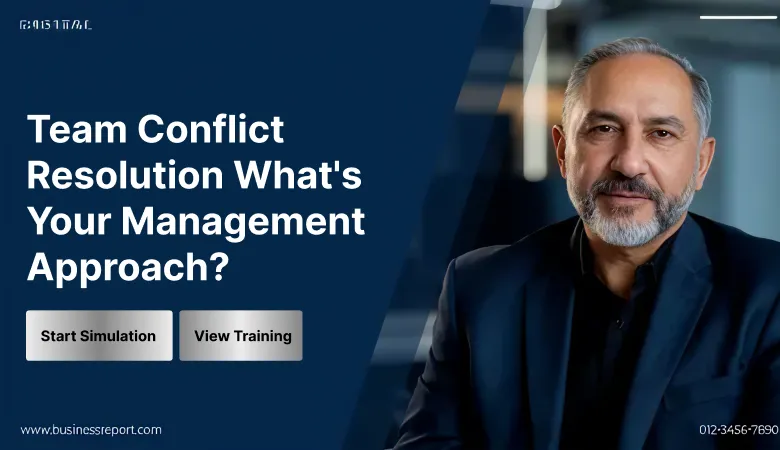
  • Team conflict resolution scenarios
  • Performance review simulations
  • Strategic decision-making practice
Interactive
Choose your department journey

Workplace Safety & Harassment Prevention

  • Harassment recognition scenarios
  • Bystander intervention training
  • Reporting procedure walkthroughs
Interactive
Role-based scenario selection

Data Privacy
& Security

  • GDPR/CCPA compliance scenarios
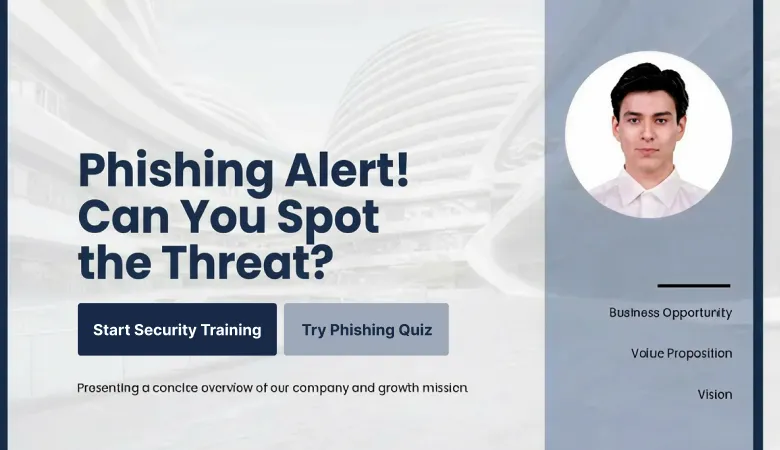
  • Phishing identification drills
  • Department-specific privacy cases
Interactive
Real-time threat simulations

Ethics & Corporate
Governance

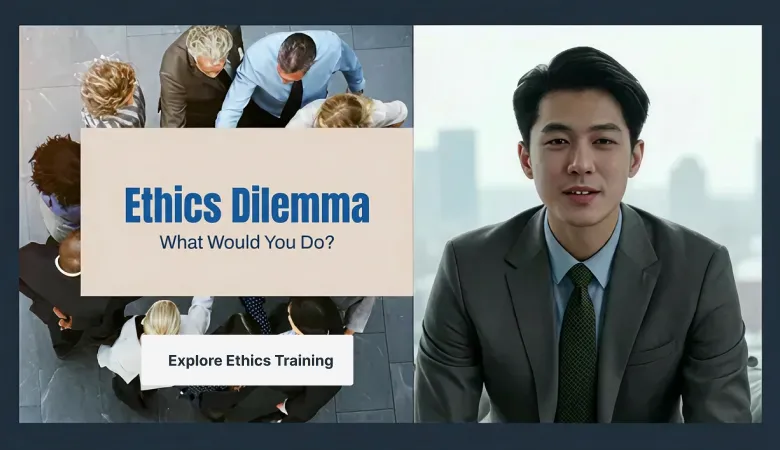
  • Conflict of interest scenarios
  • Anti-corruption case studies
  • ESG sustainability practices
Interactive
Ethical dilemma decision trees

Ethical dilemma
decision trees

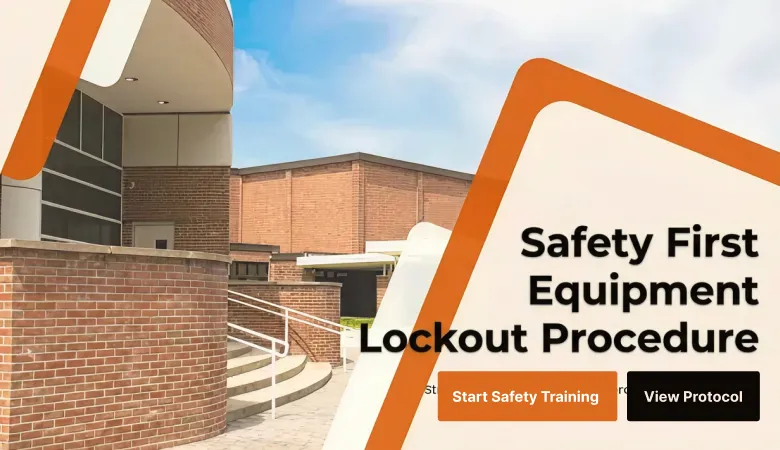
  • Equipment safety procedures
  • Lockout/Tagout protocols
  • Emergency response drills
Interactive
Workplace-specific safety assessments

Healthcare & Financial
Services

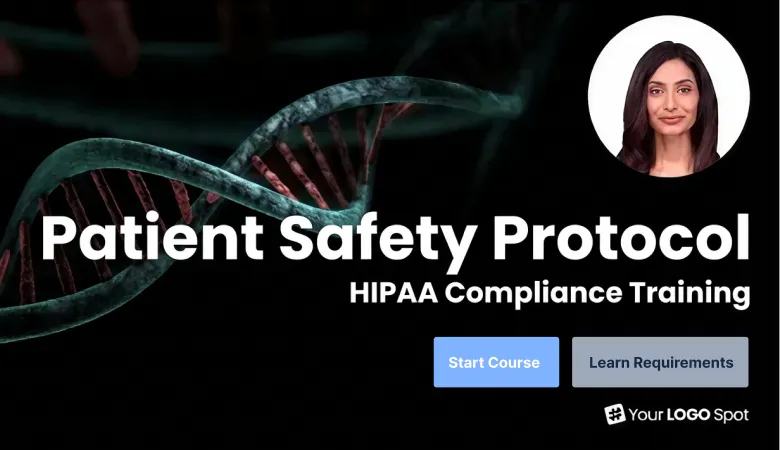
  • Patient safety protocols (Healthcare)
  • HIPAA compliance training (Healthcare)
  • AML/KYC procedures (Finance)
Interactive
Industry regulation pathways

Technology
& Retail

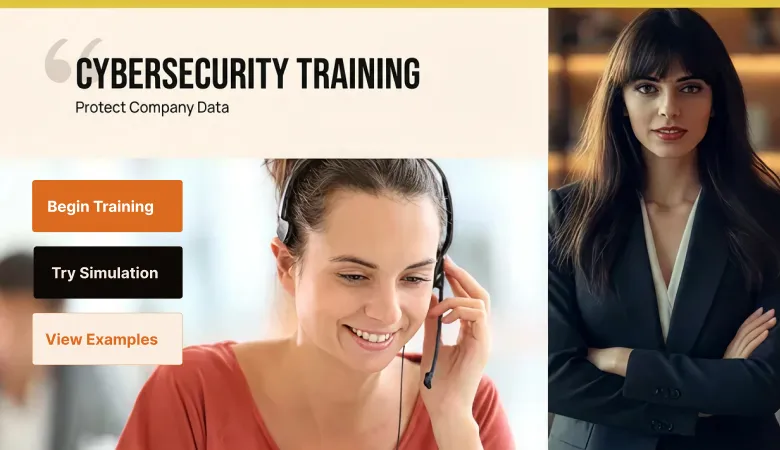
  • Cybersecurity best practices (Tech)
  • Customer experience training (Retail)
  • POS system operations (Retail)
Interactive
Sector-customized simulations

FAQ

所有AI Studios用户都可以使用课程构建器吗?

课程构建器是一项企业功能。个人用户可以免费试用一次。请联系我们的销售团队,了解完整的企业访问权限。

课程构建器与互动视频有何不同?

互动视频为单个视频添加分支路径、按钮和测验。课程构建器是其下一代进化产品——它将多个视频组织成一个完整的课程体系,包含章节、先决条件、章节测验,并支持整个课程的企业学习者管理。

使用课程构建器需要学习管理系统(LMS)吗?

无需LMS即可开始使用。分享链接即可立即跟踪学习者进度。准备就绪后,可导出为SCORM 1.2或2004格式,并直接连接到您的企业LMS。

我可以从课程构建器导出SCORM内容吗?

可以。一键将任何课程导出为SCORM 1.2或2004格式。完成数据、章节测验分数以及通过/未通过状态将自动与您的企业LMS同步。

构建一门课程需要多长时间?

大多数用户在30分钟内即可完成他们的第一门课程。只需定义目标、审阅AI生成的大纲、生成课程视频、审阅章节测验并发布即可。

我可以将现有的AI Studios视频导入课程吗?

可以。您可以将AI Studios中的任何项目(包括互动视频)直接导入课程构建器。每个视频都会立即成为一节课,无需重新上传或重新编辑。

支持哪些语言?

支持150多种语言的AI配音和旁白。无需重新录制任何场景,即可为您的全球企业团队本地化任何课程。

我可以在课程中添加测验吗?

是的。课程构建器会根据课程内容,在每个章节末尾自动生成测验问题。您可以审阅、编辑或删除问题,并设置及格分数和重试次数限制。不想要测验?只需在创建课程时取消勾选该选项即可。

企业内容和学习者数据安全吗?

是的。AI Studios采用企业级加密和访问控制。完成记录和学习者数据可随时用于合规性审计。

我可以追踪哪些员工完成了培训吗?

是的。课程构建器的内置仪表板会显示实时完成率、章节测验分数以及每位学习者的课程学习时长。您可以导出完成记录用于合规性审计,或通过SCORM同步到您的LMS。

你会创造什么?

在 AI 工作室解锁新的创意!
制作能够激发灵感、教育和吸引眼球的视频。