Enter a one-line topic, a script, a URL, a document, an image, or a video in the dashboard, and the agent builds an outline. Chat with it to fix anything that needs changing, then confirm to generate the scenes, images, and voice — and finish everything from preview to export in one workspace.


Describe your idea, or add a script, link, document, image, or video. Video Agent plans the scenes, picks the right avatar and voice, generates the assets, and keeps every scene editable.
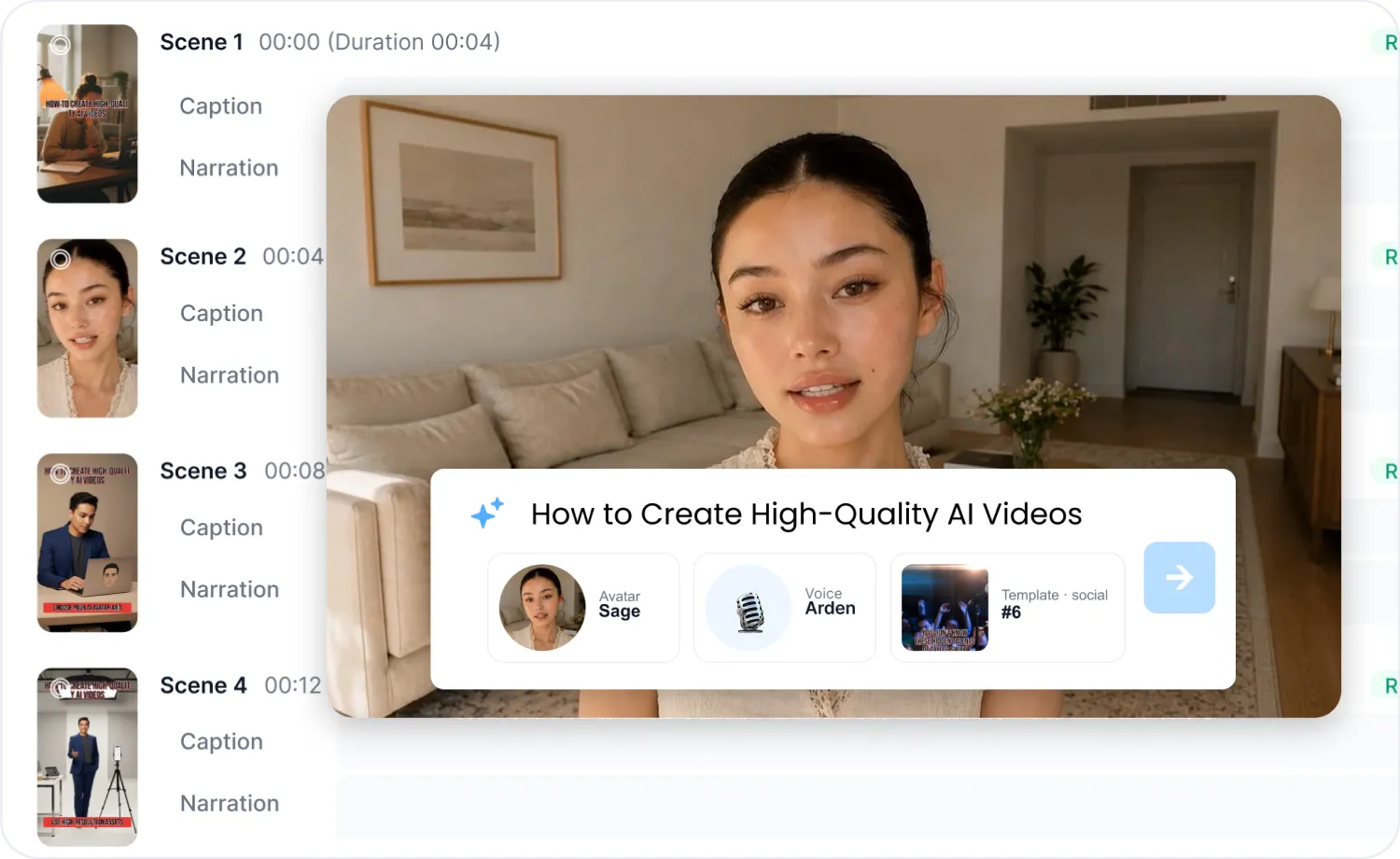
在生成视频之前,AI 视频代理会为您展示完整的大纲,包括数字人、配音、模板以及逐场景的字幕和旁白。您可以即时进行任何调整,从而减少后期修改的工作量。

生成前预览大纲
选择数字人、配音和模板
逐场景检查字幕与旁白

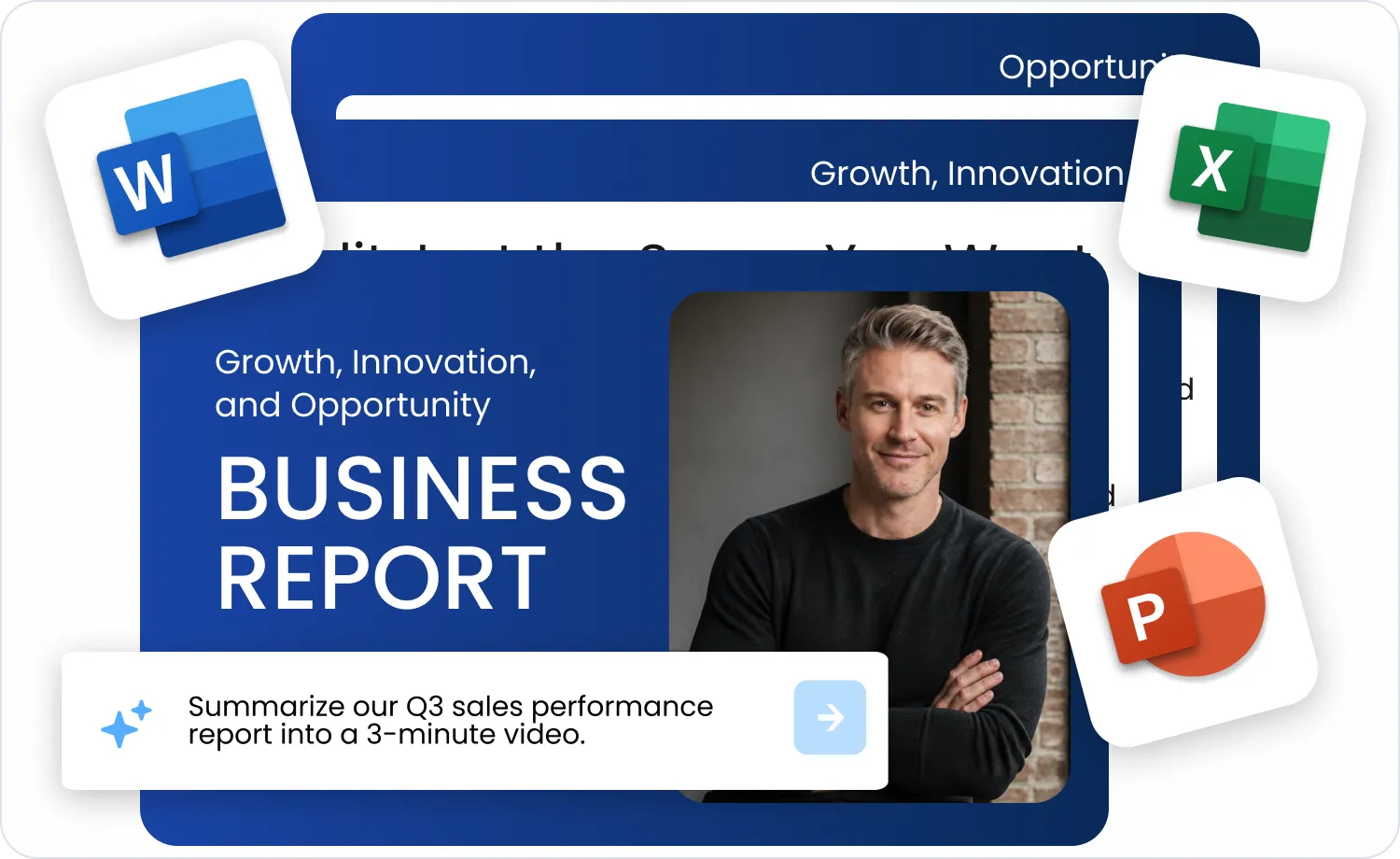
Type a one-line topic, paste a full script, or add a URL, a document (PDF, PPT, Word, Excel, TXT, MD, CSV), an image, or a video. AI Video Agent detects the input type, and when a short topic or a YouTube link could go several ways, it asks what you want to make. News and product links get a scene structure that fits their purpose, while documents can keep their pages as the background or have their content extracted into a new script.
Detects the input type and asks when it's unclear
智能识别链接的场景构建
文档背景或提取模式
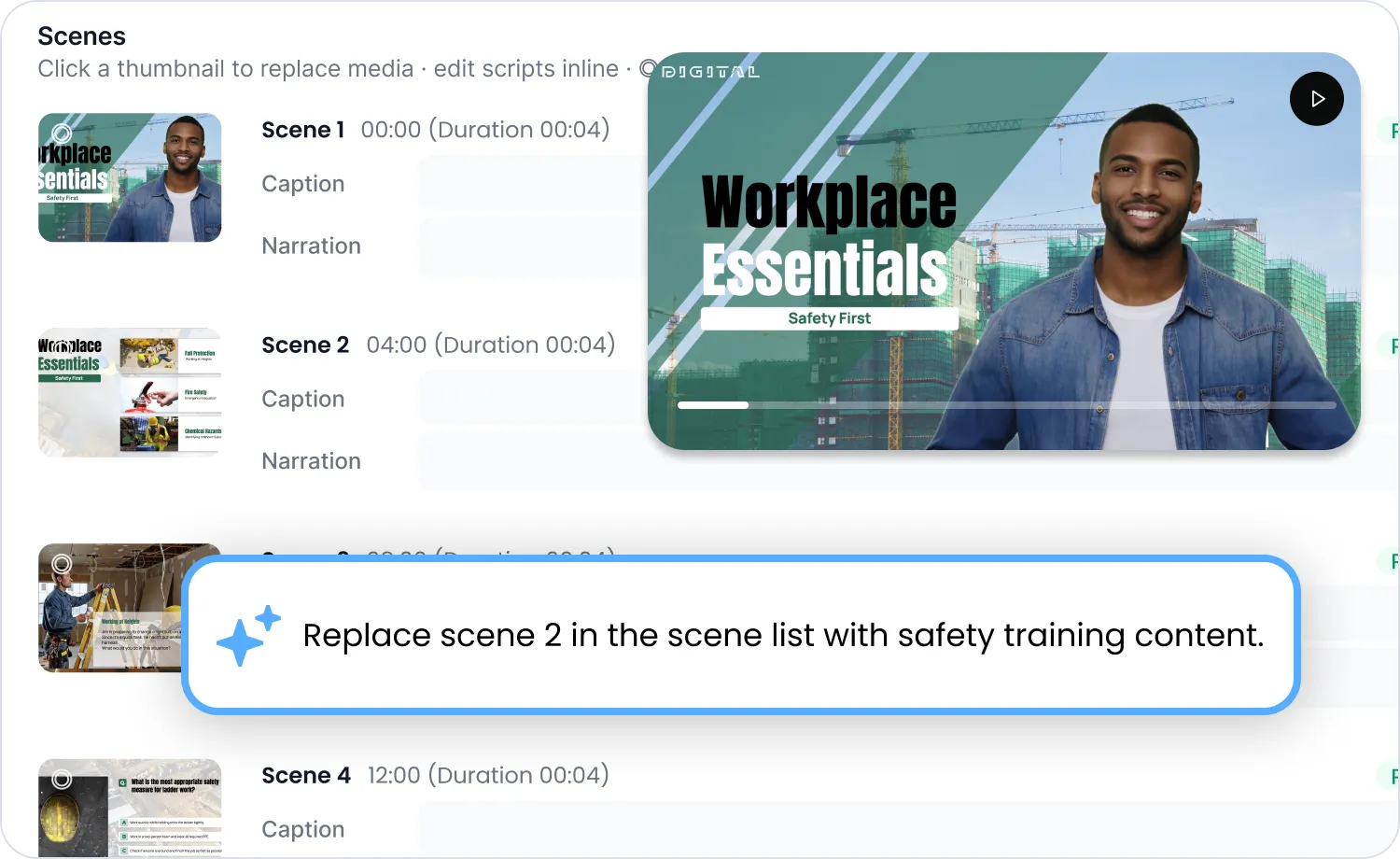
只需指出需要修改的场景,通过对话提出要求,系统便会仅对该场景进行重新生成。此功能适用于大纲和预览阶段,无需重新制作整个视频。
针对单个场景重新生成
适用于大纲和预览阶段
无需完整重新生成
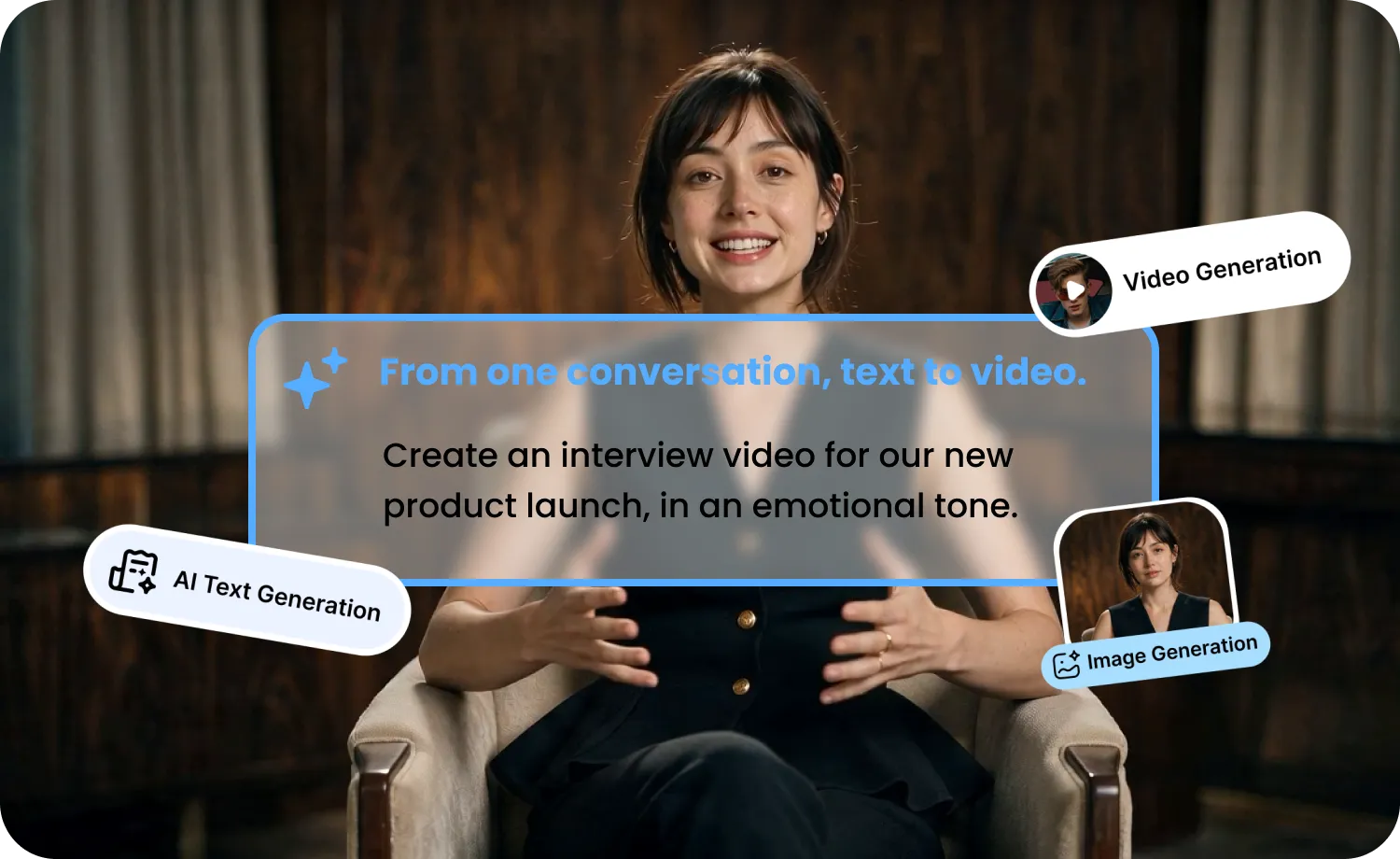
只需在聊天中告诉智能体你需要什么——视频、短片、图片、配音或下载。Free 套餐无法使用部分模型,生成前会通过确认卡片显示预估积分。
Short-form or long-form videos with a script, scenes, voice, and an optional avatar. Choose 9:16 (up to 3 minutes) or 16:9 (up to 10 minutes).
Generate a short AI video clip from a prompt, using an image as a reference or as the start and end frame.
Create images with the same models and credit rules as the AI Art Generator.
Make a Seedance video that uses your images, videos, and audio as references.
Dub an uploaded video or a YouTube video from the same chat.
Paste a YouTube link and save the video as an MP4 file.
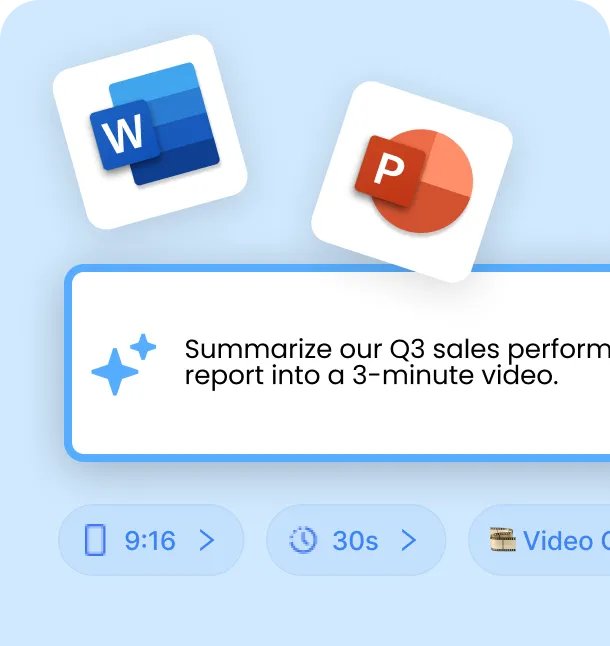
输入任何内容——无论是简短的主题、脚本、链接还是文档。
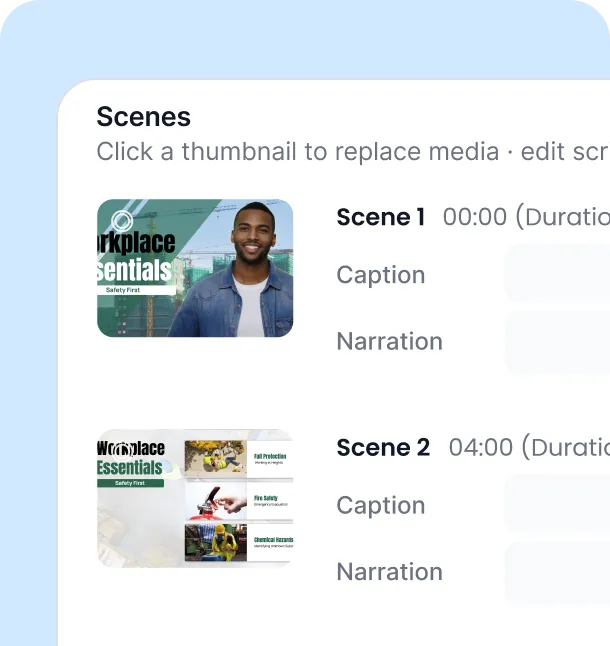
查看大纲与设置,并同步预览实时效果。
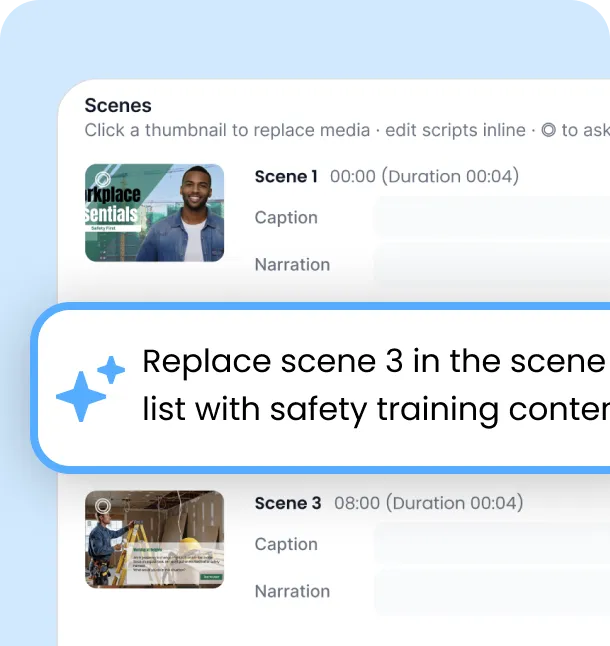
观看预览,然后直接在聊天框中提出修改需求即可。
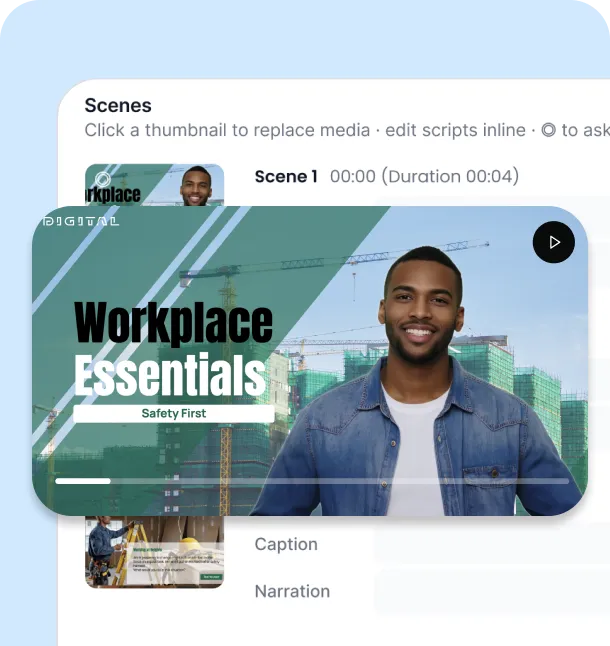
确认效果满意后,导出视频即可,就是这么简单。
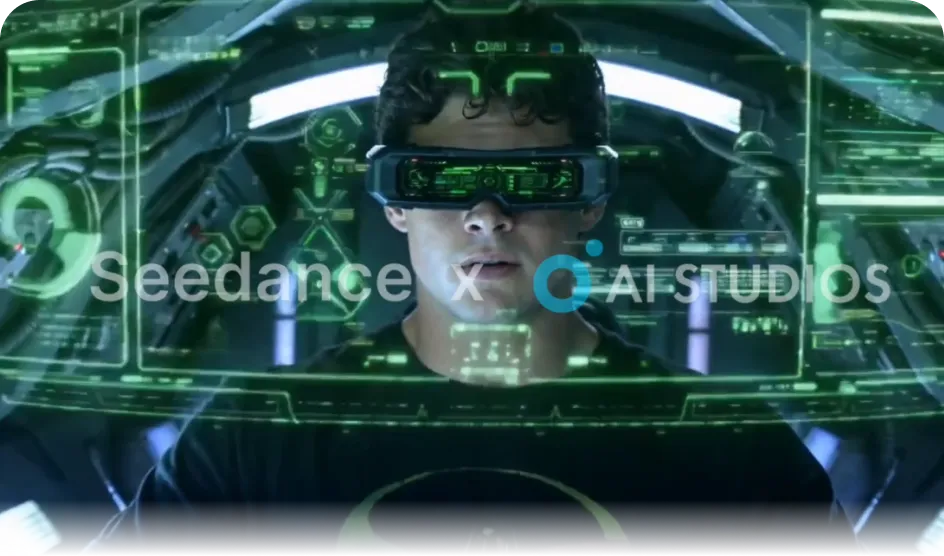
Narrated videos use Stable Diffusion 3.5 or Gemini 2.5 Flash Image (Nano Banana) for scene images and Kling 2.6 or Veo 3.1 for scene video. AI Image, AI Video Clip, and Seedance modes use the AI Art Generator models, including Seedance, GPT Image, Nano Banana Pro, Veo, and Kling.
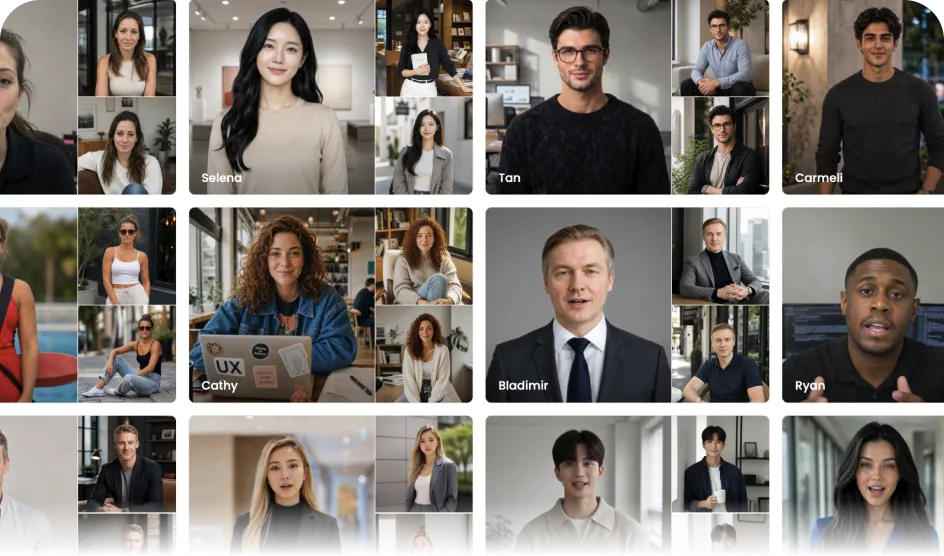
Choose from the 2,000+ avatars available across AI STUDIOS, or use your own custom avatar. You can also make a video with voice only, without an avatar.
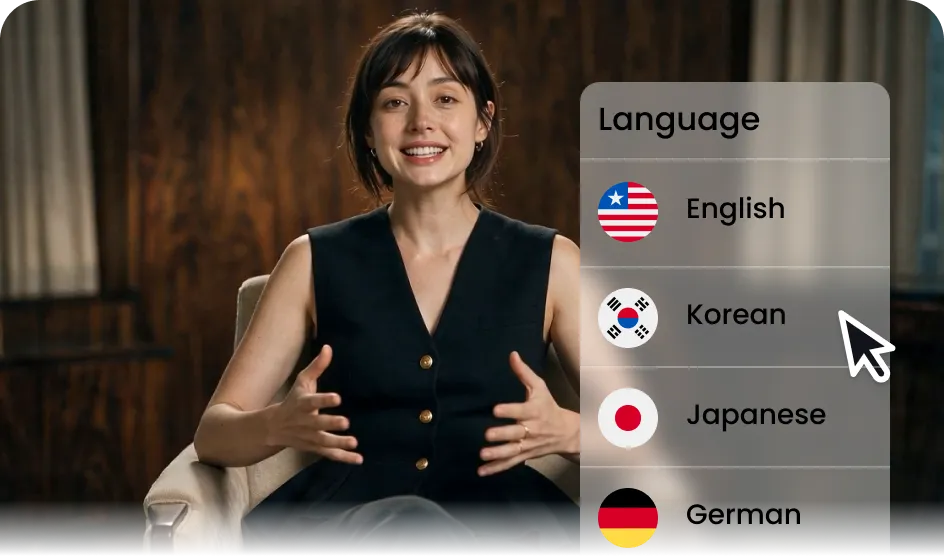
AI STUDIOS offers 1,200+ voices and 50+ languages. In Video Agent, you can pick the script language from 132 languages or let Auto detect it from your input.
上传 PPT 或 PDF 文档,既可保留页面作为背景,也可提取内容生成旁白。将入职培训资料或内部公告转化为视频。
利用逼真的数字人和自然配音,无需拍摄即可制作出真实感十足的测评和广告视频。在保持品牌调性一致的同时,快速测试多种视频风格。
只需输入一行主题,即可快速制作竖屏短视频。无需额外增加工作量,轻松跟上您的社交媒体发布计划。
Turn a news article or product link into a video in minutes — Video Agent recognizes what kind of link it is and builds scenes to match, for timely marketing content.
AI Video Agent 建立在受全球企业信赖的相同企业级安全基础设施之上,确保您团队的数据、脚本和生成的视频始终受到保护。

找不到答案?直接联系我们。
AI 视频智能体是 AI Studios 推出的对话式 AI 视频创作功能。无论您输入的是一行主题、一段脚本、一个网址还是一个文档,它都能为您构建大纲,并允许您通过对话进行优化,最终生成包含场景、图像和配音的完整视频。
You can enter a one-line topic, a full script, a link (URL), or a document (PDF, PPT, Word, Excel, TXT, MD, CSV), and you can attach images (JPG, PNG, WEBP) or videos (MP4, MOV, WEBM, M4V). The input type is detected automatically. For a short topic or a YouTube link, the agent asks what you want to make, and you can also pick a mode from the input menu.
Yes. Choose how the document is used: keep its pages as the scene backgrounds, or extract the content and build a new script from it.
在生成视频前,大纲阶段会向您展示每个场景的字幕、旁白、数字人、配音和模板。如果发现不合适的地方,您可以通过对话直接进行修改。
可以,即使在预览阶段,您也可以指定某个特定场景并通过对话进行重新生成,无需从头开始。
It depends on what you make. Narrated videos use Stable Diffusion 3.5 or Gemini 2.5 Flash Image (Nano Banana) for scene images and Kling 2.6 or Veo 3.1 for scene video. AI Image, AI Video Clip, and Seedance modes use the AI Art Generator model list, including Seedance, Veo, Kling, Nano Banana, GPT Image, and Stable Diffusion. Some models aren't available on the Free plan.
可以,您可以从内置的数字人和配音库中进行选择,也可以使用您自己的自定义数字人。
可以。由于您可以通过对话和预览来优化并最终确定所有内容,因此无需切换到其他编辑工具即可直接导出。
大多数工具仅接受脚本或提示词作为输入,但 AI Studios 的视频智能体(Video Agent)还可以直接读取文档和链接,并允许您通过对话编辑整个流程——从大纲到预览。
它非常适合短视频社交内容、UGC 风格广告、营销视频以及教育或培训材料。

Deepbrain AI的视频生成器和对话式人工智能技术旨在弥合人机交互优势和数字便利性之间的差距。
了解我们的 AI 头像如何帮助您的项目和业务更高效地扩展并减少成本和时间,同时不影响质量。


深脑人工智能,
Inc.540 大学大道,200 号套房,加利福尼亚州帕洛阿尔托 94301
