




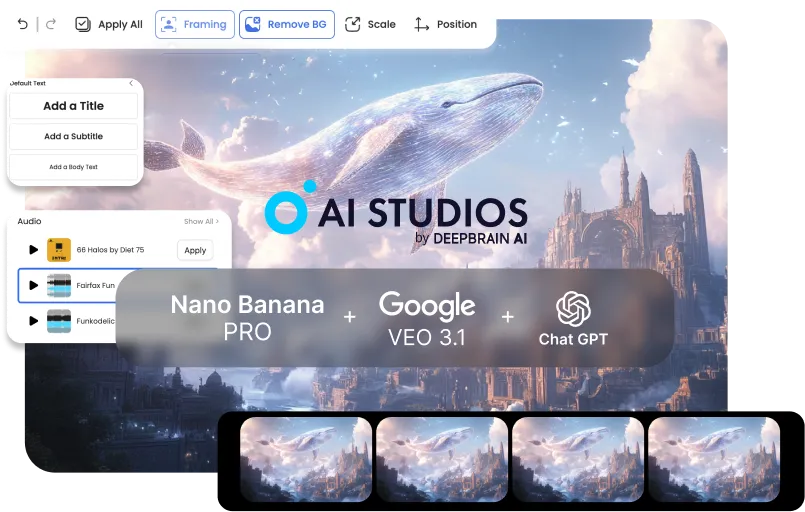



Tạo video đào tạo và truyền thông nội bộ chuyên nghiệp trong vài phút. Chuyển đổi chính sách, đào tạo nhân viên mới và cập nhật sản phẩm thành nội dung rõ ràng, nhất quán — không có chi phí sản xuất nặng nề.
Khởi chạy chiến dịch và nội dung bán hàng nhanh hơn với quy trình video đầu cuối. Tạo hình ảnh thu hút sự chú ý, chuyển đổi chúng thành bản nháp chuyển động và hoàn thiện kịch bản và phụ đề cho mọi kênh.
Sản xuất video chất lượng cao một mình — nhanh chóng và nhất quán. Từ hướng dẫn đến kể chuyện, chuyển từ hình ảnh sang video hoàn chỉnh trong một quy trình, với việc chỉnh sửa và làm lại tối thiểu.


Start with defaults: a clear prompt for planning, 3–5 key images in one style, and a basic motion preset for the rough cut.BRefine only after the draft is done to avoid early rework.
It’s less ideal for fully live-action projects, VFX-heavy frame-by-frame work, or one-off single-tool tasks. This pipeline wins when stages connect end-to-end.
Start from your current tool and plug into the next stage: script → key images → video draft → finishing. AI Studios shines when outputs flow forward without manual handoffs.
Usually 3–5 key images per video are enough for a coherent rough cut. Add more only if you need extra continuity or scene variation.
Lock a single style direction during key image generation (same preset + reference look). Carry that style into Veo’s motion settings for stable continuity.
Repeatable formats like training, explainers, product demos, social ads, and tutorial series benefit the most. They need consistent visuals and fast iteration—exactly what the pipeline optimizes.
With a clear brief, you can go from concept to a rough cut in under 10 minutes. Most time savings come from skipping exports, conversions, and rework loops.
No—simple structured prompts work great: goal, audience, tone, and scene outline. The workflow is designed to succeed with minimal prompt complexity.
Instead of paying for three separate Pro plans (and extra credits), you use one bundled workflow plan. That single subscription covers the core pipeline end-to-end, so your total monthly spend stays predictable.
Yes—each stage outputs clean, shareable assets (brief → images → draft → finishing notes). That keeps handoffs smooth and reduces alignment overhead.
Update only the weak stage (script, key images, or motion draft) instead of rebuilding everything. Because the pipeline is modular, iterations stay quick and controlled.

Trình tạo video AI và công nghệ AI đàm thoại của chúng tôi nhằm thu hẹp khoảng cách giữa lợi thế của tương tác giữa con người và sự tiện lợi kỹ thuật số.
Tìm hiểu cách Avatar AI của chúng tôi có thể giúp các dự án và doanh nghiệp của bạn mở rộng quy mô hiệu quả hơn và giảm chi phí và thời gian - tất cả mà không ảnh hưởng đến chất lượng.



Trí tuệ nhân tạo DeepBrain,
Inc.540 Đại học Ave., Suite 200, Palo Alto, CA 94301



.webp)
.webp)
.webp)
.webp)












.png)


