




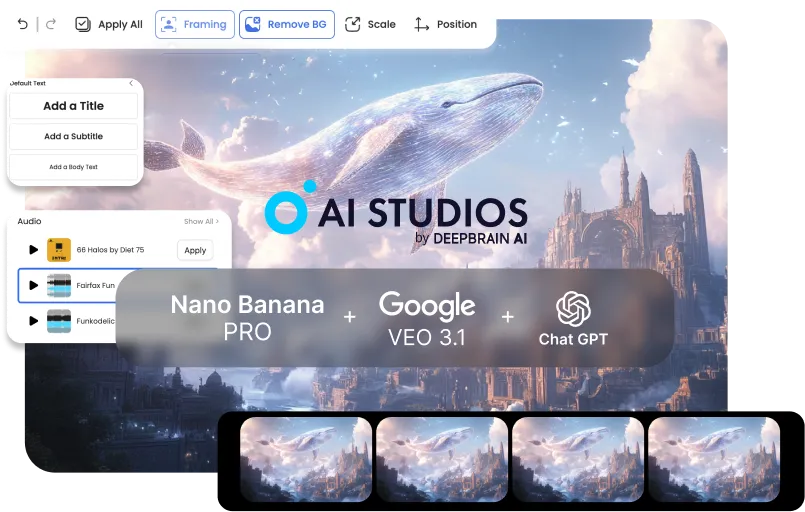



Erstellen Sie professionelle Trainings- und interne Kommunikationsvideos in wenigen Minuten.Verwandeln Sie Richtlinien, Onboarding-Inhalte und Produktupdates in klare und konsistente Videos – ganz ohne aufwendige Produktionsprozesse.
Starten Sie Kampagnen und Vertriebsinhalte schneller mit einem End-to-End-Videoworkflow.Erzeugen Sie aufmerksamkeitsstarke Visuals, verwandeln Sie sie in dynamische Motion-Drafts und finalisieren Sie Skripte und Untertitel für jeden Kanal.
Produzieren Sie hochwertige Videos allein – schnell und konsistent.Von Tutorials bis Storytelling: Wechseln Sie in einer einzigen Pipeline von Bildern zu fertigen Videos, mit minimalem Editing und kaum Nacharbeit.


Start with defaults: a clear prompt for planning, 3–5 key images in one style, and a basic motion preset for the rough cut.BRefine only after the draft is done to avoid early rework.
It’s less ideal for fully live-action projects, VFX-heavy frame-by-frame work, or one-off single-tool tasks. This pipeline wins when stages connect end-to-end.
Start from your current tool and plug into the next stage: script → key images → video draft → finishing. AI Studios shines when outputs flow forward without manual handoffs.
Usually 3–5 key images per video are enough for a coherent rough cut. Add more only if you need extra continuity or scene variation.
Lock a single style direction during key image generation (same preset + reference look). Carry that style into Veo’s motion settings for stable continuity.
Repeatable formats like training, explainers, product demos, social ads, and tutorial series benefit the most. They need consistent visuals and fast iteration—exactly what the pipeline optimizes.
With a clear brief, you can go from concept to a rough cut in under 10 minutes. Most time savings come from skipping exports, conversions, and rework loops.
No—simple structured prompts work great: goal, audience, tone, and scene outline. The workflow is designed to succeed with minimal prompt complexity.
Instead of paying for three separate Pro plans (and extra credits), you use one bundled workflow plan. That single subscription covers the core pipeline end-to-end, so your total monthly spend stays predictable.
Yes—each stage outputs clean, shareable assets (brief → images → draft → finishing notes). That keeps handoffs smooth and reduces alignment overhead.
Update only the weak stage (script, key images, or motion draft) instead of rebuilding everything. Because the pipeline is modular, iterations stay quick and controlled.

Der Videogenerator und die Konversations-KI-Technologie von Deepbrain AI zielen darauf ab, die Lücke zwischen den Vorteilen menschlicher Interaktion und digitalem Komfort zu schließen.
Erfahren Sie, wie unsere KI-Avatare Ihren Projekten und Ihrem Unternehmen helfen können, effizienter zu skalieren und Kosten und Zeit zu reduzieren — und das alles ohne Kompromisse bei der Qualität.



DeepBrain KI,
Inc.540 University Avenue, Suite 200, Palo Alto, CA 94301



.webp)
.webp)
.webp)
.webp)











.png)


