




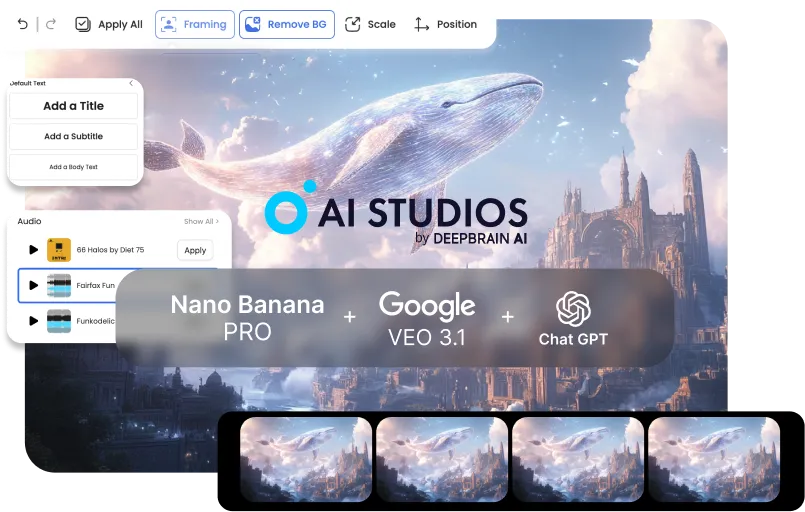



Crie vídeos profissionais de treinamento e comunicação interna em minutos. Transforme políticas, integração e atualizações de produtos em conteúdo claro e consistente — sem sobrecarga pesada de produção.
Lance campanhas e conteúdo de vendas mais rapidamente com um fluxo de trabalho de vídeo de ponta a ponta. Gere visuais que prendem a atenção, converta-os em rascunhos animados e finalize scripts e legendas para cada canal.
Produza vídeos de alta qualidade sozinho — rapidamente e de forma consistente. De tutoriais a storytelling, passe de imagens a vídeos finalizados em um único pipeline, com edição e retrabalho mínimos.


Start with defaults: a clear prompt for planning, 3–5 key images in one style, and a basic motion preset for the rough cut.BRefine only after the draft is done to avoid early rework.
It’s less ideal for fully live-action projects, VFX-heavy frame-by-frame work, or one-off single-tool tasks. This pipeline wins when stages connect end-to-end.
Start from your current tool and plug into the next stage: script → key images → video draft → finishing. AI Studios shines when outputs flow forward without manual handoffs.
Usually 3–5 key images per video are enough for a coherent rough cut. Add more only if you need extra continuity or scene variation.
Lock a single style direction during key image generation (same preset + reference look). Carry that style into Veo’s motion settings for stable continuity.
Repeatable formats like training, explainers, product demos, social ads, and tutorial series benefit the most. They need consistent visuals and fast iteration—exactly what the pipeline optimizes.
With a clear brief, you can go from concept to a rough cut in under 10 minutes. Most time savings come from skipping exports, conversions, and rework loops.
No—simple structured prompts work great: goal, audience, tone, and scene outline. The workflow is designed to succeed with minimal prompt complexity.
Instead of paying for three separate Pro plans (and extra credits), you use one bundled workflow plan. That single subscription covers the core pipeline end-to-end, so your total monthly spend stays predictable.
Yes—each stage outputs clean, shareable assets (brief → images → draft → finishing notes). That keeps handoffs smooth and reduces alignment overhead.
Update only the weak stage (script, key images, or motion draft) instead of rebuilding everything. Because the pipeline is modular, iterations stay quick and controlled.

O gerador de vídeo e a tecnologia de IA conversacional do Deepbrain AI visam preencher a lacuna entre as vantagens da interação humana e a conveniência digital.
Saiba como nossos avatares de IA podem ajudar seus projetos e negócios a crescerem com mais eficiência e reduzir custos e tempo, tudo sem comprometer a qualidade.



Inteligência artificial do DeepBrain,
Inc.540 University Ave., Suíte 200, Palo Alto, CA 94301



.webp)
.webp)
.webp)
.webp)










.png)


