Enter a one-line topic, a script, a URL, a document, an image, or a video in the dashboard, and the agent builds an outline. Chat with it to fix anything that needs changing, then confirm to generate the scenes, images, and voice — and finish everything from preview to export in one workspace.


Describe your idea, or add a script, link, document, image, or video. Video Agent plans the scenes, picks the right avatar and voice, generates the assets, and keeps every scene editable.
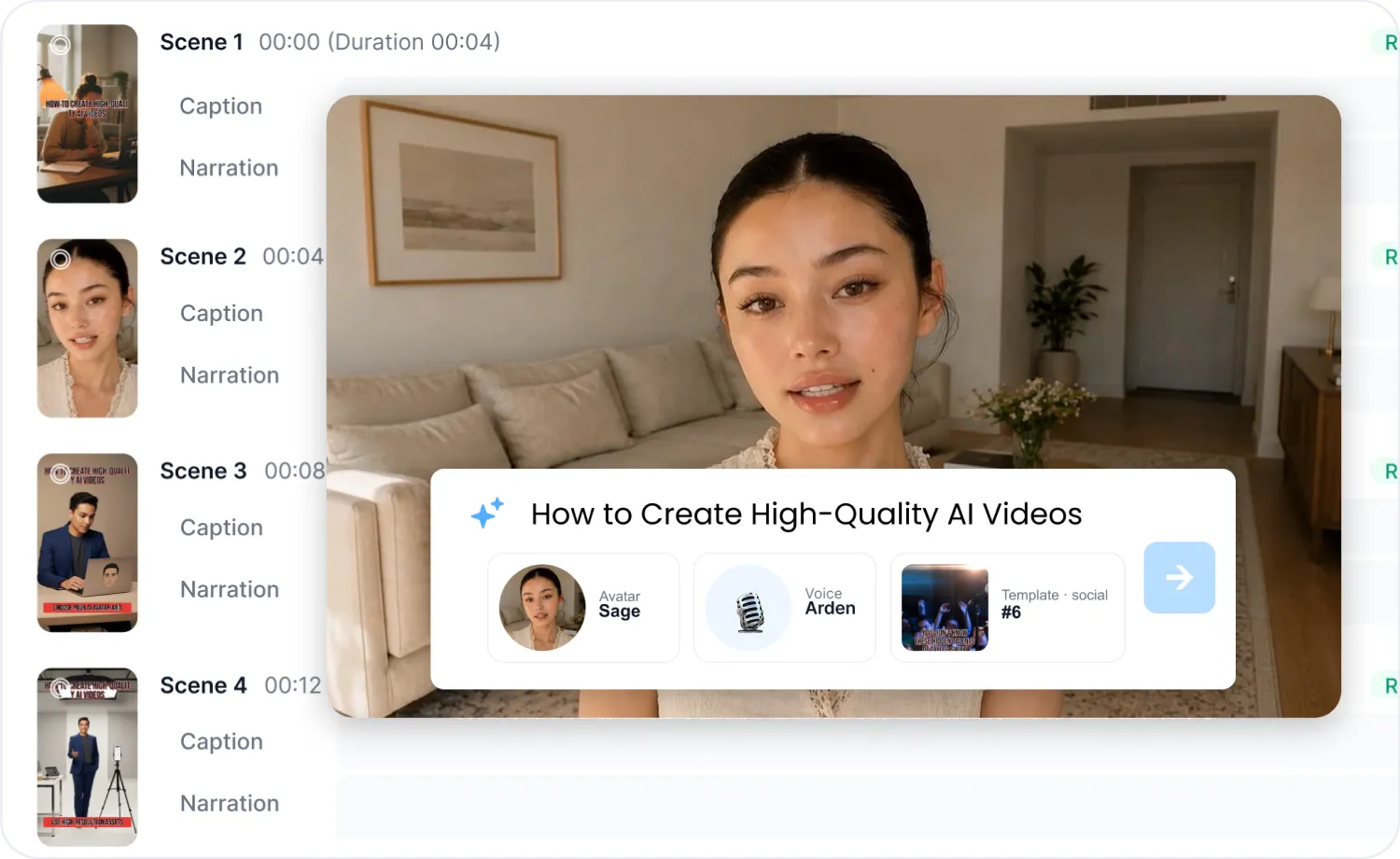
AIビデオエージェントは生成前に、アバター、音声、テンプレート、そしてシーンごとのキャプションとナレーションを含む全体のアウトラインを表示します。その場で調整できるため、作成後の修正の手間を最小限に抑えられます。

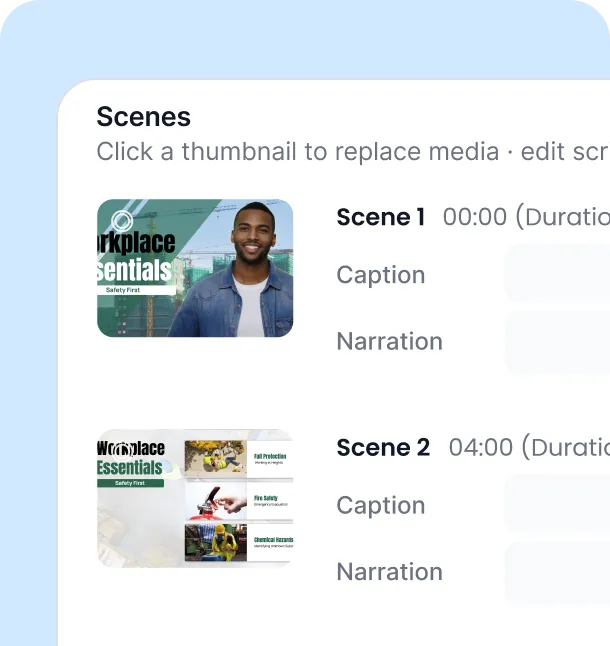
生成前にアウトラインをプレビューする
アバター、音声、テンプレートを選択する
シーンごとのキャプションとナレーションを確認する

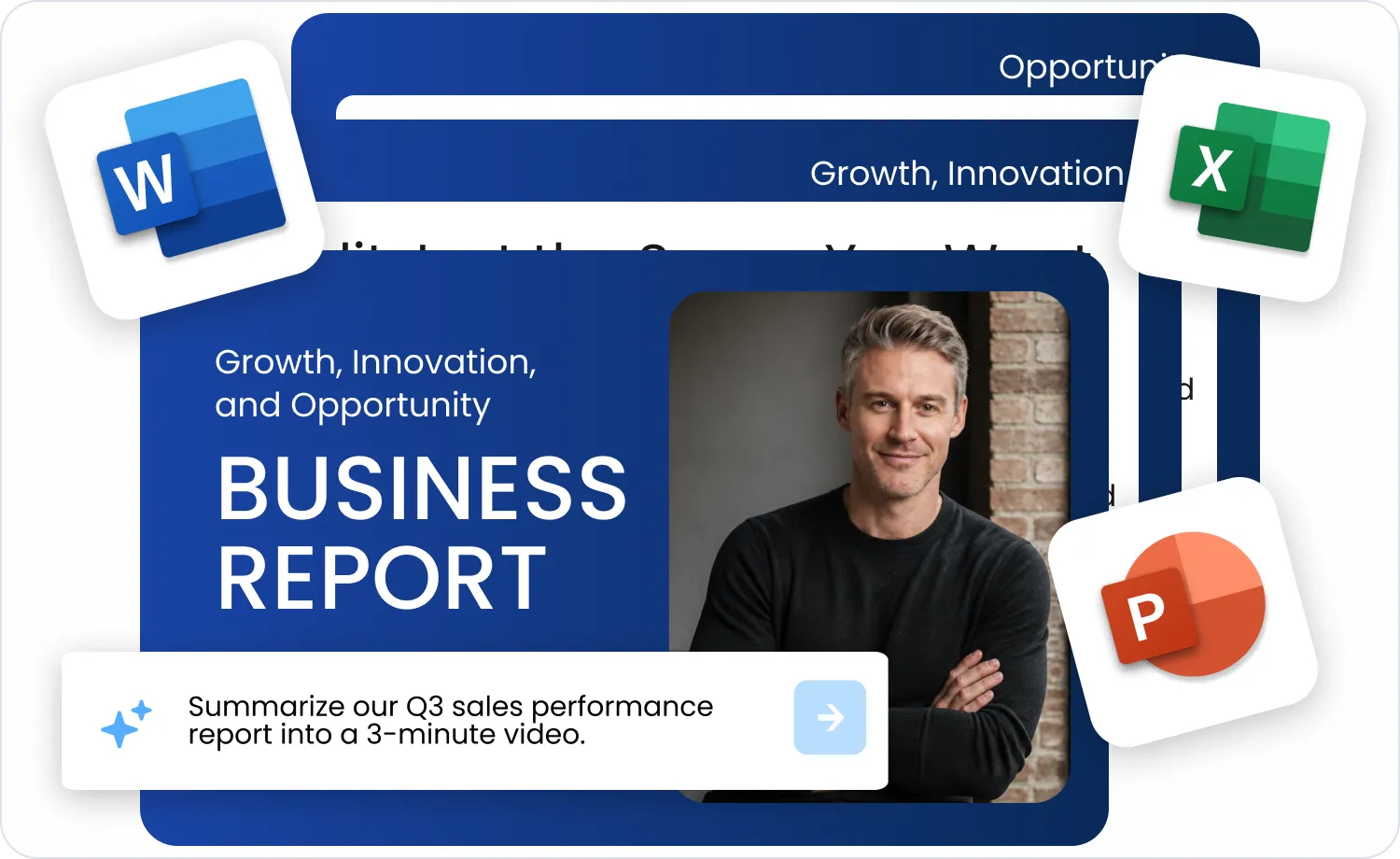
Type a one-line topic, paste a full script, or add a URL, a document (PDF, PPT, Word, Excel, TXT, MD, CSV), an image, or a video. AI Video Agent detects the input type, and when a short topic or a YouTube link could go several ways, it asks what you want to make. News and product links get a scene structure that fits their purpose, while documents can keep their pages as the background or have their content extracted into a new script.
Detects the input type and asks when it's unclear
リンクの種類を認識したシーン構築
ドキュメント用の背景モードまたは抽出モード
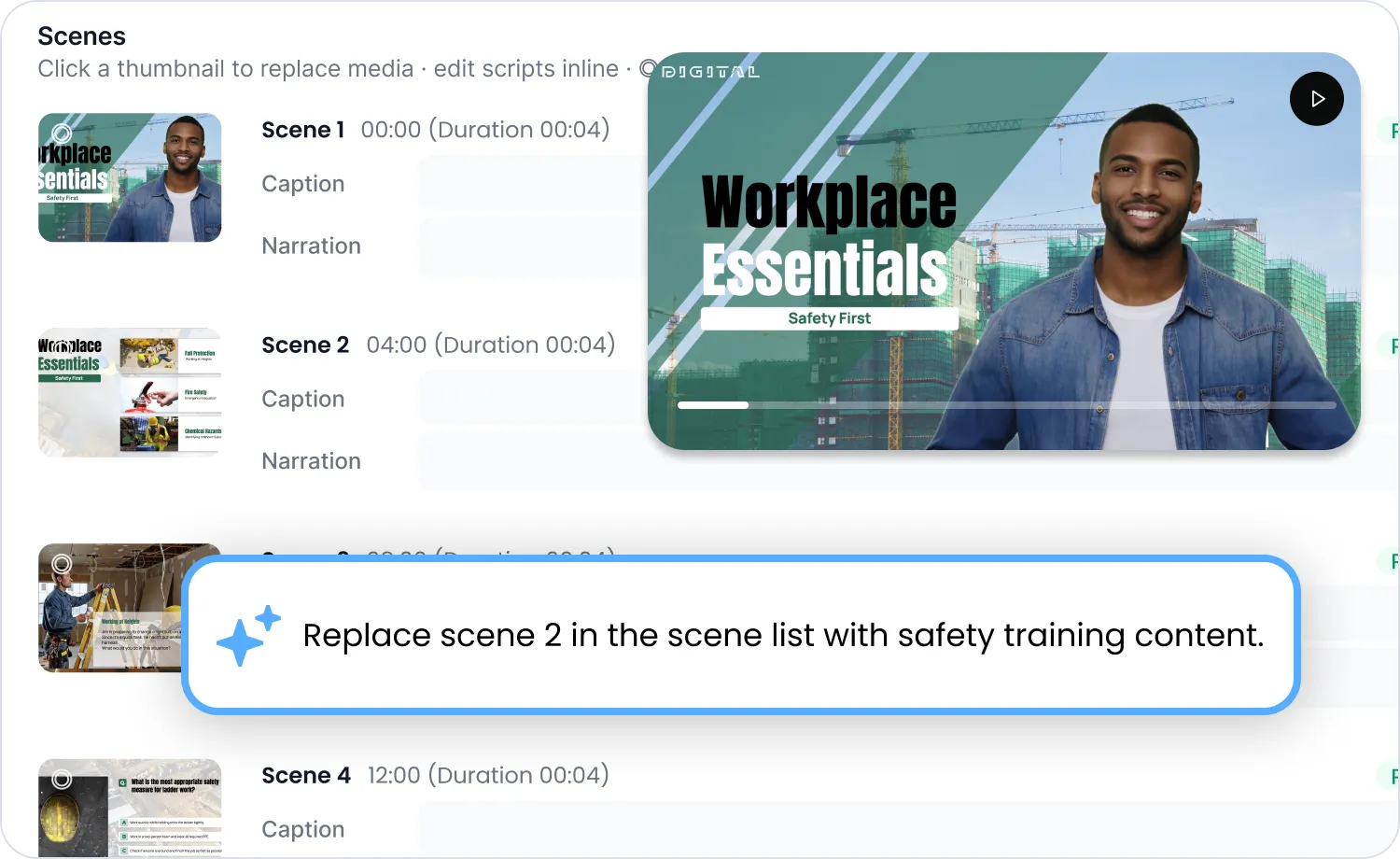
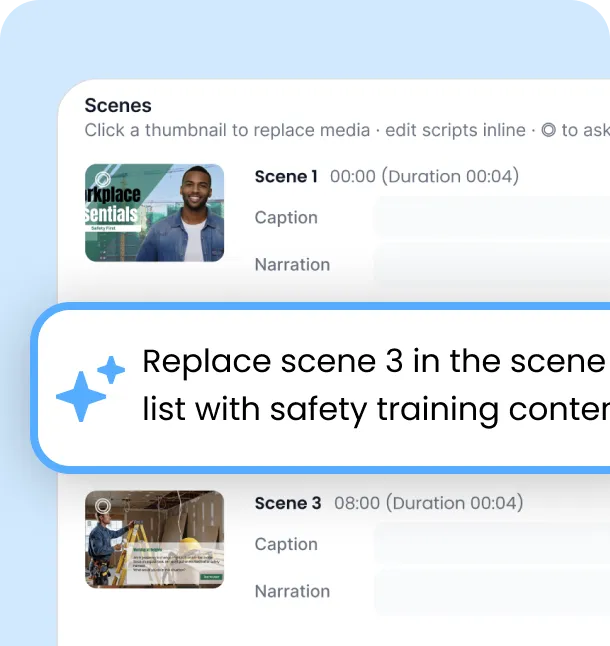
修正したいシーンを指定して、普段通りの言葉で指示を出すだけ。そのシーンだけが再生成されます。この機能はアウトライン段階とプレビュー段階の両方で使えるため、動画全体を作り直す必要はありません。
特定のシーンだけを再生成
アウトライン段階でもプレビュー段階でも機能
全体を再生成する必要はありません
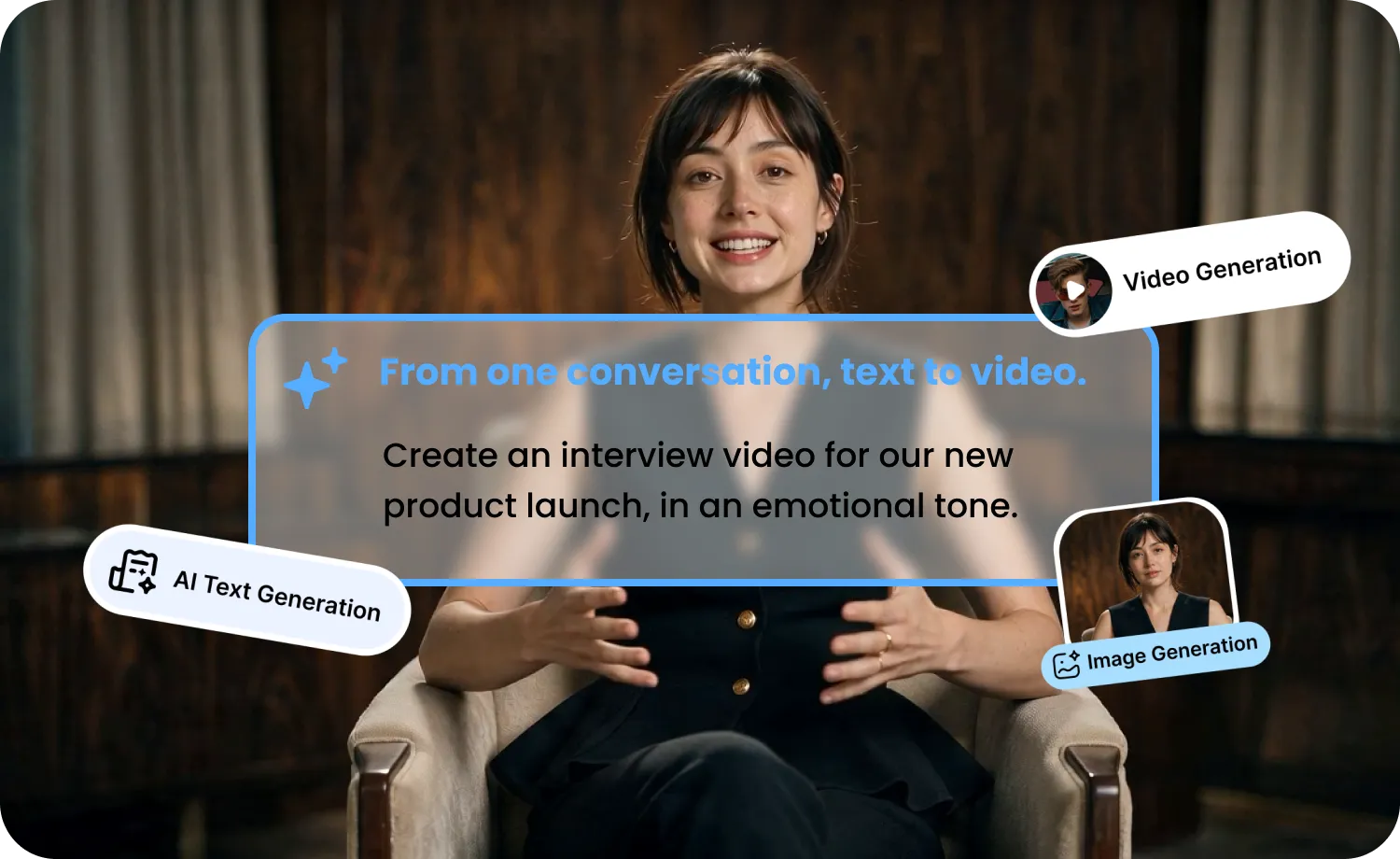
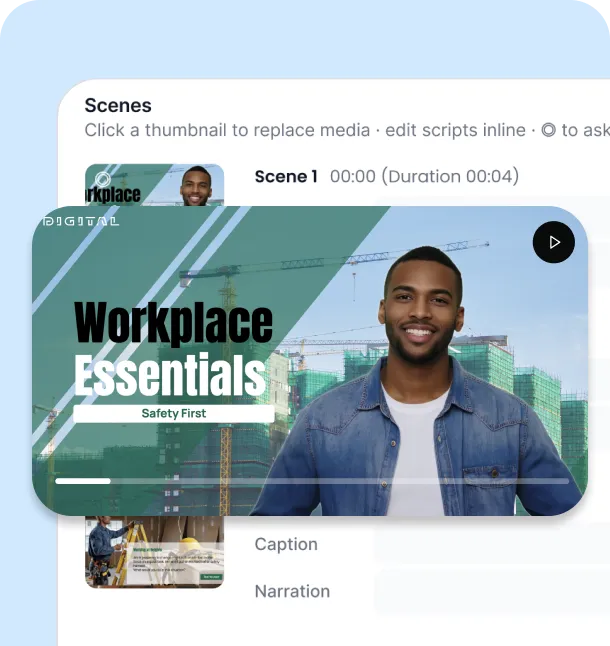
チャットとプレビューを並べて表示できるため、結果をリアルタイムで確認できます。完成したらそのままエクスポートするか、エディターに引き継いでさらに調整を加えましょう。
チャットとプレビューを並べて表示
即座にエクスポート
エディターで編集を続ける
必要なものをチャットでエージェントに伝えるだけ。動画、クリップ、画像、吹き替え、ダウンロードに対応します。Freeプランでは一部のモデルを利用できず、生成前に確認カードで予想クレジットが表示されます。
Short-form or long-form videos with a script, scenes, voice, and an optional avatar. Choose 9:16 (up to 3 minutes) or 16:9 (up to 10 minutes).
Generate a short AI video clip from a prompt, using an image as a reference or as the start and end frame.
Create images with the same models and credit rules as the AI Art Generator.
Make a Seedance video that uses your images, videos, and audio as references.
Dub an uploaded video or a YouTube video from the same chat.
Paste a YouTube link and save the video as an MP4 file.
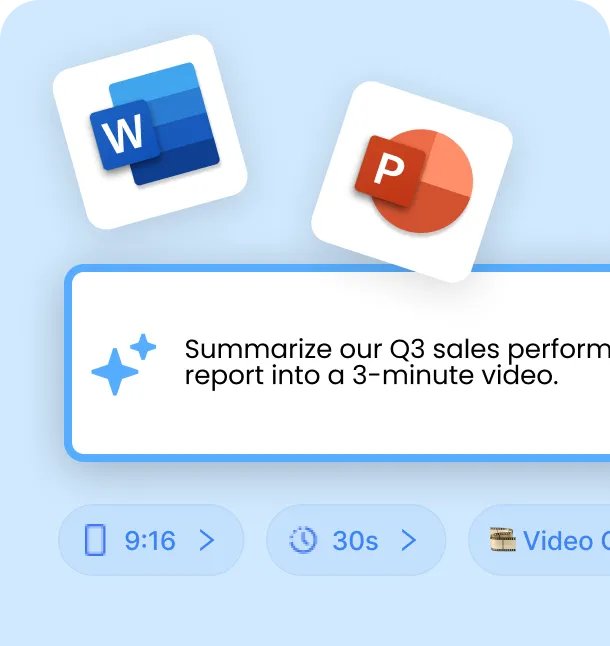
トピックの要約、台本、リンク、ドキュメントなど、何でも入力してください。
構成と設定を確認しながら、ライブプレビューで仕上がりをチェックできます。
プレビューを確認し、チャットで修正したい内容を伝えるだけで編集できます。
納得のいく仕上がりになったら、動画をエクスポートするだけです。
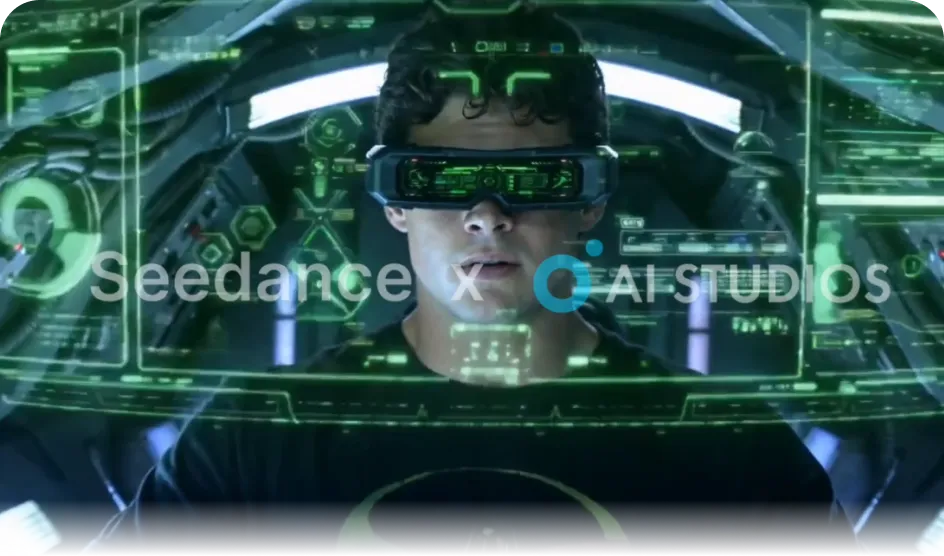
Narrated videos use Stable Diffusion 3.5 or Gemini 2.5 Flash Image (Nano Banana) for scene images and Kling 2.6 or Veo 3.1 for scene video. AI Image, AI Video Clip, and Seedance modes use the AI Art Generator models, including Seedance, GPT Image, Nano Banana Pro, Veo, and Kling.
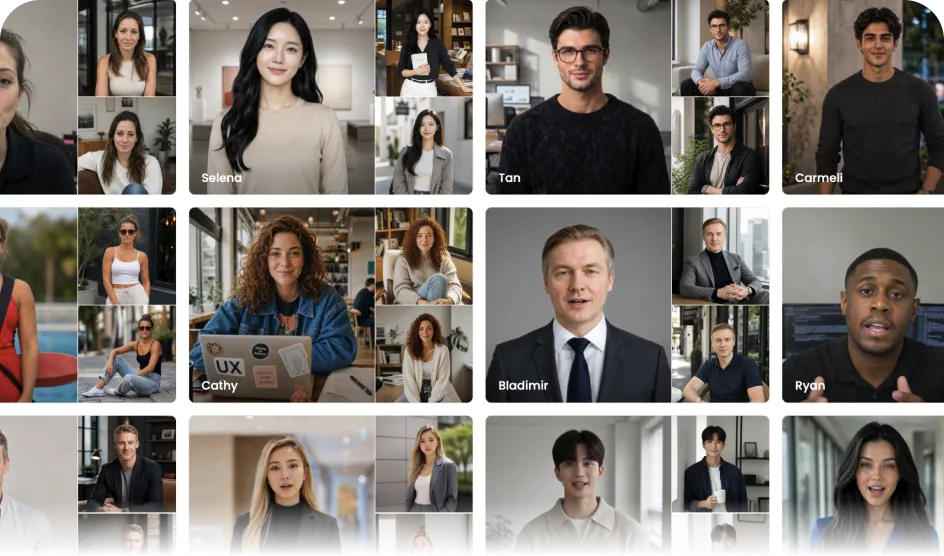
Choose from the 2,000+ avatars available across AI STUDIOS, or use your own custom avatar. You can also make a video with voice only, without an avatar.
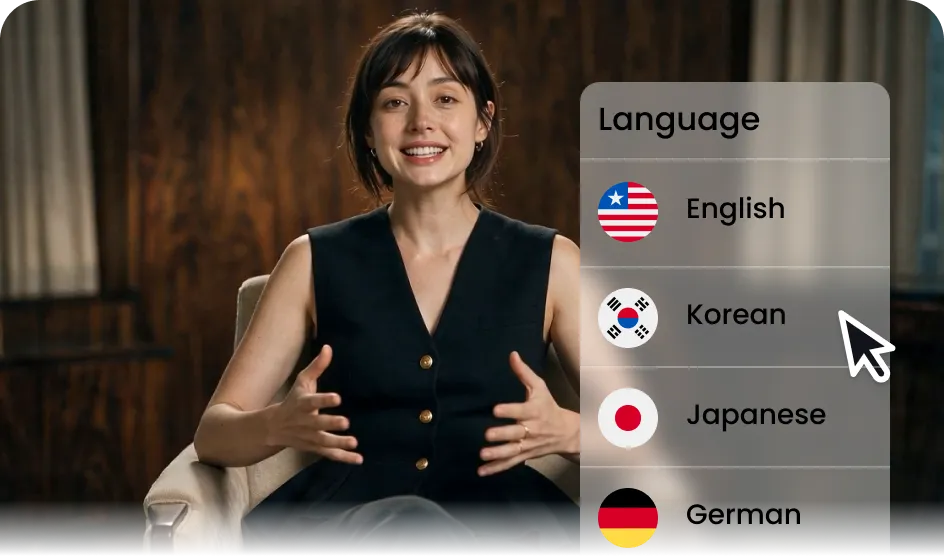
AI STUDIOS offers 1,200+ voices and 50+ languages. In Video Agent, you can pick the script language from 132 languages or let Auto detect it from your input.
PPTやPDFをアップロードするだけで、ページを背景として使用したり、内容をナレーションに変換したりすることが可能。オンボーディング資料や社内告知を動画化できます。
撮影不要で、自然なアバターと音声を使った本格的なレビュー動画や広告動画を作成。ブランドのトーンを維持しながら、複数のスタイルを素早くテストできます。
トピックを一行入力するだけで、縦型のショート動画を素早く作成。負担を増やすことなく、SNSの投稿スケジュールを維持できます。
Turn a news article or product link into a video in minutes — Video Agent recognizes what kind of link it is and builds scenes to match, for timely marketing content.
AI Video Agentは、世界中の組織から信頼されているエンタープライズレベルのセキュリティ基盤の上に構築されています。そのため、チームのデータ、スクリプト、生成された動画は常に保護されます。


解決しない場合は、直接お問い合わせください。
AI Video Agentは、AI Studiosが提供する対話型AI動画作成機能です。トピックを一行入力するだけで、あるいはスクリプト、URL、ドキュメントを読み込ませることで、AIが構成案を作成します。対話を通じて内容を調整した後、シーン、画像、音声を生成し、動画を完成させることができます。
You can enter a one-line topic, a full script, a link (URL), or a document (PDF, PPT, Word, Excel, TXT, MD, CSV), and you can attach images (JPG, PNG, WEBP) or videos (MP4, MOV, WEBM, M4V). The input type is detected automatically. For a short topic or a YouTube link, the agent asks what you want to make, and you can also pick a mode from the input menu.
Yes. Choose how the document is used: keep its pages as the scene backgrounds, or extract the content and build a new script from it.
生成前の構成案作成段階で、各シーンのキャプション、ナレーション、アバター、音声、テンプレートを確認できます。修正が必要な場合は、対話を通じて直接編集することが可能です。
はい、プレビュー段階であっても、特定のシーンを指定して対話形式で再生成することができます。最初からやり直す必要はありません。
It depends on what you make. Narrated videos use Stable Diffusion 3.5 or Gemini 2.5 Flash Image (Nano Banana) for scene images and Kling 2.6 or Veo 3.1 for scene video. AI Image, AI Video Clip, and Seedance modes use the AI Art Generator model list, including Seedance, Veo, Kling, Nano Banana, GPT Image, and Stable Diffusion. Some models aren't available on the Free plan.
はい、内蔵のアバターや音声ライブラリから選択できるほか、独自に作成したカスタムアバターを使用することも可能です。
はい。対話とプレビューを通じて調整・確定を行うため、別の編集ツールに移動することなく、そのままエクスポートできます。
多くのツールはスクリプトやプロンプトのみを入力として受け付けますが、AI StudiosのVideo Agentはドキュメントやリンクを直接読み込めるほか、構成案からプレビューまで、すべての工程を対話形式で編集できます。
ショート動画コンテンツ、UGC風広告、マーケティング動画、教育・研修用資料などに最適です。

当社のAIビデオジェネレーターと会話型AIテ
クノロジーは、ヒューマンインタラクション
の利点とデジタル利便性の間のギャップを埋
めることを目的としています。
当社のAIアバターが、品質を損なうことな
く、プロジェクトやビジネスをより効率的に
拡大し、コストと時間を削減するのにどのよ
うに役立つかをご覧ください。


ディープブレインAI (株)
Inc.540ユニバーシティアベニュー、スイート200、カリフォルニア州パロアルト94301
