allows you to literally hit the ground running and get your work done in no time. Experience the power of AI Reader and create engaging multimedia content in minutes! Just upload your PPT file and let AI Reader do the rest. Fast, easy and no tech-savvy required – you can start creating slides, audio, and video clips all in one package right away. Try it now and get professional-looking content fast!


The video is created using deepfake technology, which uses artificial intelligence to create realistic-looking videos. It takes the text, images, and audio from the PPT file and brings them to life with realistic facial expressions and lip movements. Deepfake technology also enables you to add a virtual presenter to the video, making it even more engaging.
This deepfake technology allows you to quickly and effortlessly create high-quality videos from your PowerPoint (PPT) file. Simply upload the PPT file and a video is automatically generated. You don't have to worry about any complicated video editing or production – the entire process is done for you. With this deepfake technology, you can save time and energy while getting access to a professional-looking video that can be used as course material.
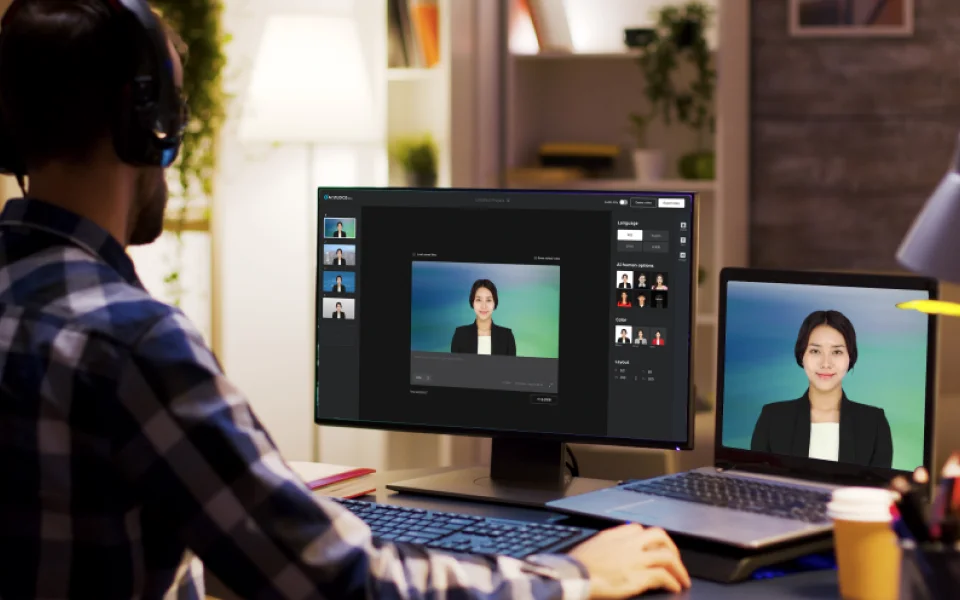

AI Reader allows users to quickly and easily create professional-looking content from PowerPoint (PPT) files.

AI Reader automatically generates videos with slides, audio, and video clips.
also uses deepfake technology to help you create realistic-looking videos from your PPT files. This technology allows you to insert your own face into the video, making it look as if you are talking to the camera, and even adding your own voice to the video. With AI Reader, you can create professional-looking videos from your PowerPoint presentations in no time.
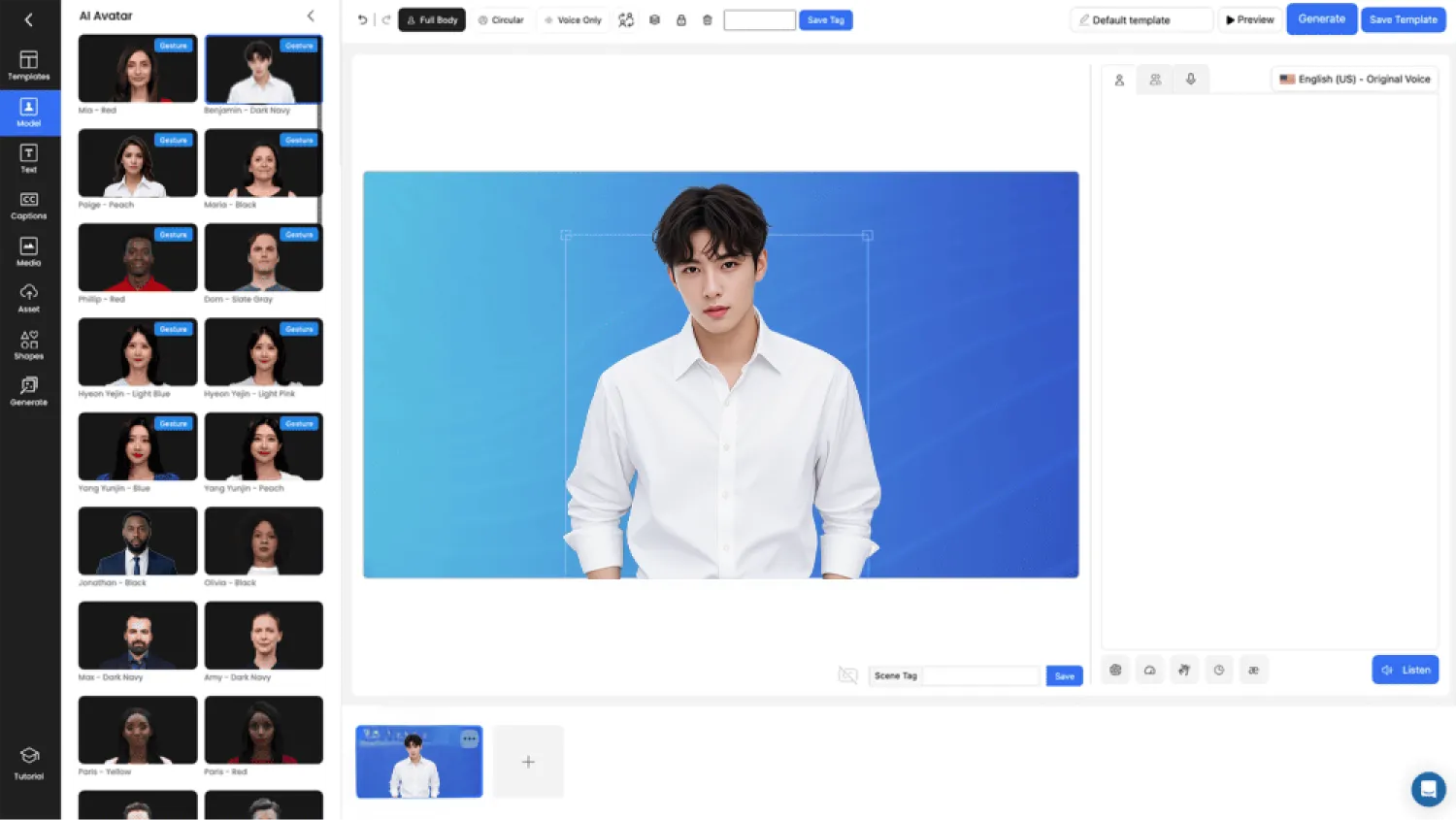
먼저 AI Studios에 가입하고 에디터를 엽니다. 다양한 템플릿 중에서 선택할 수 있습니다.
준비한 스크립트를 입력하세요. 제목, 이미지, 영상까지 모두 추가하거나 편집할 수 있습니다.
내보내기 버튼을 누르면 AI 영상 생성기가 영상을 만들어 줍니다. 빠르고 간편합니다.
You don't have to worry about the audio, as the text-to-speech (TTS) generator will read out the text in the slides. You can even customize the audio speed and language to suit your needs. With the TTS generator, you can easily create a professional-looking video in minutes.
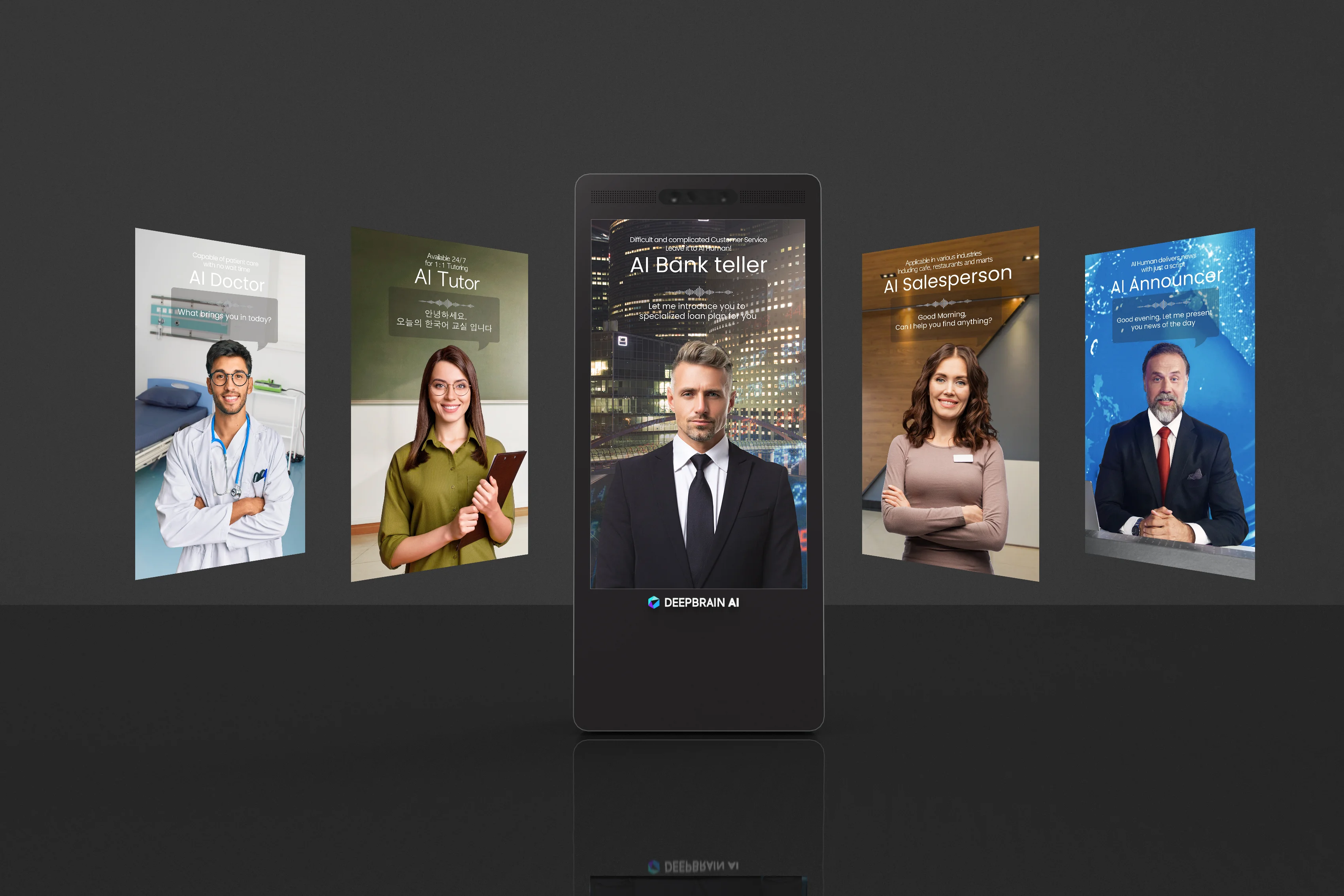

저희 팀은 여러분의 가상 인간 여정을 지원할 준비가 되어 있습니다.아래를 클릭하여 연락하시면 곧 연락을 드릴 것입니다.

Deepbrain AI의 비디오 생성기와 대화형 AI 기술은 인간 상호 작용의 장점과 디지털 편의성 사이의 격차를 해소하는 것을 목표로 합니다.
AI 아바타가 품질 저하 없이 프로젝트와 비즈니스를 더 효율적으로 확장하고 비용과 시간을 줄이는 데 어떻게 도움이 되는지 알아보십시오.


딥브레인 AI,
Inc.540 유니버시티 애비뉴, 스위트 200, 팔로 알토, 캘리포니아 94301
